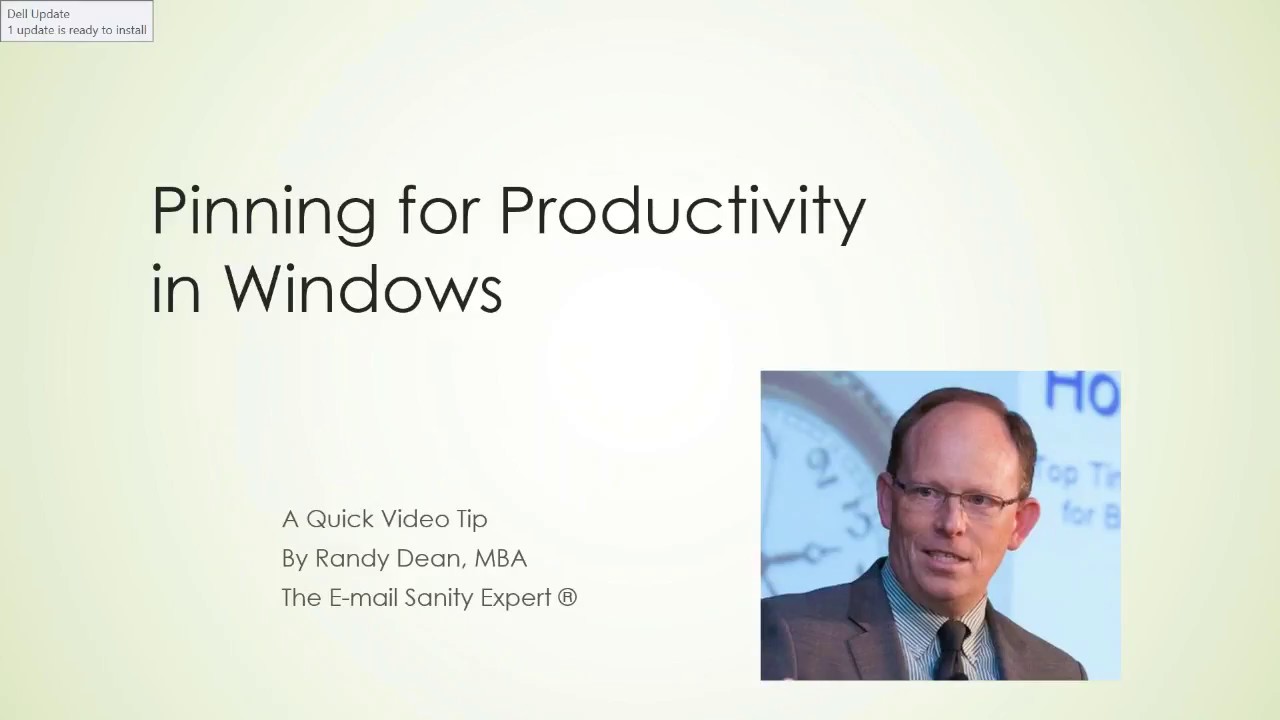
In this instructional video, Randy Dean (the Email Sanity Expert) demonstrates how to use the various pinning features built into Microsoft Windows and Office to boost productivity and organization. He walks through pinning folders to Quick Access in File Explorer, pinning folders to the Start menu, pinning applications to the taskbar, and pinning the ribbon in Outlook, Excel, and Word so that frequently used tools stay visible. Dean also shows how to pin a folder directly from the attachment dialog while composing an email, illustrating how pinning can be applied in real‑time workflows. Throughout, he emphasizes the speed and convenience gains from keeping commonly accessed items a click away. The video ends with a brief promotion of his website, YouTube channel, and a free PDF tip‑sheet series.
Chapters
Well, hello everyone and welcome to today's tip on how to pin in Windows to increase both your productivity and your organization. My name is Randy Dean. I am commonly known as the Email Sanity Expert, and for many years now I've been leading and teaching programs on how to better use your time, your email, manage your distractions, and use related technology. And what I wanted to do today was to share with you some really good tips on how to get a little bit more productivity and organization utilizing the tiny little pins that they make available in Microsoft Windows. So let's go check this out right now. First place I'd like to start is actually inside Windows Explorer. And actually, if you pop into Windows Explorer, what's sort of interesting, you'll notice up here at the top you have this thing called Quick Access. And this is one of the places where you can go to get the different types of folders and files that you want to use frequently. And what'll happen with Quick Access is you'll notice I have several folders already pinned. Pinned, but here's one that I haven't pinned yet, but it's a folder I use quite a bit. So all I have to do to make sure that it's always in the Quick Access is do a right-click on this folder and move it up to Pin to Quick Access. Notice how I did that, and now that folder, Accounting Finance, is moved up into my Quick Access. So whenever I want to find a folder quickly, it's right there. Now related to that, another folder I use all the time is this. Look at this one, it's called Presentations, I'm going to right-click on this one and pin it to Start. Now watch what happens when I do a pin to Start. I can come down here to the Start menu in Windows, open this up, and there it is. It just appeared right there. But now take a look at this. I have some different landscape here. I can now pick this up and move it up over here. That's a folder I use pretty frequently, so now I can just pop down to my Start menu and go find my presentation folder. Much more quickly. And notice here that I've done some moves of some of the different things. You can actually take this folder— if I wanted, I could actually pick it up and move it right up here so that I've got myself sort of the landscape that I want with my Start menu, the ability to find the things that I want to find more quickly. Now what's also interesting is, take a look down here, I have a number of things down here on what they call the bottom taskbar. But notice I've got PowerPoint, I've got Excel, and I've got Microsoft Outlook. See what's missing? I see what's missing. Since I've got this open, I'm going to come in here and come down to Microsoft Word. And what I'm going to do is I'm just going to open Word, because when I open Word, it's going to open up here on the screen. But notice what it did, it just brought it down here. Now watch this, I can right-click down here and pin this to the same taskbar. Now Word is going to be part of the taskbar, and I can even pick this up and move it over so it's with my other Microsoft Office tools. So these are all simple little things that you can do that allow you to maintain and enhance your productivity. And what's interesting is these pins are also available in the individual Microsoft Office tools. For instance, let's go into my Microsoft Outlook. And now I want to show you a little something sort of interesting here. Resize this just a little bit more so you can see this on the screen just a little bit better. In any of these tabs, you'll see this little up arrow, and what I can do is collapse the ribbon. And so now I can see the screen a little more clean, but I don't have my control panel tools unless I click on them, and that'll open them up. But now notice right over here, see this right here? Look at that little pin. I can pin that ribbon, and now what'll happen is I will always have access to my top menu bar capabilities, my top ribbon tools in this tool. And what's interesting is this doesn't just work in Microsoft Outlook. Notice this, I'll go into Excel. It's got basically the same capability and same format here. Once again, let's pull this over here. If I collapse that, now I can see the screen much bigger. That's sort of nice sometimes when you're working in a spreadsheet. But if I wanna make sure I can see my control panel in the ribbon, I just come over here and hit Pin. And now that's part of the standard view when I'm using my Outlook. So utilize these tools as necessary to make this work. I'll even share something else. Let's go back into Outlook, and this is sort of interesting. I'm going to go into Outlook, and what I want to do is I'm going to go to my Home menu, and I'm going to create a new email. Now inside of this new email, check this out, I'm going to attach a file, and I'm going to browse This PC, which is going to open up basically to find my stuff. My Windows Explorer. And now check this out, I've got this folder right here, Finding an Extra Hour. I can right-click from even right here and pin this one to Quick Access if I wanted. So, so you can actually even do the pinning when you're actively searching for an attachment or finding a folder to find an attachment. You could basically pin that folder if you know you're going to use that folder again and again so that it's in a place that you can find it and use it more quickly. All right, so that gives you a little idea of the ways that I'm using pinning to allow myself to manage this stuff a little bit better. So once again, that would— it's called pinning. You'll have to look for them inside of the different products that you're using, especially like Windows Explorer, inside of the Start menu on your bottom taskbar, and again inside of the Microsoft Office suite of tools. Thanks for your time. If you'd like to find out more about me and my programs, including some of my full-length online streaming and webinar programs, go ahead and check out my website, randydean.com. If you want to get more Outlook and Google tips and maybe some more life hacks, which I occasionally make little videos on that too, I recommend you subscribe to my YouTube channel. And if you'd like to get a whole series of bonus productivity articles and tip sheets on time management, email management, email etiquette, Smartphone, tablet usage, and more. Send me an email at Randy@randaldean.com and put YouTube PDF in that subject line, and I will get you that list of those really handy tools sent to you by automated email in PDF form. Thanks a lot. Hope you had fun today.