
YouTube Shorts Did You Know Series: My Favorite Microsoft Outlook Multiple Monitors View
In this short "Did You Know" video, email sanity expert Randy Dean demonstrates a quick tip for using Microsoft Outlook across multiple monitors. He shows his primary view with the calendar on one screen and explains how to right‑click on any Outlook function—such as the Tasks icon—to open it in a separate window. That window can then be dragged to a second monitor, allowing users to create a personalized multi‑screen Outlook control panel that displays both the calendar and task list simultaneously. The video ends with a call to subscribe for more Outlook tips.
Chapters
More from Randy

Have #ADHD? Do you crave #caffeine and love #protein? There might be a reason! #diet #energy #focus

Do you have the #ADHD #superpower of Hyperfocus? Can you use to your advantage? Or succumb to it?

How to Prep Peeling #Aluminum #Siding for #painting #diyprojects -- read description 4 step by step
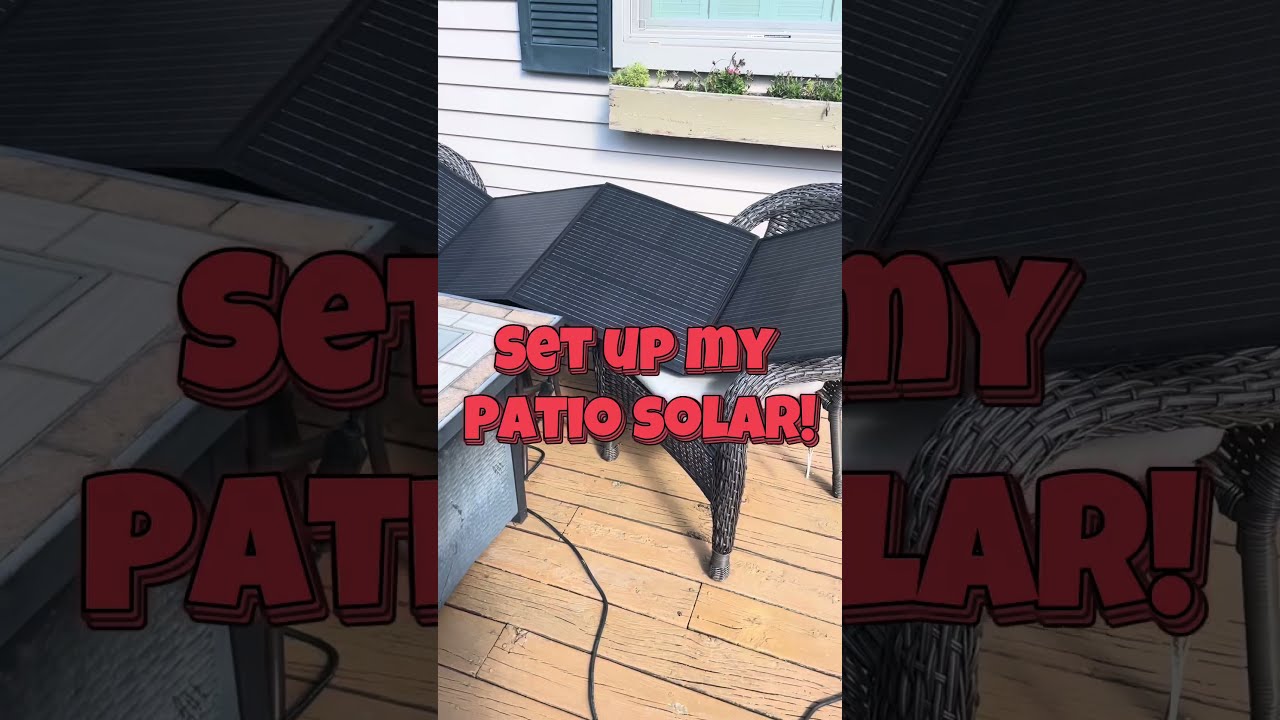
Set up my new #portable #patio #solar unit #balconysolar #apsystems #mhpowos #RVlife

This simple #ADHD #hack might end your #tasklist paralysis called #executivedysfuntion #productivity

Have #ADHD? Do you make a daily #tasklist ? This might help. #tasks #productivity #procrastination

Found too many cool Petoskey Stones and “Greens” on vacation. Had to do something!


Another free #pallet project: I built a heavy duty #ladder stand for #housepainting

Quick Windows Tip: Organizing Multiple Windows on One Monitor or Screen for Faster Multi-Tasking!

Classic Outlook (New Screen): Converting an Email to Task, Calendar, or Contact Using Drag & Drop