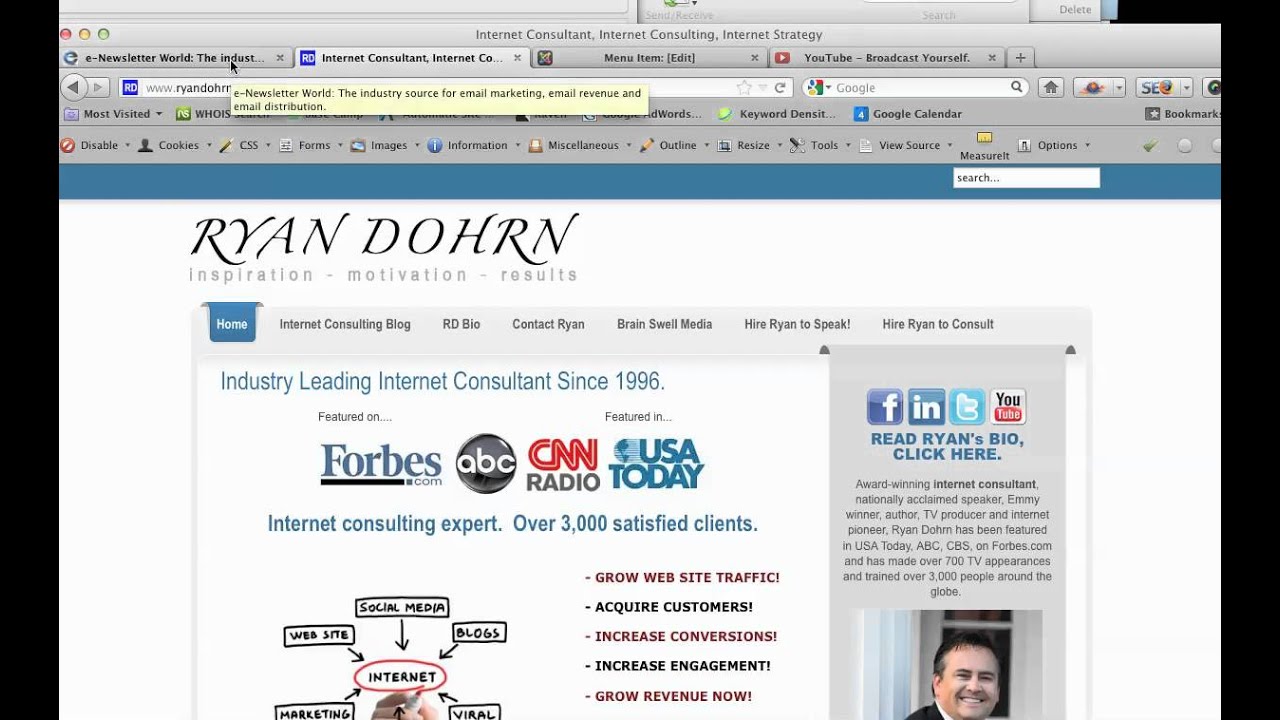
Ryan Dohrn shows where to change your Joomla site's title tag: Menus → Main Menu → Home → Parameters → System. Most people look in Global Configuration by mistake. If caching is on, clear it in Tools or Site → Maintenance before the new title shows up.
Chapters
Hey everybody, Ryan Dohrn here, internet consultant, Joomla guru, talking about changing title tags on your website. So simply go to the backend of your Joomla site, doesn't matter which version at this point that you're on, and you're simply going to go to Menus, Main Menu. In most cases, this is going to be under your Main Menu, and you're going to look for your Home Menu tab. And then depending on what you have activated here on the right side, you're going to look under Parameters System, and this is where you're gonna find the title tag for your index page. Now a lot of people get this confused. They think they actually change this title tag through your global configuration. That is, is not the case in most Joomla setups. This is where you're going to change it here, and then when you press Save, you're going to see that appear up here, appear in the title browser area of your browser, the title tag area. Right here. So as you change it— now, if you happen to have your cache enabled, then you need to clean your cache. So how do you do that? I'm just simply going to go in Joomla 1.5, you're gonna go to Tools, you're gonna go to Clean Cache here. And then if you're in 2.5, you're going to go under Maintenance, which is gonna be Site and then Maintenance over there. So if you need more help, let us know. We're always working with Joomla to make business websites better for you. I'm Ryan Dohrn, Internet Consultant. Thanks so much for stopping by and hope that helps. Take care and best of luck with Joomla!