Ryan Dohrn walks through adding a Static FBML tab to a Facebook page. He shows how to install the app, paste HTML code, save your changes, and reorder tabs in Page Settings.
Chapters
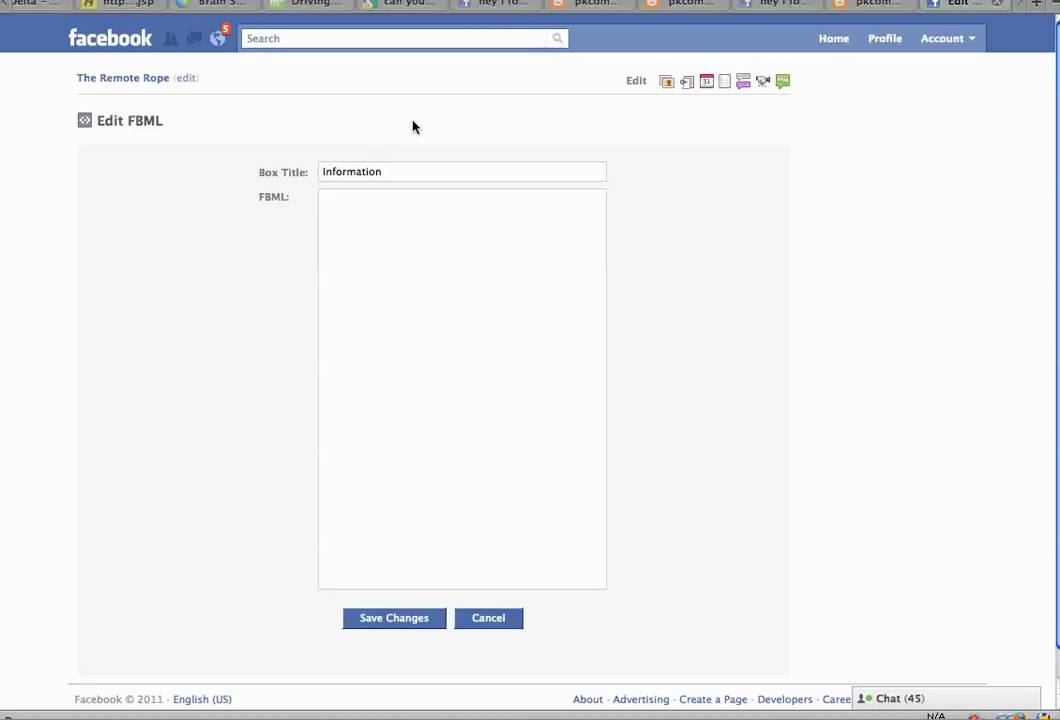
Hi, I thought we'd take a couple seconds and we'd talk about tabs on your Facebook page. So what I'm going to do is to give you just a little bit of an example of what I'm talking about. I'm here logged into my main account. And what I'm going to want to do here on the left is I'm going to want to go to administer my ads and pages. So what I'm going to do is I'm going to go and choose just kind of a working page here that we can look at. And you'll notice I already have one Facebook markup language tab that's already here. What I'm going to do is I want to edit this page. So you'll see here on the right, I'm going to edit the page, and then I'm actually going to go over here to Apps. Okay, now what you'll notice is I already have the FBML installed. The way to do that is through a link that you're going to find on the static FBML page. So let's go over here to Browse More Applications, and if you actually go and type in FBML, What you'll notice is that there's several here like the static FBML. What I noticed though in coming here is that I can't get this page to work correctly for whatever reason. So I went over here to discussions and then I clicked on this, hey, I found how it works. And I went to this guy right here's page and there's actually a link. So if you need this link, let me know. All you're going to do is go and click on this link and then it's going to say add static FBML, yes. I'm going to choose which page. Okay, I wanna add this application to, so I'm gonna add it over here to a page of mine that I have listed here called the Remote Rope. Okay, and then I'm gonna do Add Static FBML, and that's gonna add that over to my Remote Rope page. Okay, now you'll notice right now it's here, it's listed as FBML #1. Obviously I want that tab to be a little bit, you know, more robust. So if I want, I can click on it, it's gonna go to that page and it's basically just blank. Okay, So what I want to do is I want to edit. I'm going to want to edit this page. So what I need to do is I need to again do what I was doing before, which is I need to go to the beginning here. And let me get over onto More. And so to get to that, I'm going to go back to my Facebook main page. I'm going to click on Ads and Pages. Okay, I'm gonna go and choose that page that I want to edit. Okay, and then I'm gonna wanna go here on the left to Apps, and then here's the FBML. I wanna go to the application. Here's where the tab is gonna be, so I'm gonna call this Information. Okay, and then this is where I'm gonna go and I'm gonna paste in my static HTML. So this is where you paste what you want the user to see, okay? And you can do like bold tags, you would paste this stuff from Dreamweaver or whatever that you are working with, okay? And you can do images and all kinds of stuff. Just click Save, okay? And if you want to view the page, then you're gonna go right here, you're gonna click on the remote row. It takes you over, notice here now I have a tab called Information. When I click on it, then it says this is where you paste what you want the user to see. And the nice thing is, I mean, you can put whatever HTML in there that you want. And you'll notice then that if you would like to bring that back to the front, what you're going to want to do is you're going to want to actually click, I believe, on Edit. You're going to want to get to the Settings. So let's go ahead and click on the wall here. And you're going to want to get to your Settings, and that's where you're going to actually— you can make this tab come forward. Here you would see something that says Settings. When you click on the logo, you click on Settings, and you can choose which one of these tabs, information or whatever, that you want to appear front and foremost. I'm not exactly sure why it's not appearing here today. Pretty much that's it for adding a tab to your Facebook fan page. Good luck!