Mike Melton shows how to clean up your social followers by finding inactive accounts. He looks for followers with zero likes and no comments on your posts, then removes them. Pruning dead followers improves your engagement metrics and signals strength to the algorithm.
Chapters
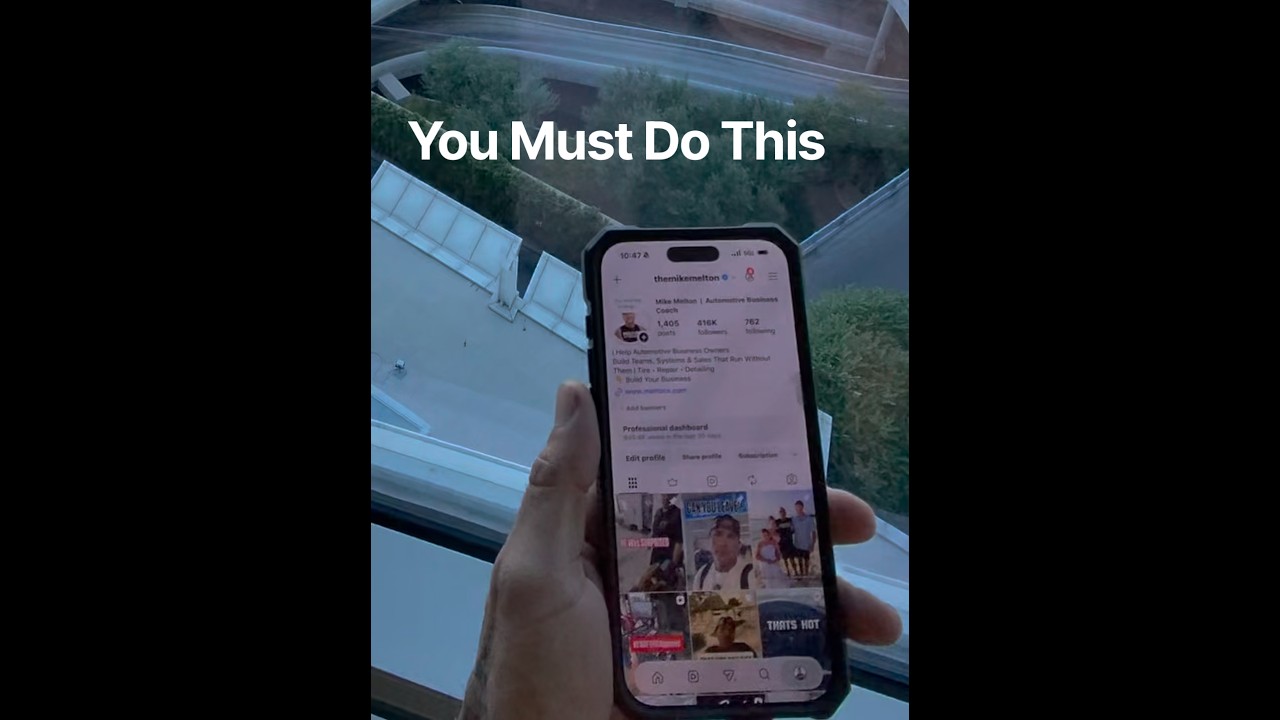
It don't matter how many followers you got, you got to do this. Step 1, hit your followers. Step 2, you want to go to your default, click the 2 little arrows right here, and you're going to go to the earliest. Once it goes to your earliest, it pulls up all your, your earliest followers from the beginning. Choose a random one, right? So here, we'll hit this one right here. So now we're going to hit the 3 little dots, and then you're going to hit shared activity. Now right here where you see the tags, likes, and comments, let's go ahead and hit likes. So you can see liked by you or liked by them. What you're going to do is go liked by them. Now it looks like they have No likes on your page, right? Go to your comments. Have they been commenting? But no comments. So that is a dead follower to me. Just because you follow me doesn't mean anything. So what we're gonna do, we're gonna go back out here and we're gonna remove that follower. This right here helps your engagement and helps the algorithm. You have to do this no matter how many followers you got, because if the followers aren't engaging, the followers are worth nothing. Make sure you follow me for more business advice and tips and tricks.