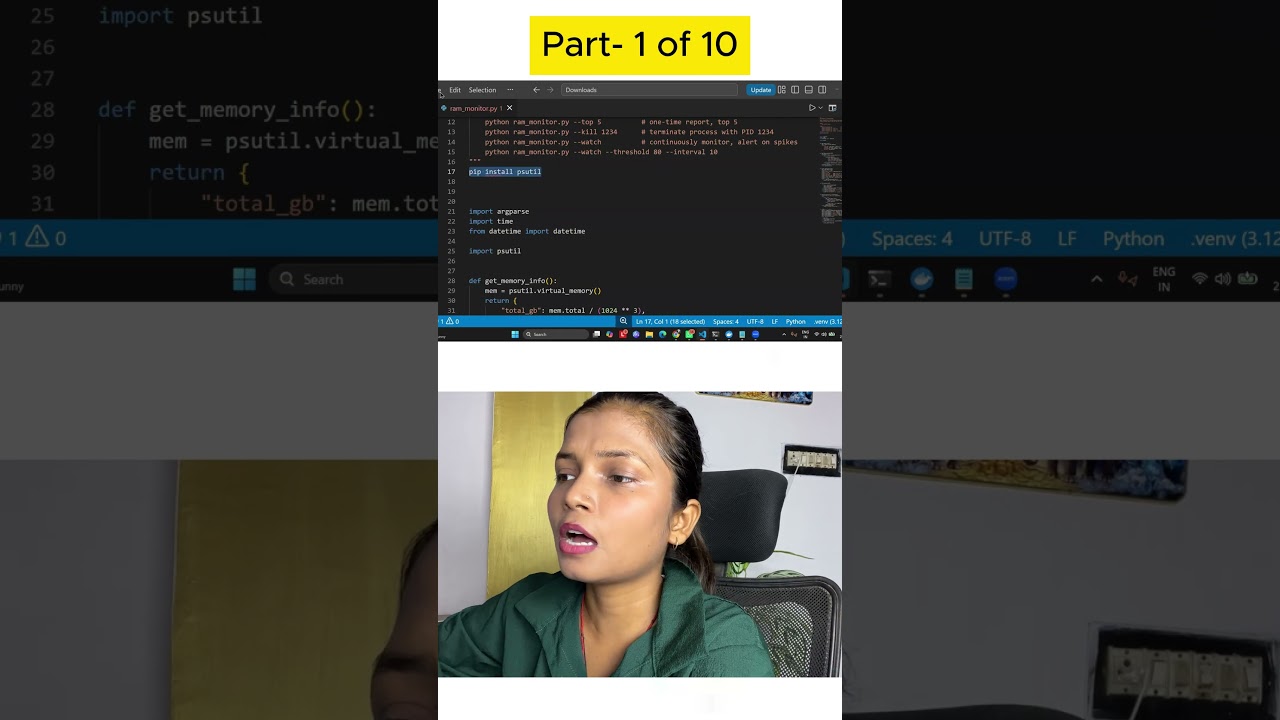
Akansha Yadav builds a RAM manager in Python using psutil to monitor memory and control processes. You'll install psutil, set up a command-line interface with argparse, and get a complete code walkthrough to replicate the project yourself.
Chapters
So for creating this, what you need is you need one dependency which is Psutil library. Psutil library is basically a cross-platform library that basically helps you read and process some of the information. So very first library that we need which is very important for this project is Psutil library. Now this is a cross-platform, it means memory, CPU, disk, and even the network, it can directly from the OS, it can automatically take it. So if you wanted to simply install it, just write down the pip command for this, like pip install psutil. This is how you will write it, and you can easily install it. You can open the terminal in your Visual Studio Code, uh, to install this, or either like you can use your PowerShell or the command prompt as well. So that's it. Everything else is the standard Python which we are going to use in this project. I will be showing you the complete code and I will be explaining each and every line of the code in this particular file as well. And also I will give you the Python file which you can use for the reference to create the perfect project for you. Now when I talk about the code, the very first thing that you have to do is you have to import the libraries which are required. So I am using the 3 libraries apart from psutil. The very first library is argparse. Basically this is to build the command line interface for us so that everything comes up in the terminal and we can easily view, watch, kill anytime.