
Run Untrusted Python Code Safely with Docker (Production Guide)
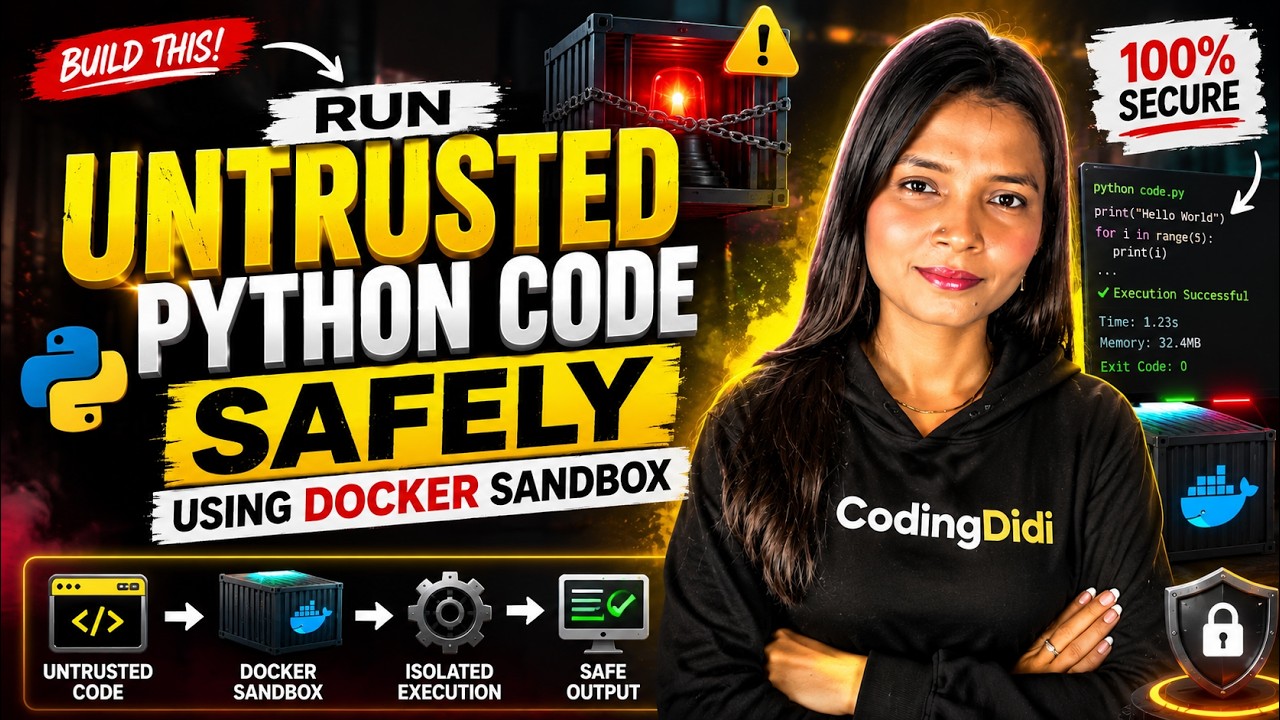
Akansha Yadav shows how to safely run untrusted Python code in Docker containers with strict limits: 64 MB RAM, 0.5 CPU share, no network access, and a 5-second timeout. The sandbox_runner.py script captures output and blocks malicious payloads, making it suitable for student portfolios or online coding judges.
Chapters
See, if you have ever downloaded any Python script from internet and you wish that, okay, that if I will run this, it is gonna delete my entire hard drive, or you have that insecurity, or even if you have worked with any coding platform or have experienced automated grading system for students, or just, you know, sometimes we run shady codes, so we do not press this run button immediately because we might feel that this is an untrusted code. So there is a hack to— basically not a hack, but a script that will help you test it, that whether this code is trustworthy or not. So we basically need a sandbox, that is basically a prison, a digital prison that lets code execute but blocks it from touching your actual computer, your network, and even your files. If you understand cybersecurity, if you have ever experienced something similar to this, like cyber crimes or cyber, you know, hacking or ethical hacking or something then you will definitely find this project very useful. In this era of 2026 where AI is everywhere, we can see clearly that whatever touches our actual computer, our bank statements, our network, our files, it can harm us, right? So this is a sandbox which you need. This sandbox is like a digital prison, as I already said. So now we are going to basically build a production-ready sandbox using Docker and Python. Yes, if this is your first project of Docker, do not worry, I'm gonna tell you how to set it up and how to work on it, right? You can simply use the previous videos for, you know, setting up the Docker on your system. If you are using the Windows, you can easily set it up, just go on to the Docker download websites and download it. Suppose this is the Docker which you have, you have to open the Docker Desktop on your system because we are making the local application. Everything online is not safe, right? So that is why sandbox which we are creating is— I'm using Python and this Docker platform, right? So we will be creating images, we will be creating containers on Docker, and we will be utilizing it with Python. So this is gonna be production ready. It means you can simply copy paste any code from anywhere and test your code over here on the script which I am going to provide. Now I'm going to explain the script as well, but you have to be patient. And if you find this video helpful, or you're looking forward to something like creating a production-ready project, or even understanding the core and core things, fundamental things for related to programming, related to mathematics, and even related to operating system, you must hit a follow button. Now see, I have a simple idea which is We are not just hiding Python functions, we are using Docker to basically spin up an isolated micro operating system on the fly, right? Before we look on to the code, we are just going to, you know, I'm just going to show you how Docker we are using. So this is a container which is epicvillian something, right? This is a running container which I'm utilizing for my project right now. I will show you the code of this project, which is I have created a file which is sandbox_runner.py. In this sandbox_runner.py, I have written my entire code which checks, which processes, and which also tells you what is the error, what is the problem with the code, and something more. I will show you how it works. So let's say this is my untrusted code which I have taken from Google somewhere. You paste it over here in this quotation and you hit a run button. Whenever you will hit a run button, it will show you 3 things. First is what is the exit code for this code. See, it will show you the exit code standard output and standard error as well. Now what is exit code, standard output, and standard error? It will show you in detail sometimes, and it totally depends upon the system which you are using. So right now I'm using a Windows operating system, so accordingly it will give us the result. Let me just rerun this and see. So see, first thing that I am using is subprocess in this, right? But before we jump on to the code, you must understand the functionality. Now you see, when I run this code, which is a classic Python jailbreak payload— so basically bypassing the secret globals in this to execute OS command via string manipulation. And I have written some payloads in the quotation as a string, and then I am checking. We are basically testing the container identity and just simple message like os.system, and if it is passed, then pass, and so on, basically. So now see, it shows exit code 0, standard output is testing container identity, which I have already given in this print statement. And then execution block. Why is this execution block? Because OS is not defined. I am not using any OS library. I have not even, you know, initialized any library before writing this. So that is why I have written this OS. It is showing OS is not defined. There is no such error, but just execution is blocked because of this reason, right? Now I will show you some other code. So let's say I am going on to my file. I have just taken few samples over here, right? So here is my file in which I have written some codes. I will pick one by one and will show you what type of errors or what type of vulnerability it is gonna test for us. So whatever code comes up and we are taking from internet or something, we paste it over here. And once you are done, press save and then run this file. Once you will run this, it will again show you the exit code, standard output, and why execution is blocked or what is an error that comes up. So it shows that exit code -1. Why? What is my -1? It is basically process exited the time limit, it means timeout. Now see what is the code. Code is related to the URL request, and then this is the entire code with the link which is www.google.com, and timeout is equal to 3. It failed because of some reasons, and it will show you that reason and why it blocked, what is the exit code. Whichever library you can see, this is exit code 1, standard input, unexpected indent in this line because I have added a space over there. So whatever is the error that is expected related to this code, it will— this— now you can see this is the error it is showing. Now let's see how to create it. Okay, so before you start any coding or anything, you just go open PowerShell and write this command in the PowerShell, which is docker pull python:3.11-slim. It means we basically creating the, uh, Python image on Docker. So This is very important. Once you will run this directly in the PowerShell, come back to the file which is sandbox_runner.py. Now within this, what you have to do is very first thing that I am using is subprocess. What is subprocess? We are importing this library. This is a built-in Python module that basically allows our main script to directly talk to the command line commands. It means the Docker. We wanted to basically boot up the Docker, right? So that is the reason why I am using this subprocess for this, right? Now when we are writing the— whatever we are writing within this triple quote is our untrusted code that you can get from anywhere: internet, your friend, your GitHub repos, anywhere, right? Now you can take it up from there and this is gonna be multi-line strings, right? So it contains exact code. If you are even going to add indent, it will show you that this code will generate indentation error. So it will show you all of those things. Right? Now, now let's come to the main logic. So we are defining a function which is runInSandbox. So we are basically wrapping our logic inside a clean function which is runInSandbox, so we can reuse it daily for any script we wanted to test. Now within this, what we are doing is we are constructing the native Docker CLI commands with the strict limits. What are the limits? Now in this I have written some commands, which is docker run -rmi, then network— basically I'm disabling the network. Then I'm limiting the RAM, that how much RAM should be utilized. I'm limiting the CPU. And then I'm mentioning what is the image that I have created, and then Python code. This is typically sandbox for Python code. This only works for Python, right? So this is basically an array where actually the magic happens, right? This constructs the exact command that will be sent to the Docker. And if you look at clearly, we are using very first, which is rm. Let's run— is very simple when we execute, right? rm is basically the moment the code finishes running, right? The container completely deletes itself, so no malware can be there. So no malware will persist in the code. Next is we are using network none. It means it turns off the network inside the sandbox. So this is also important so that the code cannot hack outward or leak your data. Third is I'm mentioning about the memory 64m. It basically caps the RAM to 64 megabytes only. It basically, if script is something which tries to flood your memory, then Docker kills it instantly. Now next command is cpus 0.5. It basically restrict the code to half of your single CPU code. It basically used— basically what we are doing with this command is we are trying to, I would say, infinite loop. Whenever we basically enter into infinite loop, right, we want our Docker to stop it. Docker can kill it immediately. So basically whenever we enter in the infinite loop, it will freeze your actual computer, right? So this stops the infinite loop from freezing. Now next is again this. This is basically a lightweight, clean version of Python which is provided securely by Docker. So we are just creating that image and container container, and that's it. Now next is I have used within the same function, I have used try and except block. And within this try and except block, what I am mentioning is I am running the container, passing the code by the standard input, and enforcing a strict 5-second timeout. Now let me explain each and everything. We are using subprocess.run so, so that we can fire up the Docker command, very first thing. Second is we have written command which I am passing. But next I have written is capture output true. What is the meaning of capture output true? Is basically so we can basically intercept whatever the script prints, right? Next is the text, which is true obviously. Then timeout 5, it means if the string hangs or runs forever, exactly more than 5 seconds, it will be killed. Then what we are returning? We are returning 3 things. You have been seeing that we get exit code, standard output, and standard error. Now next is subprocess.timeout. Now what is subprocess.timeout? Uh, basically after getting everything, we are also like— sometimes our loop, there is a while loop which goes in the infinite stage, right? So for those things, we are returning -1 and process exceeded 5 seconds. So sometimes our system is that slow that our system is not able to execute the code within 5 seconds, then that particular code execution will be terminated within 5 seconds and it will immediately show you this result. No matter what was the code, no matter what was the exit code for that code, but it will just return this. So your system has to be smooth to test that code, otherwise there can be a leakage, there can be a malware present in your system, right? Now, how you can use this? If you are student looking for, you know, killer portfolio project, I would say, then you can easily turn this backend slip backend script which I have written into the online code editors like a LeetCode or HackerRank. You might have seen, right? You can build a simple front end as well for this where you can just add a box. You can use a Streamlit library. If you want me to do that for you, you can comment on this video. I will surely create one for you, but you have to utilize command line things to understand it better, and that is what I am trying to do. So building a sandbox is not just about, you know, writing, the code, but it is about shifting to the security level, you know, terminologies or security level mindset, I would say. So by combining Python with Docker, you can get basically native operating system level production for you, and you can easily create a very useful thing in the few lines of script, I would say. So I hope this helped, and if this helped, hit a like button, drop a comment, and happy learning and keep growing. Akansha Yadav.










