Seven portfolio websites from designers at Apple, Instagram, Meta, Google, and Discord. They use hover-triggered videos, tap-to-open interactions, and tools like Framer and Figma to stand out. If you lack professional work, build concept projects tailored to companies you want to join.
Chapters
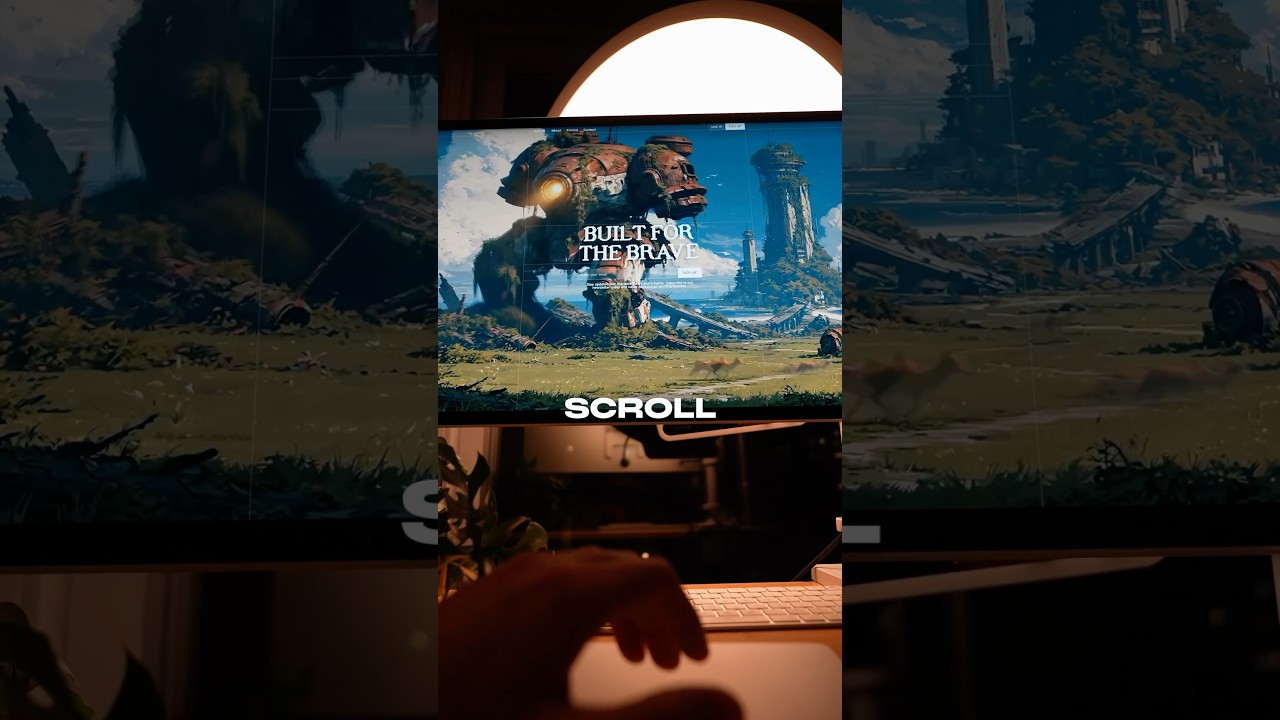
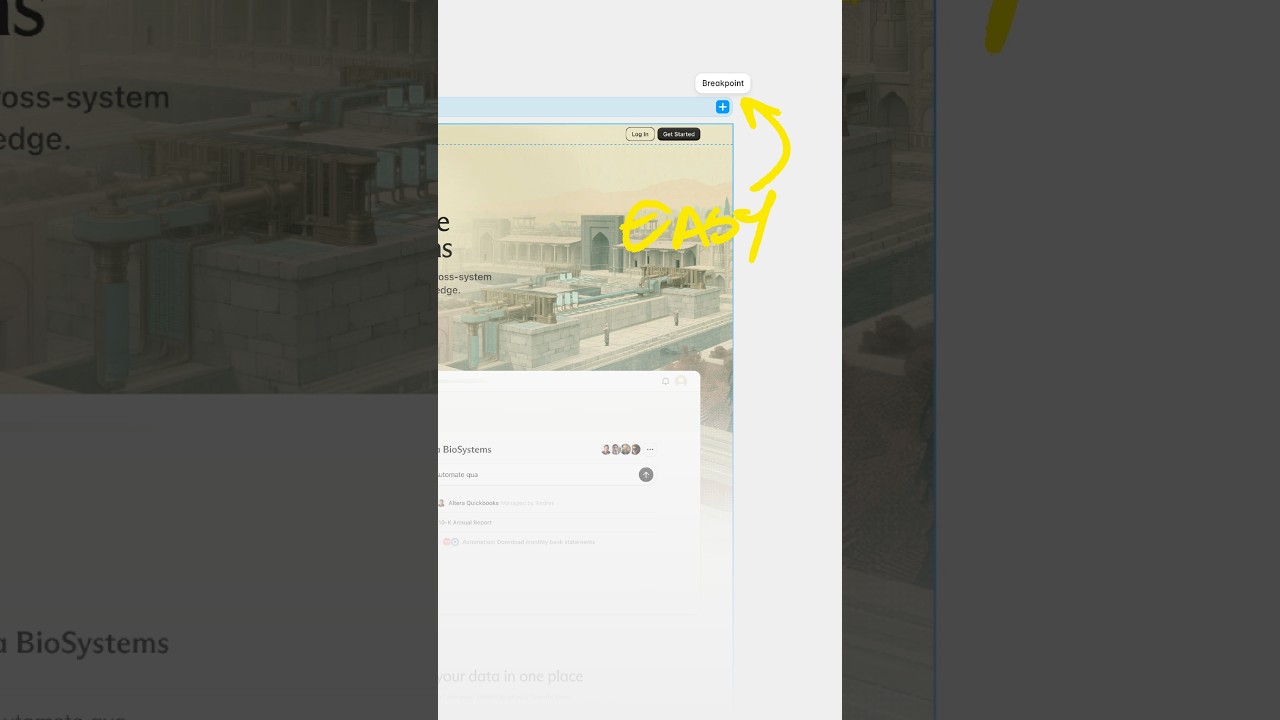
The design portfolio. Ladies and gentlemen, today I'm going to share some top-tier, high-end, world-class, unmatched, supreme portfolio websites from designers who've worked at Apple, Instagram, and other top tech companies. So if you're looking to level up and stand out as a designer, this will be the perfect inspiration you need to update your portfolio website and make your mom proud. And all you got to do is like this video and comment, "You're literally Batman," to feed my delusion that I'm literally Batman. This is a portfolio website from a designer who works at Apple, and it's got to be like the most sleek and minimal portfolio website I've seen yet. No images, just raw typography with a gradient for Apple, of course. But check this out. When I hover over a list item on the left, a video automatically begins to play and it's all mobile interaction design from projects he's worked on at Instagram, Facebook Messenger, and Microsoft. And this portfolio is like radically different than any sort of UX design portfolio that I'm used to seeing. No case studies, no personas, no user flows, none of that. Pure mobile interaction design. Talking about mobile, let's see how it looks like on mobile. Mm. You can't really make hover interactions work on mobile. So instead he added a simple tap to open and tap to close interaction. Beautifully executed. So now we got another portfolio from a designer who also works at Apple, this time from a design intern. First of all, I absolutely love this guy's layout, the sidebar on the left, the typography, the tiles and hover interactions. Absolutely beautiful portfolio from Ethan. And I often get the question from people who want to become software designers. What if I don't have any experience experience or client projects, what would I show on my portfolio? This is a great example. Ethan highlights his ideas and concept works here. And notice how all of his concept work is Apple related. That's also his niche. He's become completely specialized. So if I had to start over, I would actually create concept work just like this for a company that I'd love to work for. Also, his portfolio looks clean and responsive on mobile. Great job from Ethan. So we got another portfolio from a designer who worked at, you guessed it, Apple. It looks like he was a part of the Siri design team. Oh, and look at that super cool creative animation when I click on his profile icon. 10 out of 10 for creativity. And as I'm going through his projects, that's the theme— creative. I mean, check this project out, Azuki. The art direction is amazing. It looks like a Web3 collectible platform. And look at his interaction design. Super cool. It looks like Apple really looks for designers with solid interaction work. Let's actually check out this site. Wow. Look at how that smoke animates. And I love this interaction too. Man, Joseph has some amazing work. He's clearly a talented designer. So I get it. I get it. You might be thinking these portfolio websites are cool and all, but how can I create my own portfolio website that is just as impressive? Well, let me introduce you to Framer. It's a website builder that will help you create websites just like this. And the best part is it's not even that complicated to use. If you're familiar with Figma like me, you'll recognize its canvas-based approach super easily. And one of my favorite features is Framer's ability to create really cool animations and interactions, which is exactly the type of thing that Apple is looking for. And they also got an extensive library of templates for you to start with. So if you want to support me, support the sponsor of today's video, Framer, by signing up to the free account and just trying it out for yourself. So we got a portfolio from a designer who worked at Instagram but now is building his own startup called First Floor. He even raised $1 million from Samsung in Chapter 1. We got this cool static effect going, and a trend that I'm noticing with these portfolios is definitely their interaction work. And it looks like Instagram values this skill set too. And I get it, it's quicker to ideate when you have a designer who's able to prototype these cool features like a Spotify comment section or this iPhone pocket mirror. Super cool work. I wonder how he showcased this section on mobile. Tap to open, clean and very well done. Great job from Hask. If you made it this far into the video, know that the portfolio websites only get more interesting from here. This is a portfolio from a designer who's worked at Meta's Reality Labs, aka Meta's AR glasses team. And wow, I got to say, I am impressed. When I hover over these tiles, his thumbnails automatically begin to play. Let's check his Playbook XR project. Looks like it was a Quest app where he prototyped different concepts in Unity to improve the design tool's capabilities. And Unity is no joke. It's a pretty complex development tool. It's genuinely impressive that he knows how to use it. And this is also why I love being a designer. Look at all the cool projects we could work on. Great job from Jacob. Next, we got a beautiful portfolio from a designer who's worked at Google on the Stadia team and is currently at Discord. Love, love, love this guy's art direction. The macOS window design, clean and wow. His The ADA case study is incredibly well put together. It's literally glowing. And I appreciate the table of contents here on the right-hand side. Chef's kiss. And it looks really detailed and comprehensive. We got the problem statement, timeline, user flows, layouts. Oh, and I love how he added the visual hierarchy of how users would perceive each layout. Super cool. Wow. Interactions, and it keeps going. Very impressive. Great job, Perry. And finally, we're going to end with a bang. This is a designer who is currently working at Instagram. And guess what? His portfolio is actually built on Framer. And look how he's able to showcase his prototype work. It's so simple, yet so clean. We got a video watching party happening in Messages, virtual gift giving, Cardi B, some Messenger interactions. Some augmented reality work, huh? Super cool. And some creative message interactions. Simple yet a powerful portfolio. Let me know which portfolio was your favorite in the comments down below. And if you want the easiest, simplest UX design portfolio the world has ever seen, then you'll want to watch this video next.