Andres Gonzalez shows how to use Framer Agents with local LLMs to build websites that respect your design system. He warns about context rot, introduces a custom Convert Prompt skill to transform prompts for Framer, and explains how to feed agents high-quality inputs like extracted HTML and design tokens for better results.
Chapters
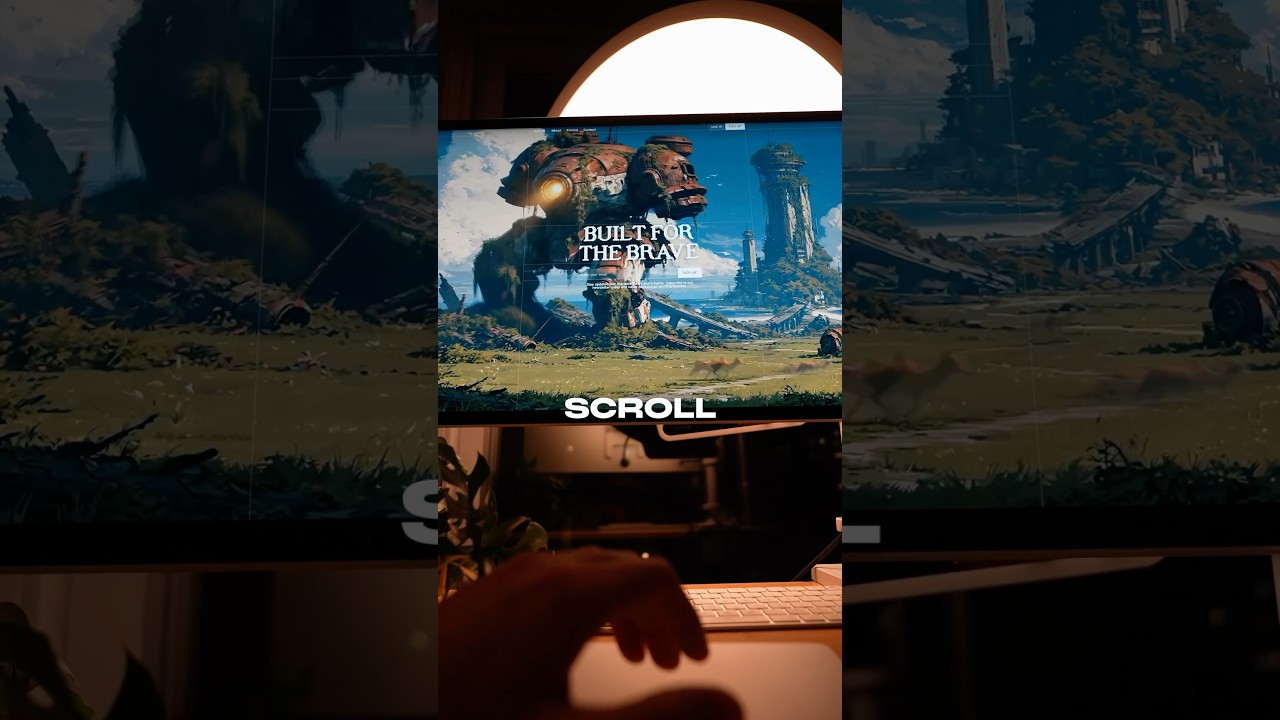
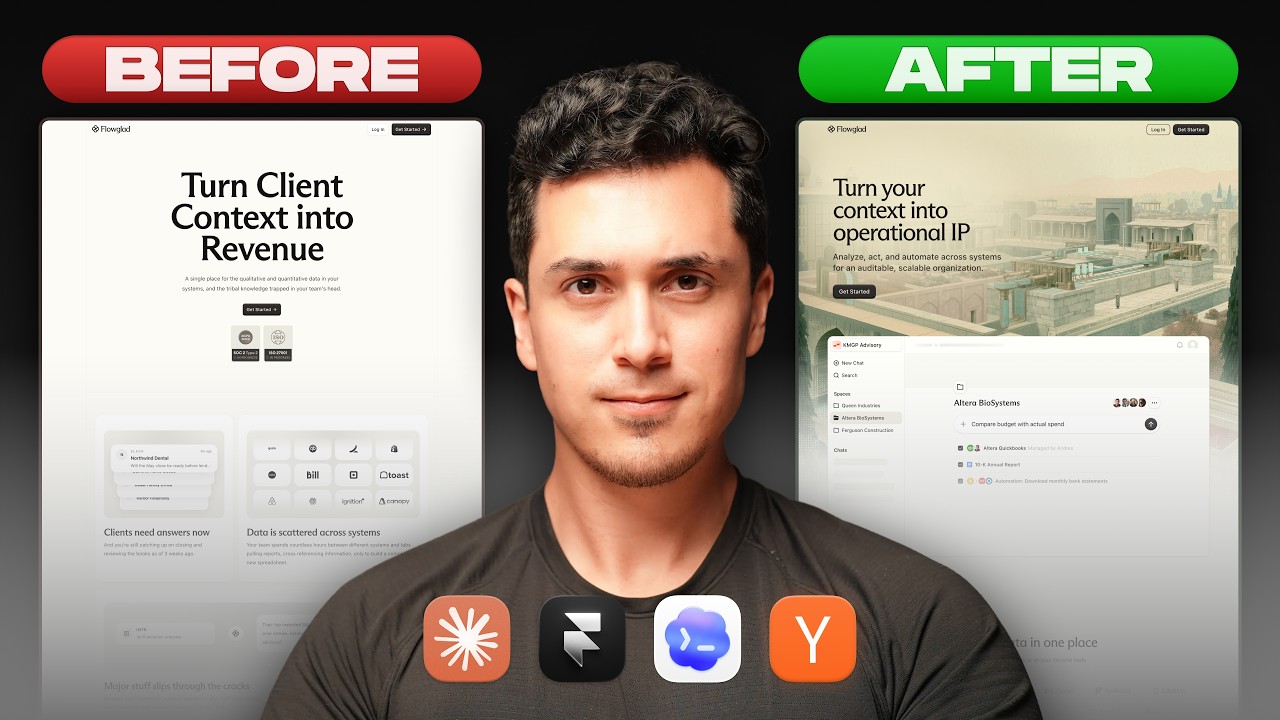
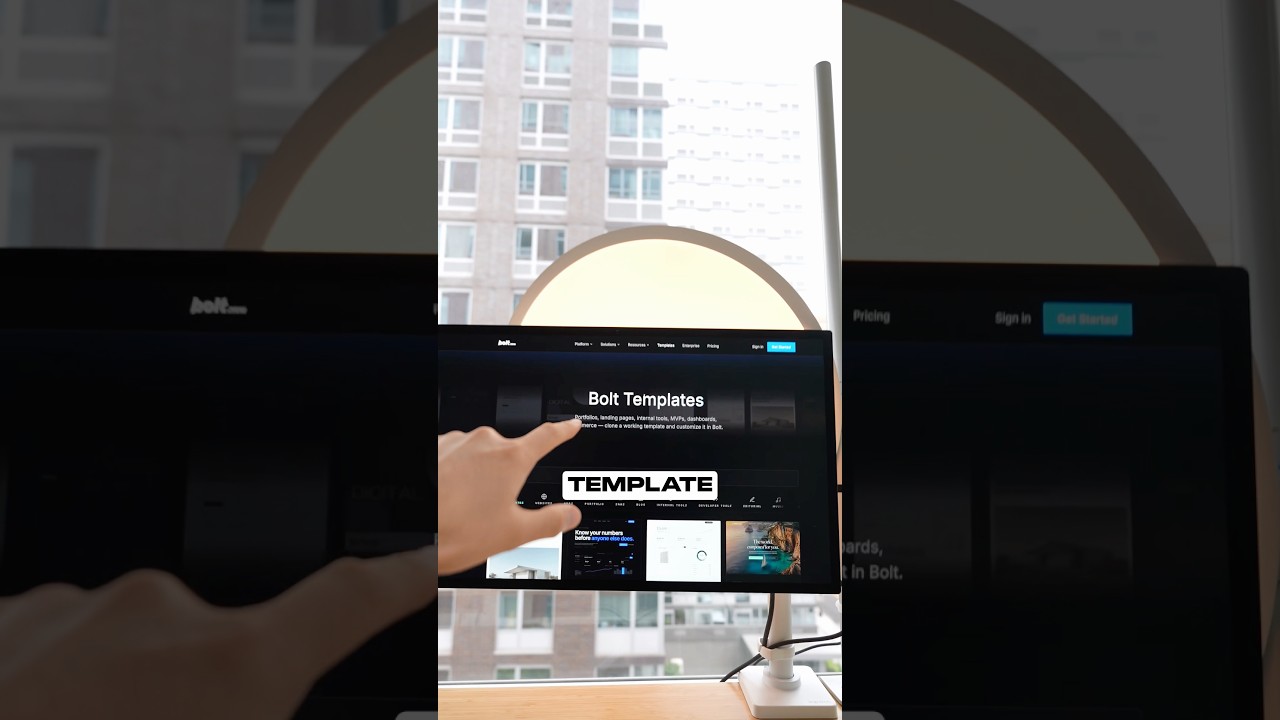
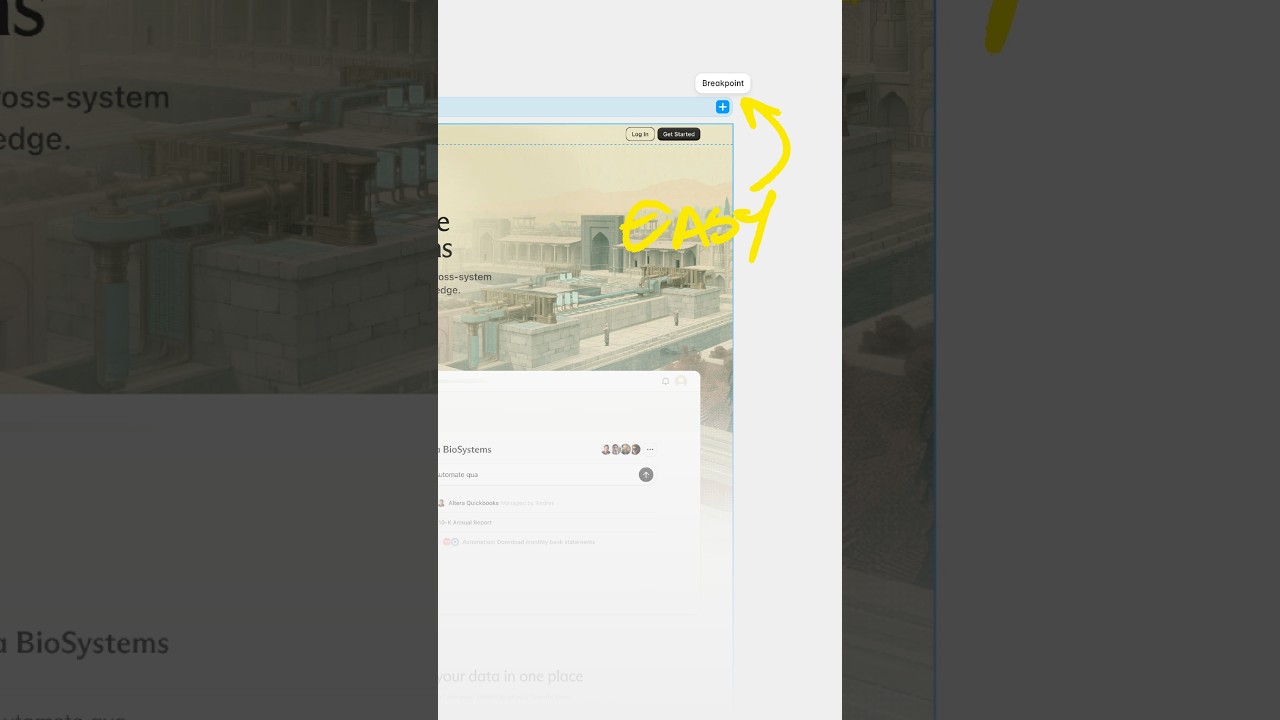
This was created using Framer Agents using a single prompt. Am I him? Maybe. And in this video, I'm not just going to be basic and show you how I created these one-shot websites, but I'm actually going to reveal my real workflows that I'm using to get quality and reliable results that can save you hours of time. I'm going to teach you how to use Framer Agents and your local agents too. Call it agent-ception. And how Framer Agents actually compares to tools like Replit, Lovable, v0, and other AI tools. If you If you haven't seen me before, my name is Andres Gonzalez. I'm the founding designer at Flowglad in New York, and I've been using AI tools like Claude Code, Codex, Cursor, you name it, for about a year now at my actual job where I'm shipping production code. Let's dive into the video. So the first thing that we got to talk about is what can Framer Agents actually do? What is the hype all about? See, people are excited because Framer finally released this feature, and let's be honest for a second, everybody and their mama has launched an AI wrapper that creates websites. Seriously, if you search for create website with AI, you'll get like thousands of examples of tools you could use. So yeah, I'm excited. Fight me, bruh. But what makes Framer Agent special for me is that they can reliably use existing design system color style, typography, and components, and I can make fine-tune edits visually on a canvas. Like, it's much harder to create AI slop with this thing, especially if you start with a template or have an existing design system. See, Framer Agent can make your website responsive. They can create custom code components that will for sure impress impress the ladies. And if you have a blog or manage large collections, Agents can automatically manage all of that for you, which I know will be a huge time saver. All right, so enough hype. Let's figure out how to actually use this thing in practice. You'll find the Agent tab here on the upper right-hand side where you can choose between different models. And if you click on the select tool, you can actually visually highlight things on the canvas. But I'll tell you a little secret, sometimes Framer will already know what you're clicking on, even though you don't highlight it specifically. Try it out for yourself. Framer's doing some magicianry behind the scenes to be intuitive, to know exactly at the page that you're looking at, the component that you might be selecting. And once you initiate a chat, it's important to pay attention to this context indicator. You gotta beware of context rot because once it passes around 60%, you'll start to notice the quality of your agents getting worse. So this is where I typically just start a new chat. And honestly, using agents isn't that complicated. If you're familiar with Framer, you're going to pick this up really fast. But getting high quality results from agents requires a little bit of finessing and thinking. So I'll be sharing some of the secret sauce now. So how exactly did I generate these one-shot hero sections? Well, the truth is I didn't. I actually went to a prompt library called motionsites.ai where you can create websites with a prompt. One big problem with this approach, though, these prompts are designed for custom code environments. So if you paste them into Framer, you might get mixed results, which is why I've created a custom skill that converts converts custom coded prompts into prompts that you could use in Framer. You can download and use this skill with Codex, Claude, or Cursor, whatever tool that you're using, and you can just try it out for yourself. All you have to do is copy your prompt, forward slash, convert prompt, paste it into Codex, enter, copy, go to Framer, paste it right here, and watch the magic happen. Or you can just skip this entire copying and pasting process and just use Codex to talk to Framer directly. Let me show you how that works. Let me tell you how you can use your local agents with Framer. It's actually super complicated. You literally have to go to this website, then copy this prompt, paste it in. That's it. I know it's super hard. Then you gotta copy your project link and paste it into your local agent chat. And, and then that's, that's really it. That's, I mean, once it's connected, you could do anything. Like you could literally ask your local agent to read any local files, code, or color tokens or variables and create those same exact color variables in Framer. This is agent-ception. This is what the Matrix was made for. So let's talk about my real workflows. Whether I'm using Framer Agents or Codex, Cursor, or Claude Code, I tend to follow some patterns to get me the best quality results. See, the first workflow is that I don't actually write my prompts. I have Claude or Codex write them for me. This is one of the best ways I supercharge anything that I'm trying to do with agents. And my prompts typically look like some flavor of this: please create a prompt that will instruct a design engineer to implement X. It's really that simple. And then I copy and paste that prompt onto a new chat session with a fresh context window, which maximizes the quality I can get from agents. Banger. You're welcome. Secret sauce delivered. But wait, there's more. See, as a general principle, the higher quality your inputs are, the higher quality your outputs will be. So instead of just attaching a reference design image for inspiration, I'll copy and paste HTML and CSS too using the Chrome Inspector. Vector, and I'll ask my agent to use that as inspiration but use my own design system. Also, there's sites like 21st.dev or v0 or Replit or Lovable where they share their prompts or websites for free, and you can use that code or prompt with my Convert Prompt skill and ask your agent to use that as inspiration. Inspiration overload, baby. So now that begs the question, why even use Framer at all, and how's it different than v0, Lovable, Replit, or any other AI tool? V0, Lovable, and Replit can all create websites, and honestly, there's some cool shit that people are building with these tools. But from what I've experienced, there isn't any great design controls. You're stuck with a prompt box and half-baked element selector when you still have to prompt for literally anything. v0 is the only one that actually cares to add some additional design controls where you can tweak things visually, which I appreciate a lot actually. But with Framer, there's something about an open canvas where you can literally zoom in and inspect the smallest details. Shift layouts subtly that Framer includes as a first-class experience. That's really what makes Framer different for me than all of these other tools. As always, Jesus loves ya. Batman out.