Learn how to build animated shader backgrounds in Framer instead of using video files. The tutorial covers Framer's free built-in shaders like Liquid and Holo, how to customize parameters like speed and color, and how to apply gradient effects to logos like the Bat Signal.
Chapters
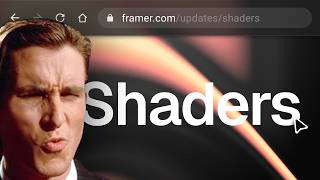
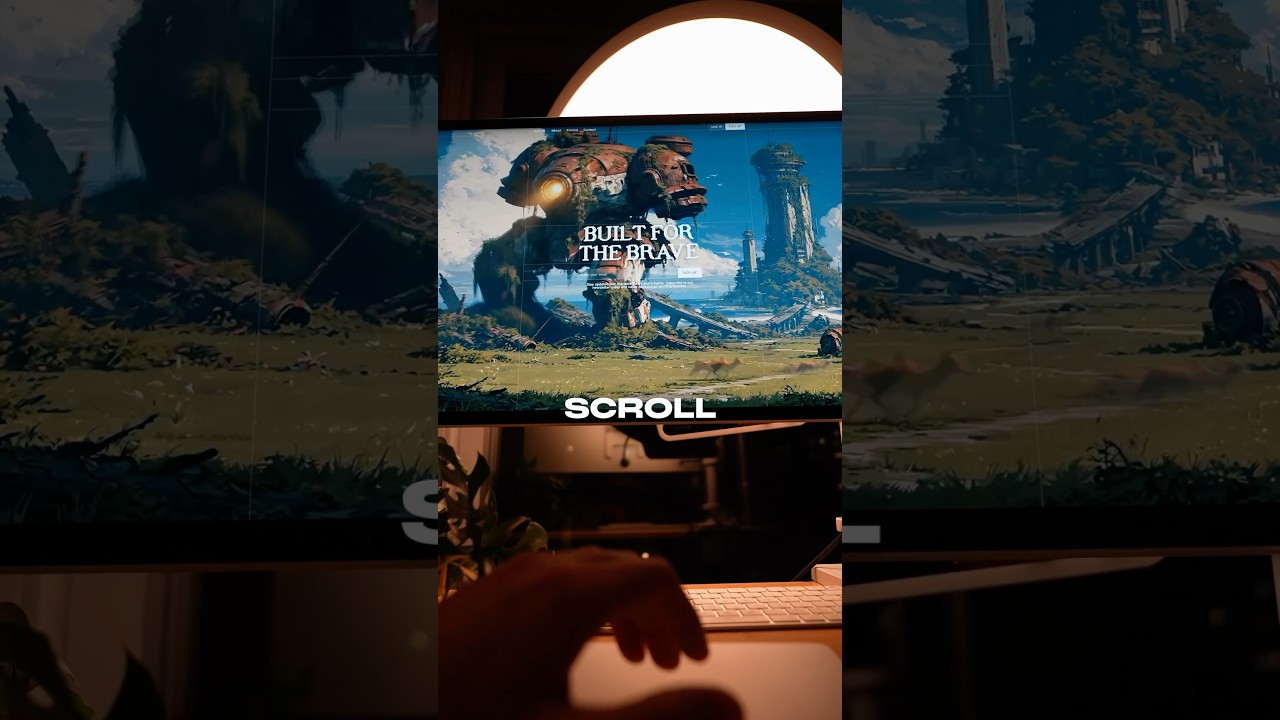
Wow. So I've been noticing a trend. Websites with animated backgrounds have been getting way more attention online, and companies like Stripe, Vercel, Linear all use shaders to render these animated backgrounds. In today's video, we're going to talk a little bit about what shaders are, how to import shaders into your custom project, and how exactly I created these animated backgrounds using shaders with Framer's built-in components, and even animating your logo just like this. First, let's talk about what shaders are exactly and why you should even care. See, shaders are specialized code components that run on your GPU, which allows for parallel rendering of thousands of pixels all at once. But why not just use a video background? See, I've used video backgrounds before on previous website projects. The problem with video files is that they're pre-rendered, heavier to load, resulting in slower page speeds, and static, meaning you can't easily change them once they're rendered. Shaders, on on the other hand, generate visuals in real time where you can dynamically tweak values that could even become responsive to user hover interactions. They're also generally much lighter than video files. So how do you import these shaders into your custom-coded site? So for custom-coded web projects, the best library I found was shaders.com. They have some really, really cool examples, and their docs will give you the exact instructions on how to install it depending on your framework. They have this web editor tool where you can create shaders from scratch or choose one of their shader presets. However, expect to pay $15 per month for any asset or preset worthwhile. Personally, for me, I'm super chill with just using Framer's free built-in shader components that you can find right here. And Framer actually has an entire component marketplace with tons of other cool backgrounds and shader-based components. So let's talk about how shaders generally work in Framer. One of the most important things to understand about shaders in Framer are these controls here, and every shader has a different set of controls. That correspond to some sort of coded value in the background without actually having to manage any code. For example, this Liquid shader, I customize color, speed, and use this grain effect right here. These are the exact values that I use. Feel free to use it yourself. It's pretty simple. I know, I kind of love it. That's one of the reasons I'm a fan of Framer. However, if you use the Holo shader, you can change colors by tweaking fringe, iridescence, and the hue shift sliders. There's no actual color palette. It's kind of radical and it has has to do with how these shaders are rendered and calculated in these code components. And to be honest, this specific shader is not one of my favorites. But one of the most common controls across 6 shader components is this seed slider. See, the important thing about the seed slider is that it changes the pattern entirely. And as you can see, we have a lot of different options. It's easy to get hypnotized. No biggie. There's also a couple shaders that process images, like this Blockify shader, which directly powered Marina's example. But let's take this even further with one of my favorite new features, Logo Shaders. We're going to import both the gradient and glass options, and similar to our background shaders, we have a set of customizable controls here. One of the first places I like to start is just tweaking speed to get this feeling smooth and subtle, then exploring the different patterns with the seed control. But really, we should be uploading our logo first to see it in action, and obviously we're choosing the the Bat Signal because we're Dark Knights. Ooh, that looks really nice already. Framer's defaults are great. However, the Bat Signal needs to be yellow or orange, so we're gonna change the colors right here. So if you're anything like me, I can spend hours on getting the colors just right, so let's fast forward that. The next critical step is changing the background to be transparent so it blends better with our webpage once we import that later. And we'll make some final tweaks by just sliding different controls around to see what feels right. Experimentation is important, and I'm happy with how it looks like so far. Now let's try customizing the glass option of the Logo Shader that works a little bit differently. We have only a tint control that only seems to respond to how light or dark the specific color we choose is. And like the previous step, we're going to make the background transparent. See, what's special about this glass variant is that it has some unique controls like this lens warp dispersion bevel, and some other controls. And all these controls give you the ability to create something that truly feels unique. And now let's start to put this all together. Let's talk about how to get these logo shaders onto our homepage. I'm going to copy and paste this onto the primary breakpoint, and I'm going to set the position to absolute and anchor it to the top. And let's remove this pixel shader so we can use one that may feel a little bit more appropriate with the theme that we're going for. We're going to use a yellow and orange liquid shader instead. Mm-hmm. Let's preview that. Ooh, that looks really nice. Definitely giving you some Batman vibes. And we can also test out how this might look like without the shader in the background, but just using that glass shader, some more black and white feeling vibes. The possibilities with all these controls are endless. Would love to hear what you guys are creating with these shaders down in the comments below. And if you made it this far into the video, I have a remix link just for you. You can use this exact Framer project to see exactly how I've customized and positioned all my shader components I got you, bruh. Until next time, God bless you. Batman out.