In this instructional video, the presenter outlines a rapid‑track, seven‑step roadmap for becoming a UX or product designer. The video begins by defining design and UX design, emphasizing that UX is the full iceberg of user research, testing, and problem‑solving, not just visual UI. It recommends the Google UX Design Professional Certificate as a high‑value, self‑paced learning path covering fundamentals, research, wireframing, prototyping, and high‑fidelity design in Figma. The core of the guide consists of actionable steps: (1) start networking early by creating a free blog (e.g., Medium) and interviewing established designers via LinkedIn, ADPList, or Medium, using ChatGPT‑generated outreach messages and follow‑up gifts; (2) study exemplary portfolios to understand storytelling, process documentation, and metrics, then bookmark at least ten for reference; (3) launch a personal UX project in Figma—ideally redesigning a product you admire—to build a case study; (4) craft a version‑1 portfolio using a free Framer template that highlights metrics and design outcomes; (5) secure initial client work by targeting small local businesses, startups, friends, or freelance platforms (Upwork, Fiverr), offering discounted or pro‑bono services, and leveraging the earlier network; (6) continue networking and apply the same outreach principles to recruiters on LinkedIn, personalising messages rather than generic applications; (7) maintain a disciplined schedule (≈30 hours/week) and realistic expectations (6 months to a year, potentially 3 months with intensive effort). Throughout, the presenter frames UX designers as “digital architects,” cites salary ranges (US $187k‑$298k), and stresses the importance of a results‑focused portfolio and genuine relationships. The video also provides links to free resources (Google trial, Figma sign‑up, Framer template) and encourages a mindset of control, focus, and consistent action.
Chapters
UX design. UX design. UX design.
UX design. But what exactly is UX design? Is this UX design?
What about this?
What do UX designers actually do? And what's the fastest way to get started and become a UX designer? I've put together this 7-step guide that will answer these questions and give you the fastest way to become a UX designer.
Oh yeah, and it's completely free to download using the link down below. Before we get started, we have to have a realistic conversation about what it takes to become a UX or product designer. For most people, it can take anywhere from 6 months to a full year to transition into UX design. However, this 7-step guide is optimized for speed. Because I gotta need full speed! No shortcuts, but also no time wasters either. If you dedicate 30 hours per week, I'm confident that you can get a job in UX design in as little as 3 months. But don't put too much pressure on the timeline. Focus on what you can control: yourself, your time, your focus, and your actions. First, we gotta understand what UX design means. Let's start with the word design.
Design.
Design. Design.
Design's a really loaded word, and so we don't really talk about design a lot around here. We actually just talk about how things work. Most people think it's how they look, but it's not really how they look, it's how they work.
Design is the process of figuring out how something should look and how it should work. Think about how an architect designs a house. Blueprints aren't just about looks, they show how a home works. They outline room flow, window placement for most sunshine and organize spaces for both privacy and togetherness. Every detail is designed for both beauty and practical living. Like architects, designers are thinkers and planners. Yes, they often make things look pretty, but they think about how their designs should function. So if design is a process of figuring out how something should look and how it should work, what does UX design mean? UX stands for user experience. This can be your experience while using an app like Uber. So we can connect the dots and determine that UX design is a process figuring out how an app or website should look and how it should work. So the visual is simply the tip of the iceberg. This is often called the UI, or the user interface. However, UX is the entire iceberg. It includes the process of doing user research, testing, and designing something that actually solves a problem. So what do UX designers actually do? I mean, UX designers at Google can make anywhere from $187,000 to $298,000 according to Glassdoor. They must be doing something important, right? Well, yes, UX designers are like the digital architects of our world. They plan and design how your favorite apps should work. Everything from features like live voicemail, Dynamic Island, or even designing VisionOS to work with your eyes instead of controllers or your hands. So whenever you hear UX designer, UX/UI designer, or product designer, just think of a digital architect. And I know all those titles can be really confusing, but that's a topic for a different video. As someone who is a self-taught UX designer, I can tell you with confidence that a well-structured course or program can teach you UX design way faster than random YouTube videos. You know, if I were to start over, I would actually take Google's UX Design Professional Certificate program. Yes, they are the sponsor of today's video, but even if they weren't, I would have still recommended them as the best value program for UX design. See, you can actually start completely for free for 7 days and check out the entire 7-course series yourself. The first course will teach you the foundations of UX design, where you'll learn the common job responsibilities of UX designers, the design process, design sprints, and much more. Then you'll dive deeper into how to start a UX design project by understanding your users, their pain points, and coming up with slick ideas for possible solutions. Then you'll learn how to build wireframes and low-fidelity prototypes. You'll take lessons on UX research and how to test early concepts. And my favorite, you'll also learn how to create high-fidelity designs and prototypes in Figma. This entire program is jam-packed with tons of valuable lessons compared to taking a bootcamp that may cost you tens of thousands of dollars. This is a no-brainer. I even asked some of you guys what the best courses you've ever taken, and the most popular response was actually Google's UX Design program. Program is estimated for 6 months of completion for 10 hours per week. However, it's completely self-paced, so you can definitely get this program done much sooner if you want. Sign up and enroll for the 7-day free trial linked in the description down below. But even if you get to a UX design certificate from Google, it won't be enough to get a job as a UX designer. Which brings us to step 2. Network soon, network often. You might be thinking, isn't it too soon to network? I haven't even created my portfolio yet. And to that I say that you're thinking about networking all wrong. You don't start networking when you need something from someone. And the worst time to start networking is when you need a job because you'll likely appear transactional and create weak relationships with people. Networking early will actually save you tons of time because you won't be scrambling when you finally need that job referral. So how do you start networking exactly? Well, I'm about to share one of the most powerful networking strategies I've ever seen, and this strategy is actually incredibly simple. You'll create a blog where you interview UX designers. It's absolutely genius. You don't even need to create your own website. Instead, you can create your free account on platforms like Medium where you can start your blog there. Then you can use ChatGPT to create 3 blog articles that are specific to your journey. Something like, why I'm choosing to become a UX designer in 2024. 2023, or UX design principles that will never go out of style, or my favorite UX design YouTubers. Just do it. After you've written 3 blog articles, then you can start reaching out to UX or product designers. But where do you find UX designers to interview? My favorite place would be LinkedIn. However, you can also use ADPList or even Medium itself. You can start by searching for a product designer on LinkedIn, filter by people, then click on all filters and add a company like Apple. Then you can use ChatGPT to help you craft a specialized message in under 300 characters where you can invite this UX designer for an interview for a blog article that you're writing. You might be asking, how is this any different from simply asking them for advice? The difference is that you're asking them for an interview that will highlight them as a leader within the UX design industry. You're welcome. A blog article that will be searchable online when future clients or employers search their name. If you get lucky enough to interview them, simply ask them at the end if it's okay to stay in touch. And that's That's where you try to build meaningful friendships by following up with them, sending them a gift card for coffee, donuts, or something to show your appreciation. Mmm, donuts. I've actually used an app called Givingly where I send a virtual card with a Starbucks or DoorDash gift card attached. And after you've done these interviews about 10 to 15 times, you'll be surprised how much your network has grown. And you would have learned so much from each interview. And when you finally need a referral for that job opening, you'll likely have someone you can reach out to, saving tons of time during your job search. Now let's talk portfolios. Your portfolio is your golden ticket into the UX world. It's not just a collection of pretty screenshots, it's a testament of your problem-solving skills. If you already have a great idea of what a good portfolio should look like, you'll save yourself tons of time when you're finally creating your own. You should think of your portfolio as a storybook. Each project is a story where you're faced the challenge, went on a design journey and found a solution. But here's the catch. Not all stories are created equal. You need to ensure that your portfolio tells the right stories. So what does a good portfolio with the right story look like? To answer that question, we'll look at portfolios of established UX or product designers, especially at companies that you love to work for. You can find them on LinkedIn where they'll have their portfolios linked on their profile. And when you see some of these portfolios, notice how they don't just show their final product. They walk you through their process, the research, the wireframes, the iterations, and then the final design. They discuss challenges faced and how they overcame them. That's the meat of a good portfolio. I would save and bookmark at least 10 portfolios. So when you are ready to build your own, you'll have great references and you won't waste time feeling lost. And I'm sure some of you are asking, I don't have any experience. What would I even put on my portfolio? And that question brings us to step 4. Kickstart your own UX project. All right, let's get into the nitty-gritty. You've soaked up some UX knowledge, you've built some connections, and you've dissected some top-notch portfolios. But here's the real deal. Nothing accelerates your learning faster than diving headfirst into your own project. Why a personal project, you ask? Well, before you try to get a real client project, you'll need something to share with clients. So don't waste your time trying to apply for a job or get client work when you don't have anything relevant to share. I recommend using Figma as your design tool. It's completely free and the link to sign up is down below. I also recommend following along with Google's UX Design Professional program since it'll help you craft your project with all the necessary ingredients. You can try to redesign an app for a company you'd love to work for. My brother actually had a phenomenal idea to add a voicemail-like feature to FaceTime. At the time, I thought it was genius, and literally a couple months ago, this feature was rolled out in their latest update this year. So take some time and think strategically about what personal project you can start. And remember, this project should be related to the industry and job you want. By the end of this step, you'll have something that you can share with potential clients and employers to get your first real-world UX project. And up next, we're diving into step 5: craft your portfolio. This can be a major time sucker if you're not careful. That's why I'm linking a free portfolio template that you can customize on Framer. Don't waste your time trying to create something yourself.
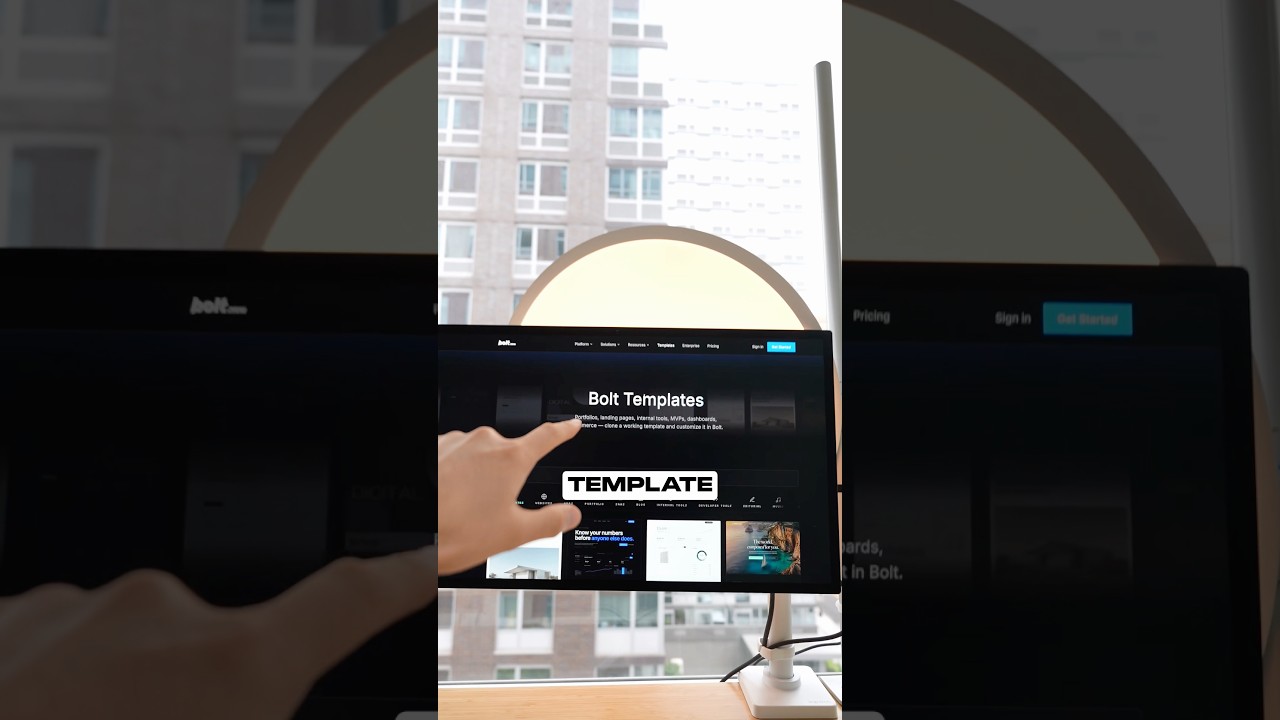
Just use this template as a version 1 of your portfolio.
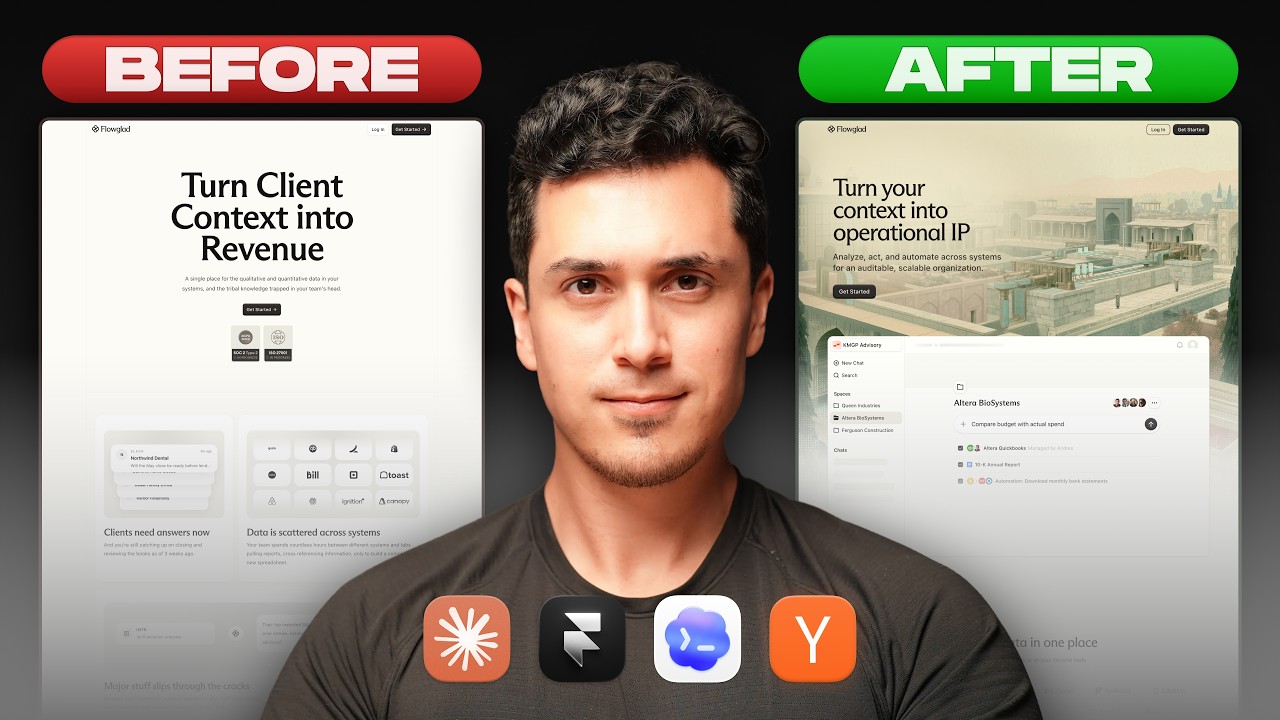
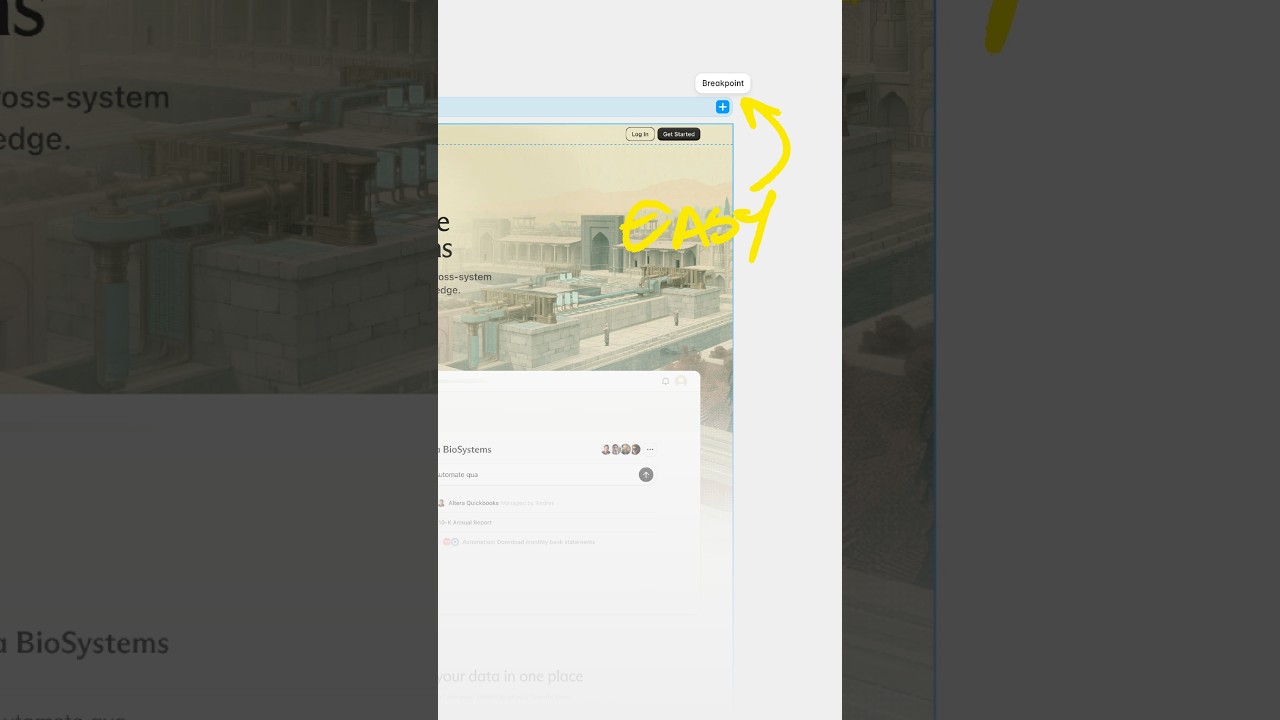
And yeah, it's free. What I love about this template is that it presents each case study with metrics that will actually make you stand out. Sharing how your designs improve conversion rates or user retention time can be the difference between getting an interview or being ignored by recruiters. All you have to do is update the images with your work and change the content. As simple as that. So check out the free template that I've linked down below and start working your magic. All right, let's get down to business. You've got the skills and you have the version 1 of your portfolio. Now it's time we try to get some real client work. You might be thinking, hold up, a client project already? Yes, absolutely. Because there's no better way to fast-track your UX journey than to work on a real project with real stakes, real feedback, and yes, real challenges. Jumping into client work can feel daunting, but remember, every seasoned designer started somewhere. The key is to start small. Small and grow from there. Here's how you can find that first client without breaking a sweat. First, you want to start small. Don't aim for the big leagues just yet. Look for local businesses, startups, or even friends who need their website revamped or an app prototype. Offer your services, maybe even at a discounted rate to start. Or you can also try freelance platforms. Websites like Upwork, Freelancer, and Fiverr can be a great starting point. Create a profile, showcase your personal project and bid on smaller tasks. Yes, there's competition, but remember that all you need is one yes. And remember those networking tips from step 2? Time to put them into use. Reach out to your connections and let them know that you're ready to take on some client work. A simple post on LinkedIn or even a casual chat with friends can open a lot of doors. Or you can also offer pro bono work. Consider offering your services for free or at a significant discount to a nonprofit or for a cause that you're passionate about. You can also join local design groups. Many cities have local design meetups or workshops. Meetups, attendees. Not only do you learn, but you also get to mingle with potential clients, get referrals. A great site to check out is meetup.com. By starting small, you're setting yourself up for success. It allows you to build confidence, understand client dynamics, and refine your process without the pressure of a high-stakes project. And here's a bonus for you: happy clients often lead to referrals. So not only are you building your portfolio, you're also laying out the groundwork for future projects.
Step 7: Reach out and put yourself out there. This might be one of the most important steps thus far. If your goal is to make it big and work at a company like Google, Apple, Airbnb, or any other tech company, then don't simply apply to their open jobs online. Companies like these get thousands of applications, and chances are your resume and portfolio will be overlooked. Instead, reach out directly to recruiters on LinkedIn. Once you think you might be a good fit for an open job role, use the LinkedIn search tool to find recruiters that might be hiring for that role specifically. Then don't just send a generic message like, hey, I'm looking for a job.
Instead, personalize it.
Mention a recent role that they posted that caught your eye and talk about a specific project in your portfolio that aligns with that company's ethos. Show them that you've done your homework. Remember that recruiters are swamped with messages, so make yours stand out. Then engage with them, but don't spam. This isn't about bombarding every recruiter out there. It's about genuine engagement. Comment with their posts, share insights, and try to build rapport before diving into job discussions. And you'll You can learn way more about this step by watching Tony's video about how he got a design job at Google. It's linked in the free 7-step Notion guide in the description down below. But you still might have more questions like, will AI really replace designers? Should you even try to become a UX designer? And I answer exactly that in this video right here.