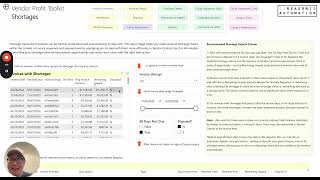
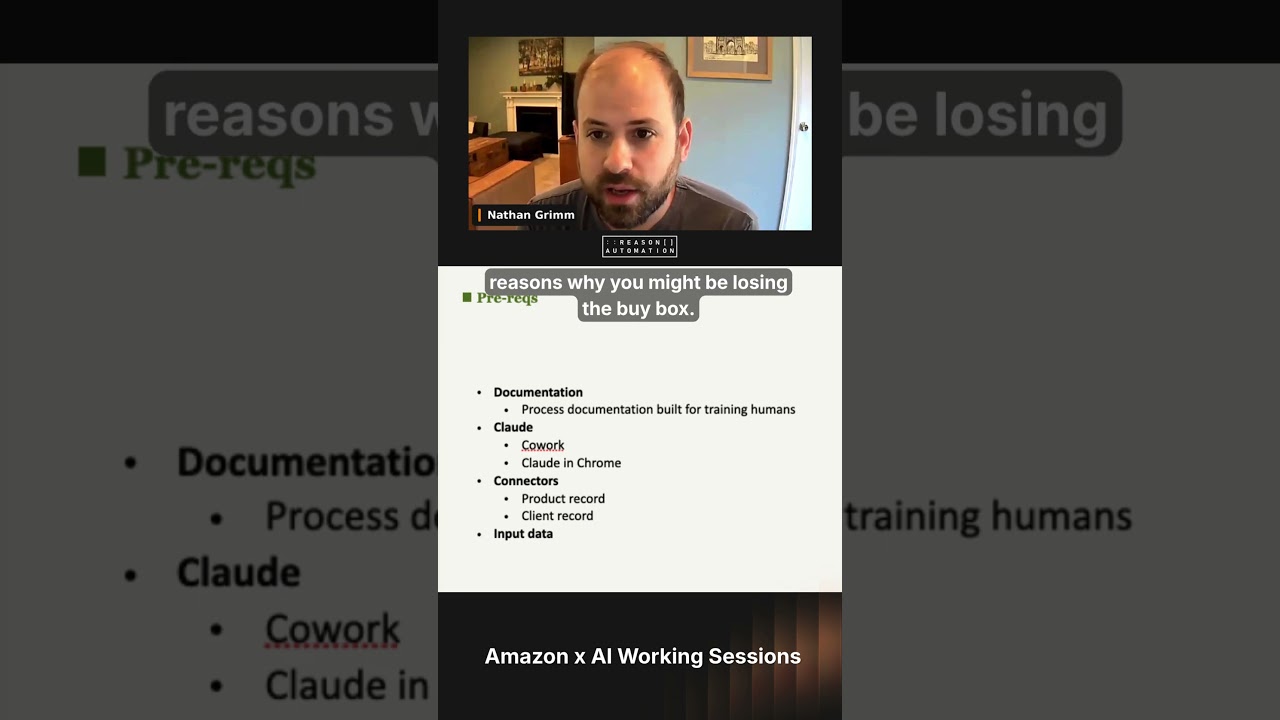
This is a short demo by Andrew Hamada showing a Vendor Profit Toolkit feature that automates identification and management of Amazon Vendor Central shortage claims. Hamada explains the pain: Amazon issues shortage claims that modify original invoice numbers and generate many derivative invoice records stored across PDFs and Vendor Central screens, making disputes manual and time-consuming. The tool surfaces every invoice with a shortage (left widget), sorts them by remaining unpaid amount so users can prioritize largest opportunities, limits results to invoices not yet disputed, and supports date-range filtering. Clicking an invoice (example: invoice ending in D3F5 with an unpaid balance of $10,500) reveals all related invoices and payments, shows original invoice amounts, remaining unpaid balances, item-level shortage amounts, and dispute statuses. The dashboard also embeds procedural guidance, best-practice instructions for submitting disputes, and a glossary of Amazon abbreviations/suffixes.
Chapters
Anyone who deals with Amazon Vendor Central has dealt with shortage claims where Amazon believes that you haven't shipped them everything that they ordered, and therefore they're not going to pay you for everything that you've invoiced them for. And it's a painful process because Amazon does all kinds of things to make this harder for you to bridge. Each additional shortage claim that they issue modifies the original invoice number, so it's hard for you to connect their shortages to your original invoices. Every single derivative action thereafter creates additional derivative invoice numbers that make it even harder to connect all the dots. All of these things are often stored in PDFs or in different screens of Vendor Central. And so even if you understand exactly what to do, the process for identifying dispute opportunities and then actually managing that dispute process can be extremely manual and time consuming. So what this tool is designed to do is put a lot of time back into the hands of whoever at your company is doing that today, whether that's a sales leader, somebody in ar, an analyst, or maybe you're a small team, and it's just one of you doing all these things all together, all at once. And so what this tool does is it shows you every single invoice that has a shortage here in this left widget, and it's sorted by the amount remaining unpaid from Amazon so that you can prioritize the biggest opportunities first. It only shows you invoices that you have not yet disputed so that you can begin that process. And you can, of course, change the date range here, if you want to look at a smaller date range or just look at invoices that have occurred more recently. But let's start with one of these here. If I click this, I'm going to look at this invoice that ends in D3F5 that has an unpaid balance of ten and a half thousand dollars. And now what the tool has done is it's shown, found every single invoice related to that original D3F5 invoice, including the original payment from Amazon and the shortage claim. With the reduction from that payment, it looks like then an additional payment and then another shortage claim occurred here. And so this is not only finding all those invoices and derivatives, it's showing you of everything that happened, what the original invoice amount was, and how much is remaining unpaid. This can be really tough to parse if you're just looking at this stack of line items from the invoice. If you had already gone through a dispute process this tool would also show you what the status of those disputes were, and it's also going to help you understand what items are being disputed, as well as the actual amounts per item that Amazon is claiming shortages for. We've also included a lot of helpful content in line in these dashboard screens to help you understand how to go about the dispute process if you're not familiar with it, or if you don't do it all the time just to try to put everything in one place for you. That includes instructions up here for not only how to use this tool, but our guidance on best practices for submitting disputes with Amazon. And then we even do things like give you glossaries for all of the weird suffixes and abbreviations that Amazon uses in this ecosystem.