How to Create Staging Environment In xCloud?
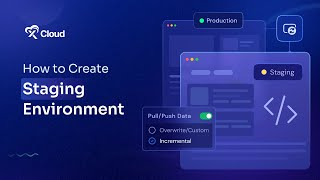
M Asif Rahman shows how to set up a staging copy of your production site in xCloud. Log into the dashboard, select your site, deploy staging, then use Staging Management to pull or push data. Before pushing to production, back up first and check Deployment Logs.
Questions this video answers
M Asif Rahman
July 15, 2024
Overwrite or Incremental
Push the full database or select specific tables
Chapters
More from M

Self-Host OpenPanel in One Click on xCloud: A Privacy-Friendly Google Analytics Alternative

xCloud September 2026 Release Notes: Site Security Pro, AI Caching, Docker Backups & More | xCloud







xCloud August 2026 Recap: App-First Deployment, 250+ One-Click Apps & DeepSeek Harness Hosting

Deploy Vaultwarden Password Managed on xCloud (Self-Hosted Open Source Password Manager)

Install OpenSEO on xCloud with One Click (Open Source Ahrefs Alternative) | xCloud