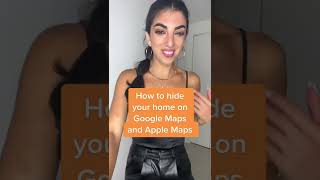
Here’s how to hide your home on Google maps and Apple Maps
15 Aug 2022 · 1 min
0:30
A short how-to YouTube video by Caitlin Sarian (cybersecurity and data protection expert) explaining how to request blurring of a home on map services. She instructs viewers to open Google Maps Street View, use the menu (three dots) to select "Report a problem" and submit the blur request, and to email Apple (providing the home address and proof of residence) to request blurring on Apple Maps. The clip closes with a prompt to share for more cybersecurity tips.










