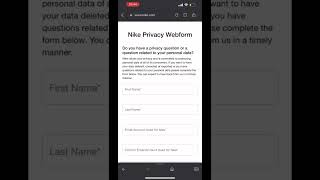
Caitlin Sarian walks through how to delete your data from Nike. Go to nike.com, find the Nike Privacy Web Form in the footer under Questions, Feedback, and Metrics, select Delete My Personal Data, and submit.
How to delete the data that Nike has on you. Let's go.
First, you're going to go to nike.com and scroll all the way down. Then you're going to find the Nike Privacy policy and click on it. Once there, you're going to go to Questions, Feedback, and Metrics and click on it, which will then take you to that section. Then you're going to click on Nike Privacy Web form, and then you're going to enter your information, and then you're going to choose what type of category you're going to need help with. If you want to delete, press Delete My Personal Data and then press Submit Comment below. If you need other help, feel free.
To share this with friends and like and follow for more data privacy tips.