How to see if someone has been spying on you
16 Jan 2023 · 0 min
0:01
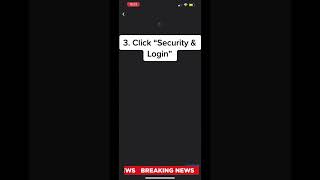
A short YouTube how-to by Caitlin Sarian (cybersecurity and data protection expert) showing how to check whether someone has accessed your Facebook account. Caitlin instructs viewers to open Menu → Settings & Privacy → Settings → Security and Login, view the "Where You're Logged In" list, scroll through active sessions, and use the three-dot menu to log out of any unfamiliar sessions. The video closes with an encouragement to share the tips with friends.
Questions this video answers
Open Menu → Settings & Privacy → Settings → Security and Login → View 'Where You're Logged In', then review sessions and use the three-dot menu to 'Log out' unfamiliar sessions.










