How to turn off precise location

15 Sept 2022 · 0 min
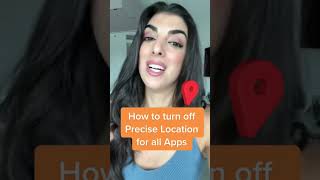
0:19

A short YouTube tutorial by Caitlin Sarian (cybersecurity and data protection expert) showing how to disable Precise Location on an iPhone. She directs viewers to open Settings → Privacy → Location Services, inspect the list of apps, and turn off Precise Location for each app as desired. The clip ends with a like/follow/share call-to-action.


More from Caitlin

youtu.be

Artificial intelligence apps you need to know about

11mo ago
youtube.com

June 5, 2025

1y ago
youtube.com

June 3, 2025

1y ago
youtube.com

Think that text from your bank is legit? Think again!

1y ago
youtube.com

Propaganda I’m not falling for

1y ago
youtube.com

Why you keep getting spam calls #incognipartner

1y ago
youtube.com

One Cybersecurity Tip Everyone Should Know!

1y ago
youtube.com

Google Isn’t The Only One Tracking You! 🙃

1y ago
youtube.com

Secure Your iPhone Before It’s Too Late! 📲🔏

1y ago
youtube.com

Scammers Exploit Grieving Families: A Georgia Woman Loses $3,500! 😱

1y ago
youtube.com

White House scraps a rule to block data brokers from selling your personal data

1y ago
See all content








