January 3, 2025
4 Jan 2025 · 1 min
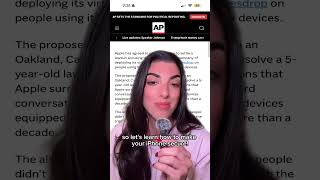
0:58
Short YouTube tutorial by Caitlin Sarian advising iPhone users to tighten privacy settings after an Apple lawsuit alleging Siri recorded conversations. The creator states Apple settled for $95 million and then walks viewers through disabling "Talk to Siri," turning off "Allow Siri When Locked," deleting Siri & Dictation history, and checking app microphone permissions via Settings → Privacy & Security → Microphone. Ends with a call-to-action to share and follow for more tips.
Questions this video answers
$95 million
Settings → Apple Intelligence and Siri (or "Siri") → Talk to Siri → turn off
"Allow Siri When Locked" should be turned off
Settings → Privacy & Security → Microphone
Go to Siri and Dictation History and delete it










