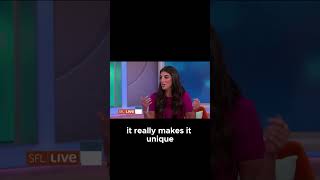
A short YouTube monologue by Caitlin Sarian about protecting personal data. She emphasizes using strong, memorable passphrases (gives an example construction) and enabling automatic software updates because updates fix security vulnerabilities; she also reassures viewers who fear losing photos/contacts during updates.
Chapters
I want to talk about protecting our data. There is so much out there now. I feel like to even go to a website, I have to put all this information in before I can even look at clothes or whatever it is that I'm browsing that day. So how do we protect ourselves? Just keep it simple. So the first is make sure that you have strong passwords. So we like to say, have a passphrase or past sentence. And because of that, it really makes it unique. So like let's say for example, you know, I'm on NBC 6 today, 10 3. Like, that is a great long password that you could use for one of your, for one of your logins. Not going to use that one. Definitely not that nap that's out there. Yeah. But it's a good way to incorporate numbers, letters, and something that it's unique to you. The next thing is to have your software updates automatic. So a lot of people think that, oh, you know, I might wait to see what happens with the software. Yes, that's what comes into my mind. I don't want to lose all my photos and contacts this time around. I totally understand, but that's not the case. All these software updates are so important. They fix vulnerabilities.