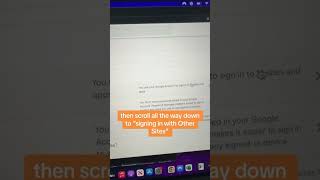
Cybersecurity expert Kaitlyn and Caitlin Sarian show how to find apps connected to your Gmail. Go to myaccount.google.com, hit Security, find "Signing in with other sites," and click "Sign in with Google" to see what has access to your account and revoke it.
So what apps are connected to your Gmail and what can they even see? Hi, I'm Kaitlyn. I'm a cybersecurity and data protection expert and I want to help you protect your data online.
Let's go. First, go to myaccount.google.com and then click Security. Then scroll all the way down to Signing in with other sites and then click Sign in with Google. There you'll see all the apps with access to your account. From there you can click on the specific app and it will show you the type of information it has. You can then remove access for that specific app. Go through the list and make sure you remove any apps that you no longer use and or no longer want Google to share information with.
Like and follow for more cybersecurity tips. And be sure to share this with a friend.