You are scanning your documents all wrong
22 Jun 2022 · 0 min
0:25
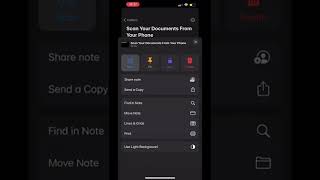
A short tutorial by Caitlin Sarian that shows how to scan multi-page documents using the Notes app. The video walks through opening Notes, tapping the three-dot menu, selecting Scan, positioning each page so it auto-captures, pressing Keep Scan after each page, and pressing Save when finished; ends with a prompt to email/text the scan and follow the creator.










