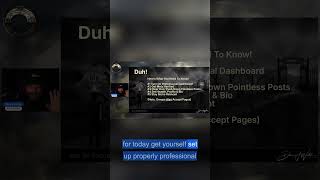
Danny Walsh shows how to set up a Facebook Page and activate Professional Mode to manage comments and monetization. Meta Verified adds a blue tick and protects against impersonation. He also covers joining groups as your Page and running multiple Pages in one group for coordinated interaction.
Chapters
So if you loved to use your own personal Add Friends Facebook, you can create a page, you can join groups from your page, and you can use professional mode, Meta Verified, clear out the pointless posts, set your header, your profile, and all the things on a page as well. If you really want to go fishing like major league, you could have several pages all in one group and they could all interact with each other if you think about it. But that's It's a little bit advanced for today. Get yourself set up properly. Professional dashboard, it shows you things that are useful and helps you go and find people who've commented, helps you go and find recent mentions. It will even pay you for posting good content. Worth doing. Find out how to switch it on, switch it on and use the tools. Meta Verified, little blue tick next to your name. Anybody tries to steal your account or fake or do anything weird, you can report them to Facebook. It gets them shut down straight away. And there's fast support and some other goodies as well.