Home inventory - tracking receipts
27 Jun 2012 · 1 min
1:18
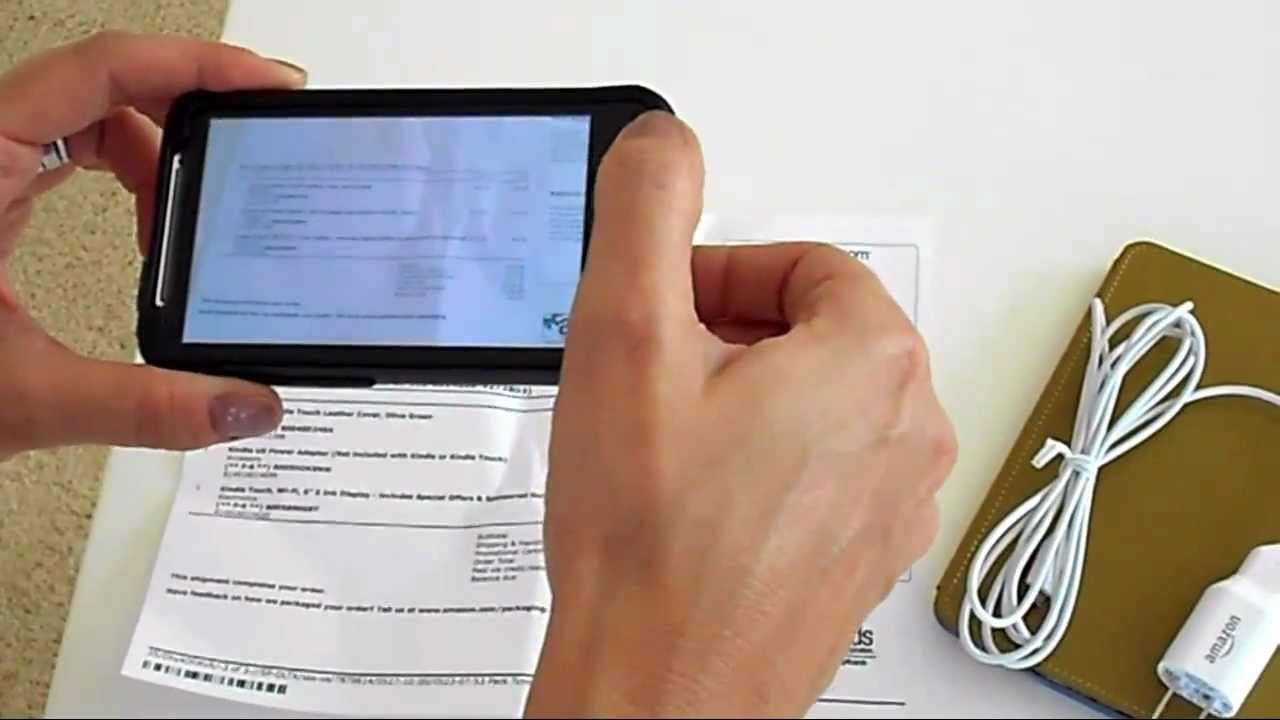
In this short tutorial, Beth Dodson, co‑founder of HomeZada, demonstrates how to attach a receipt photo to an existing inventory item within the HomeZada app. She shows that, instead of scanning a receipt, users can simply take a picture with their device, upload it to the specific item (her new Kindle), and then discard the paper receipt. The walkthrough walks through navigating to the item, selecting the option to add a picture, capturing the receipt image, and saving it, emphasizing the ease and convenience of keeping receipts digital within HomeZada.










