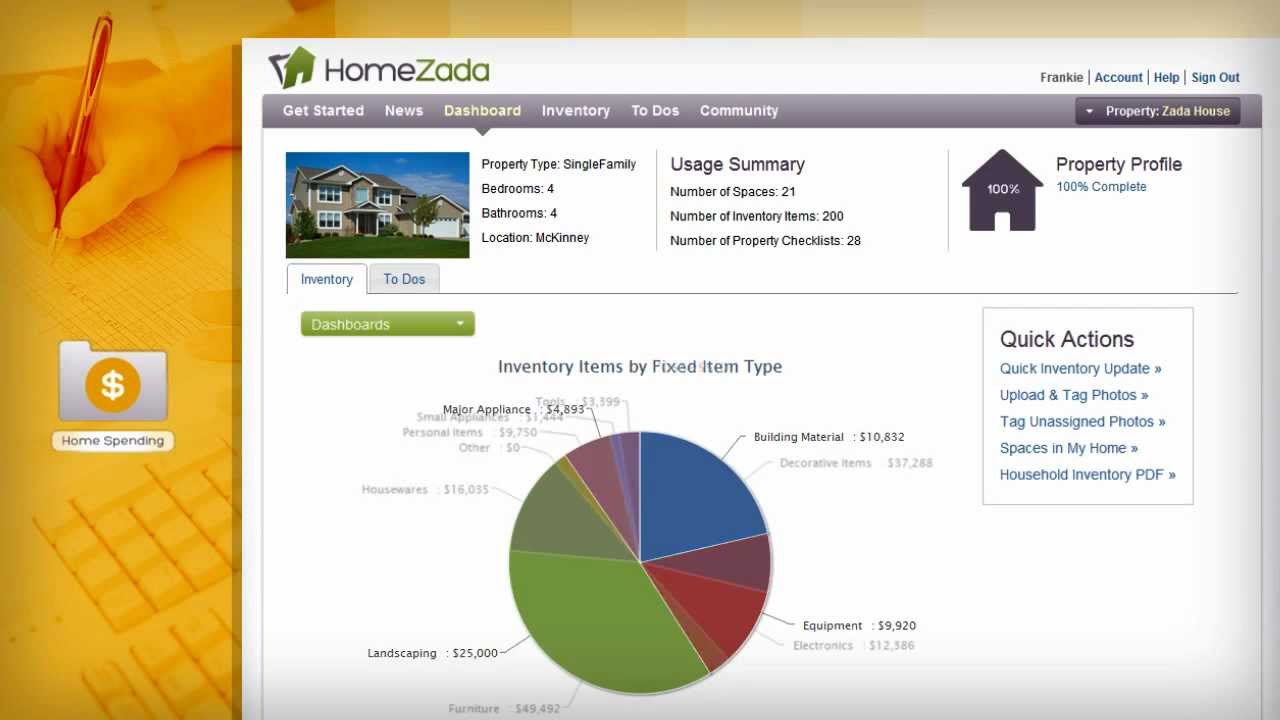
HomeZada walks you through building a home inventory: enter your address and the app auto-predicts rooms and items. Upload photos, tag them to specific belongings, add purchase dates and prices, store serial numbers and warranties, and keep insurance documents in one place. Print it for your insurance company.
Chapters
Creating your home inventory is easy and flexible with HomeZada. Once you enter your address and the number of bedrooms and bathrooms, HomeZada smartly predicts your spaces and inventory in your home, eliminating a lot of data entry. You can easily add, edit, or delete spaces and items to match your home's layout and your possessions. Depending on the size of your home, you can take photos of everything at once, or you can take a room-by-room approach. Once the photos are uploaded, you can easily tag them to the appropriate space or item and estimate the date purchased and the purchased price. You can even streamline this process further with HomeZada's mobile apps for either the iPhone or Android. Certain inventory items have serial numbers, warranties, and an owner's manual that you can track. And once you are complete, print a household inventory and give it to your insurance company. You can even upload any important property information such as appraisals, floor plans, insurance policies, mortgage, and tax documents. HomeZada not only gives you peace of mind, you'll also have instant visibility into the value of your fixed items and your possessions. HomeZada becomes a safe and secure online safety deposit box where everything about your home is all in one place.