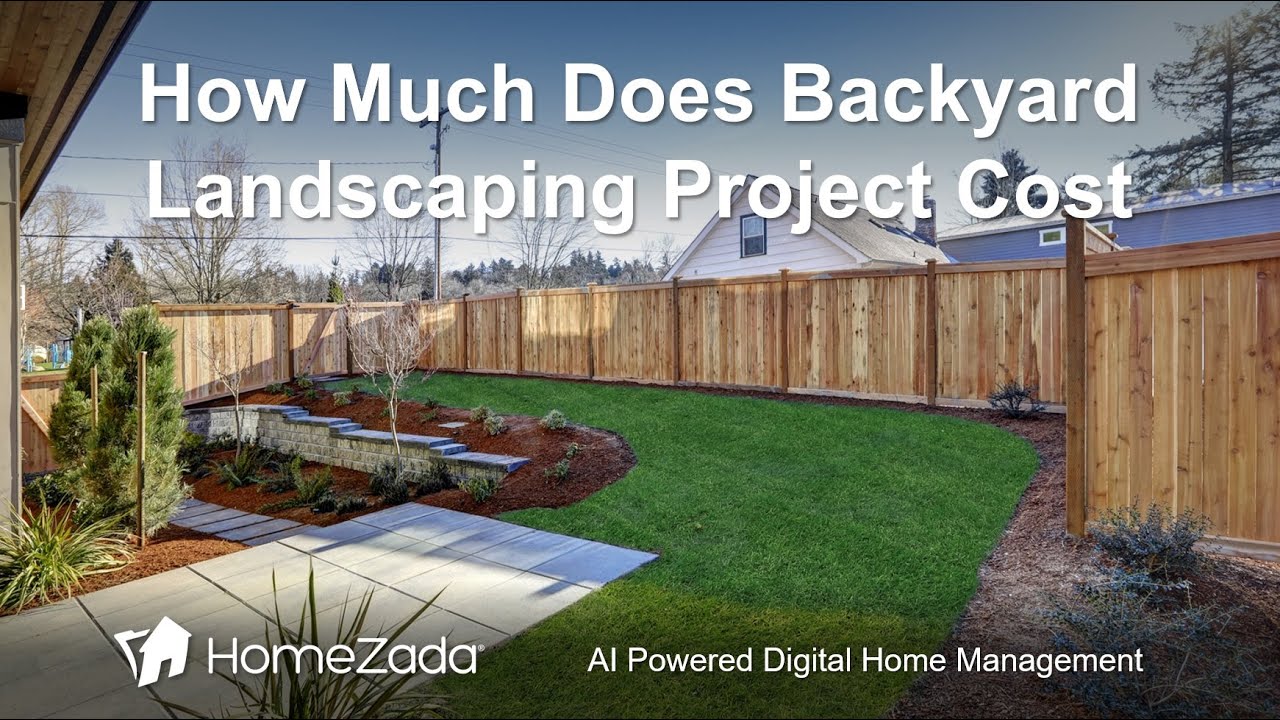
Elizabeth Dodson shows how to budget a backyard landscaping project using HomeZada's AI tool. Enter your yard size and desired features like trees, shrubs, and patios, and the AI generates a full material list with costs. A basic project came to $5,930, then $6,000 after adding a patio.
Chapters
Many homeowners may have a really old, tired, lack of maintained yard and they want to completely redo the yard. Or you may have even bought a brand new home from a builder and you have no yard and you want to put in a landscaping project, but you have no idea how much it's going to cost. Let's learn how AI can really help you budget for your backyard project. First, reasons why you need to do it. One is you're making an investment of your home, so you really want to know how much you're going to invest. How are you going to pay for it? Cash, credit, home equity? Uh, you might do this DIY, but you might hire a contractor. If you are going to hire a contractor, it's always good to have a detailed budget that before you go out and get bids, because then you can evaluate those bids and make sure you're on the same page. And regardless, if you have a budget, you're much more likely not to overspend. Now, how does AI help you is you got to have a list of materials of the things you want on your backyard, perhaps dimensions that are going to determine a lot of the quantities. And even do you want high, medium, or low-end products, especially as it relates to tile and Walkways and those kinds of things. And then we already talked about whether it's going to be DIY or hiring a contractor. So here's HomeZada. It's a digital home management platform. It manages all the data about your house in one place. So lots of different things, but we're just going to focus in on the projects piece here. And here's my projects dashboard. I go to the new projects and HomeZada has over 50 templates over common home improvement projects listed alphabetically here. And so we're going to do the backyard landscape. You hit create project. On the left-hand side, you could give yourself again high, medium, and low estimate. Again, a lot of this has to do with dimensions. Let's just go in here and put a low estimate. Let's assume we're going to use a contractor. We hit Create Project. Okay, first part of the magic is Homes Auto automatically determines a lot of the materials that a typical backyard project is going to require. You're going to need drainage. You're probably going to need sprinklers. You may want a lawn. You may want some mulch, some plants, some trees, some shrubs, etc. Essentially, you can add or edit or delete these items here, but also notice each one of these items in the budget column is a zero. Here's where you can initiate the AI in the upper right-hand corner where it says Zada AI Budgets. You click on that and it opens up a chat window where you're essentially having a conversation with the Zada AI tool. But notice it basically is prompting you with basically like, hey, give me some rough dimensions of your backyard, specific sizes of items, lengths and width of your walkways, number of trees. So you could come in here and say my yard is 50 by 30 feet and I want 4 trees and some shrubs. Again, you're interacting with the Zada AI tool. It's going to basically take your dimensions And it's going to take— and it's going to calculate based on your dimensions and make some assumptions over shrubs, plants, how much mulch you might need, how many lights you may want, how much soil you might want, how much lawn you might want, the irrigation, irrigation controllers. All of that stuff gets sort of itemized, and you can see that it's calculated a unit cost as well as the total quantity that it's assumed that you may want for your overall project. So you can see here your overall project is $5,930, right? But now you could come in here and say, uh, I also want a 10 by 10 patio with Pavers. Please add. So it's basically coming out and I'm going to rebudget the entire backyard project, but now it's going to add additional scope that you basically put in. Now you could do this with any one of these items. You could say, oh, I've got too much lawn, I want less lawn. Or I want more lights, or I want more trees, or I want, you know, other aspects of, you know, essentially different aspects of the project. So again, this is the power of Zada AI. You're basically having an ongoing dialogue with essentially a backyard landscaping expert that basically allows you to continue to have this ongoing dialogue, and you're doing this all within seconds. Think about how much time you're saving versus having to try and figure this out by going to search engines and searching for every single one of these items one at a time, or even going to a home improvement retailer to figure this out, or even having a conversation with a contractor. Here you've got 2 estimates, one for $5,000, one for $6,000, and you all did that within a couple of seconds. And now if you go to— you want to save this, you go to the little cloud icon where it says Save Your Project Estimates. It basically comes up here. Again, you can make edits here if you want. If you want to delete scope or add scope or change something, you hit the Save button. And now you come in and review your budget estimates, and you've got essentially all of those items automatically listed here. And because we chose we're going to do it by a contractor, at the bottom it's even itemized how much labor and overhead a contractor might charge you. So in case you decide whether you're going to do a DIY or not, you could delete that and sort of save some dollars. Again, the power of Zada AI is giving you a real-life budget that you can have an ongoing conversation with to figure out how much your project is going to cost. So if you want to learn information more, if you want to learn more information, just go to homesada.com, or you can also sign up for a HomeZada application and basically go to the projects piece and start tracking your backyard landscaping project and any other remodel project that you want to get a real handle on as it relates to budget. And then obviously clearly track all the costs and before and after photos and all the other stuff that you want to do for your projects. Thanks.