Dual Monitor support with Receiver for Chrome
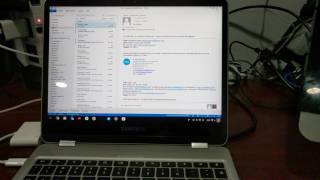
In this short product demonstration, the presenter showcases the new dual‑monitor support in Receiver for Chrome on a Samsung Chromebook Plus. After launching Receiver, a Windows 10 virtual desktop (VDI) is started and the user easily drags the VDI window between two external monitors, maximizing it on either screen. The presenter highlights that earlier Receiver versions forced a maximized VDI to stretch across both displays, which was undesirable. The demo also includes launching a published application (Outlook) from the VDI, showing that it can be maximized on the second monitor while the VDI remains on the first, and can be moved back and forth. The video concludes by noting that this capability makes Chromebooks more attractive for productivity and that Chromeboxes are also viable hardware options.