Claude AI + Google Calendar = your new personal assistant
25 Mar 2026 · 1 min
0:43
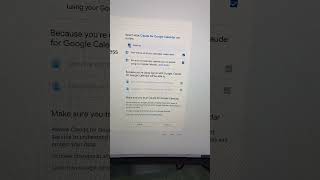
In this short instructional video, Robyn Anderson demonstrates how to turn Claude AI into a personal scheduling assistant by connecting it to Google Calendar and other Google apps. She walks viewers through the steps: opening Claude, selecting "Connect apps," choosing Google Calendar, granting full access, and toggling a required setting for the integration to work. She then shows a practical example by asking Claude to find a six‑hour free block for a spa day, which Claude quickly identifies based on her open calendar. Robyn concludes by encouraging viewers to try the setup themselves and to follow her for more productivity and efficiency tips.
Chapters
More from Robyn



youtube.com
What the Biggest Brands Learned About AI Content (and How Small Businesses Can Use It This Week)
4d ago






See all content
