In this rapid‑fire tutorial, Robyn Anderson walks viewers through how to unlock the majority of Claude’s capabilities for a small‑business workflow in roughly six minutes. She begins by emphasizing the need for the Claude desktop app, then demonstrates the main UI elements: the chat window and the Cowork mode that grants Claude file‑system access. Next, she explains how to organize work using Projects, assigning each client a dedicated folder that Claude can read and write to, illustrated with a "Scorpio Rising" example. The tutorial then shifts to the Customize menu, where three powerful extensions are covered: Skills (reusable prompt templates that can be saved as first‑class actions), Connectors (direct links to third‑party tools such as ActiveCampaign and Google Suite, enabling email, calendar, and Drive interactions), and Plugins (pre‑packaged collections of skills grouped by department, e.g., marketing, productivity, finance). Throughout, Robyn highlights practical use cases—creating marketing assets, drafting newsletters, and automating finance tasks—showing how Claude moves from a simple chatbot to a full‑featured AI agent that operates within a business’s existing digital ecosystem.
Chapters
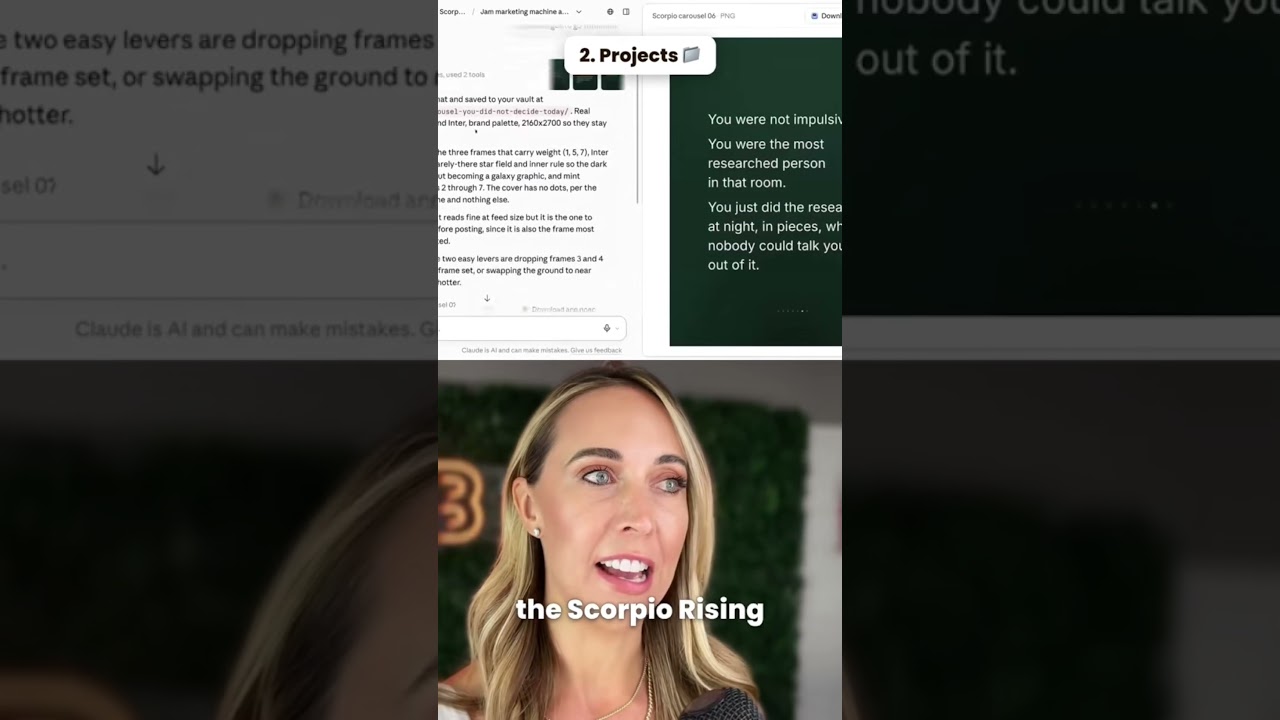
I'm Jam. I'm gonna show you how to use 97% of Claude in about 6 minutes. This is going to be rapid fire, so stick with me, get your support beverage, and let's get going, friend. All right, first things first, this is Claude. You must use the desktop version. Just now saved you a bunch of time. Download the desktop version and you're gonna get familiar with these little things here. You have the chat icon and inside there you can chat or you can turn on Cowork. Cowork gives you the ability to actually create files, give it access to folders. On your desktop, that's where it can actually start working for you. Let me zoom on to the next thing, projects. Do you have multiple different clients? So if you do, you're going to want to get familiar with projects. You can create it based on your client's name, what you're trying to achieve, and give it its own folder to work inside of. For instance, I'm working with a client called Scorpio Rising, and of course I don't want that mixed in with all my AI consulting stuff. So I work inside the Scorpio Rising project and it builds in a specific folder on my computer. I've set up the marketing machine so I can go ahead and have it create carousels, landing pages, whatever it is that I need for my marketing. It has full-on context for the business because it's right here talking to the folder on my computer. Now we're gonna head over to settings. I'm gonna show you the most important thing to take Claude from being a chatbot to a full-on agent. We're gonna go into customize and there's plugins, connectors, and skills. We're actually gonna start with skills. So skills are basically prompts that you can reuse all the time. So if you had a really good prompt and you love the result that you got from it, at the end of that, you can just say, hey Claude, make this a skill. And it will actually create that whole conversation and create a skill. So I have skills for Amazon ads, ChatGPT ads. I have skills for LinkedIn campaigns. I have skills for pretty much all the things that I ever had prompts for. Now, connectors is where it gets very exciting. You can connect to all the third-party tools that you use in your business. I love this so much. My favorite connectors are probably my ActiveCampaign, which is my email marketing tool, and then of course my Google Suite. So with those 2 things, it can review emails, check my calendar, go into Google Drive, and then I can give it content to go and create my email newsletters, my follow-ups, my sequences, all right in ActiveCampaign. And it uses all of my brand information. So all my content looks really good. So those are connectors. And then finally plugins. So plugins are whole departments of skills. So you could have like a marketing plugin, productivity, finance. Let me show you what that looks like. So in finance plugin, you have the overview of what it does, what's actually in it when you