Follow and comment "AI” and I'll send you the full step-by-step tutorial \ud83d\udc47 Claude + Canva
20 May 2026 · 1 min
0:36
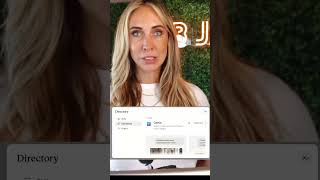
Robyn Anderson shows how to connect Claude AI to Canva through the app settings. Once linked, Claude can generate social media carousels and help you use your favorite templates for your business.
Chapters
More from Robyn



youtube.com
What the Biggest Brands Learned About AI Content (and How Small Businesses Can Use It This Week)
3d ago






See all content
