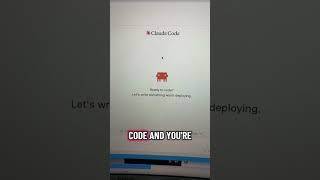
Robyn Anderson shows how to set up Claude Code: create an account on the Claude website, download the browser extension, log in with a backslash command, and start building autonomous agents that work while you're away.
Chapters
Watch this, I'll get you started. Go to Claude, create an account. Google this, click here. Just click on download, click on this, and then search extensions and type in Claude Code. Make sure it's the right one. Once it's installed, you just click on this. Just type in backslash and pull up your account to log in, and then you've successfully installed Claude Code and you're ready to work. There's all sorts of different extensions that you can use to make it easier. I like using this Claude Code UI that helps me work outside of the terminal. I'm creating agents that are going to actually be doing work while I'm out doing things and being human. So follow for more. Comment Claude if you want more help setting up your Claude interface.