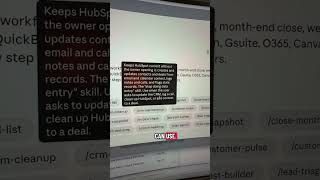
Robyn Anderson shows how to install Anthropic's new Claude for small business plugin, which includes 31 pre-defined skills like job post builder and invoice chase, plus 12 connectors you can customize for your workflows.
Chapters
Unless you were sleeping under a rock yesterday, you'll know that Anthropic released Claude for small business, but it's not actually a whole nother platform. Let me show you exactly what it is and how to use it. First, you have to be on the desktop app and you have to go to plugins to even get into it, and then you're going to go to customize. When you go to customize, you'll go to plugins, which is right here, browse plugins, and right here you're going to type in small business. This is when you'll see this pop up and you'll go ahead and click this plugin. And you can see this plugin has 31 skills. So it has all of these skills that people can use. Anthropic looked through and said, okay, these are 31 things that every small business owner has to do, right? So job post builder, plan payroll, invoice chase, CRM maintenance, CRM cleanup, review contracts, tax organizer. There are so many things that are amazing. And then it also has 12 connectors. I'm giggling right now because they're literally working on it. When I looked at this earlier, it was 8. So you can see all of these different connectors. So a plugin is basically a group of skills and connectors, or you could call it an agent and subagents. Once you hit install, you'll customize it for your exact business and your systems. Comment below if you tried it and let me know what you think.