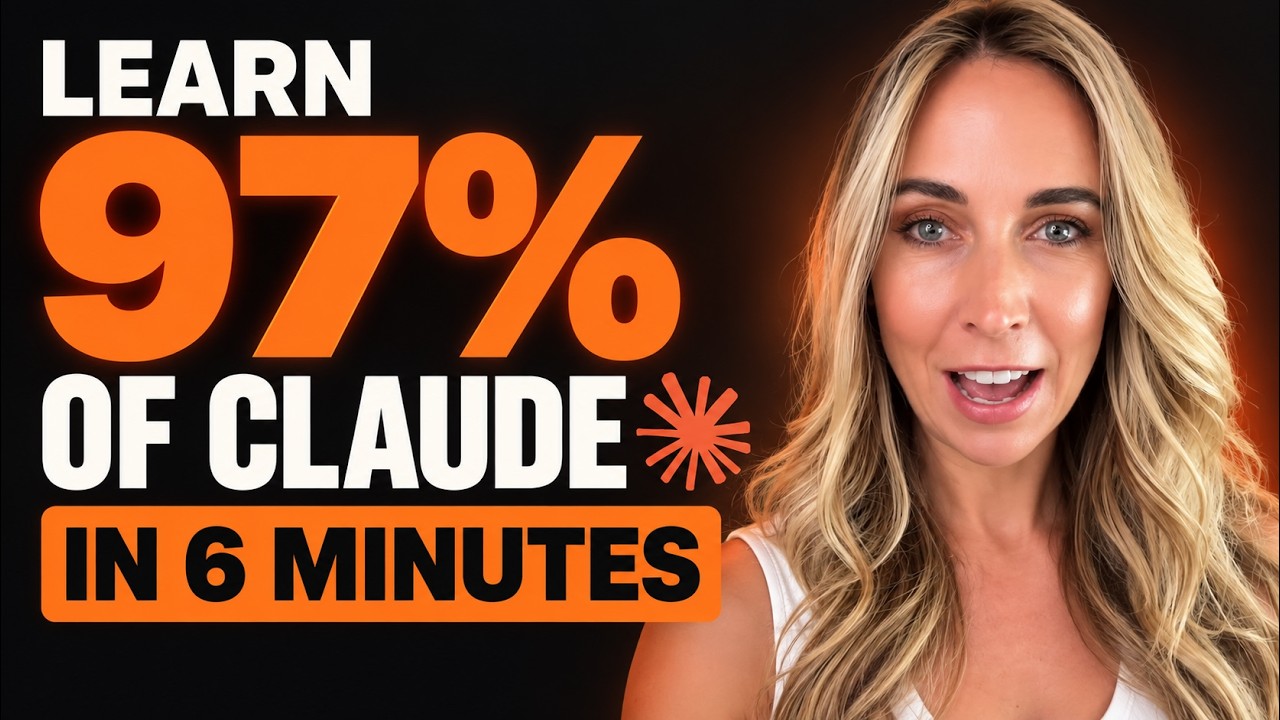
In this rapid‑fire tutorial, Robyn Anderson (who introduces herself as Jam) demonstrates how small‑business owners can unlock the majority of Claude’s capabilities in under ten minutes. She walks through installing the Claude desktop app, using the chat interface and the Cowork feature to give Claude folder access, and organizing work with Projects for separate clients. Anderson then shows the Customize menu, explaining how to create reusable Skills (saved prompts), connect third‑party tools via Connectors (e.g., ActiveCampaign, Google Suite), and load whole departments of functionality through Plugins (marketing, finance, etc.). She illustrates the power of Artifacts by having Claude generate a webinar presentation on the fly using calendar data and past assets. A brief tip highlights Voice Mode for direct speech‑to‑Claude interaction. Finally, she stresses the importance of a structured file system such as Obsidian as a “source of truth” that lets Claude and other AI tools share and sync content. The video closes with a call‑to‑action for her community, Club Jam, offering a free 7‑day trial and a $47/month membership for ongoing AI‑driven marketing coaching.
Chapters
Hey there, my name is Jam and I'm going to teach you how to use 97% of Claude in 8 minutes. And this is going to be a rapid fire. I'm not only going to show you how to use Claude, but how to set up your business for your AI marketing that will continue to create landing pages, social media content, whatever it is you need from a marketing standpoint in your voice in just a matter of minutes. So let's get started. All right. First things first, this is Claude. You must use the desktop version. Just now saved you a bunch of time. Download the desktop version and you're gonna get familiar with these little things here. You have the chat icon and inside there you can chat or you can turn on Cowork. Cowork gives you the ability to actually create files, give it access to folders on your desktop. That's where it can actually start working for you. Let me zoom on to the next thing. Projects. Do you have multiple different clients? So if you do, you're going to want to get familiar with projects, you can create it based on your client's name, what you're trying to achieve, and give it its own folder to work inside of. For instance, I'm working with a client called Scorpio Rising, and of course I don't want that mixed in with all my AI consulting stuff. So I work inside the Scorpio Rising project and it builds in a specific folder on my computer. I've set up the marketing machine so I can go ahead and have it create carousels, landing pages, whatever it is that I need for my marketing. It has full-on context for the business because it's right here talking to the folder on my computer. Now we're gonna head over to settings. I'm gonna show you the most important thing to take Claude from being a chatbot to a full-on agent. We're gonna go into customize and there's plugins, connectors, and skills. We're actually gonna start with skills. So skills are basically prompts that you can reuse all the time. So if you had a really good prompt and you love the result that you got from it, at the end of that, you can just say, hey Claude, make this a skill, and it will actually create that whole conversation and create a skill. So I have skills for Amazon ads, ChatGPT ads. I have skills for LinkedIn campaigns. I have skills for pretty much all the things that I ever had prompts for. Now connectors is where it gets very exciting. You can connect to all the third-party tools that you use in your business. I love this so much. My favorite connectors are probably my ActiveCampaign, which is my email marketing tool. And then of course my Google Suite. So with those 2 things, it can review emails, check my calendar, go into Google Drive, and then I can give it content to go and create my email newsletters, my follow-ups, my sequences, All right in ActiveCampaign, and it uses all of my brand information. So all my content looks really good. So those are connectors. And then finally, plugins. So plugins are whole departments of skills. So you could have like a marketing plugin, productivity, finance. Let me show you what that looks like. So in finance plugin, you have the overview of what it does, what's actually in it when you download it. What skills are inside of it? So these are all the skills that basically make up this department of your finance department. And then connectors. So you could connect whatever makes sense for you. I don't have any of those things, so I don't need to connect them, but I could still use my finance plugin in Claude. Finally, there's artifacts. This is one that I just used today. So I had an artifact for my AI for Marketing Made Easy webinar. All I did was say, hey Claude, look at my calendar. I have a webinar coming up. I want you to see who it's for, review the landing page for it, and review the past 5 presentations that I've created and presented on. And from that, I want you to create a presentation specific for today. And honestly, you guys, this is one of my best webinars. And I dropped my kids off at school, got home. I had about 10 minutes to review the content and I gave the webinar. Got glowing feedback. And listen, this is how AI is supposed to work. It's supposed to know you, your business, how you work, and then it can help you with whatever it is you have going on that day. All right, one more tip. I want you to know about this voice mode button. A lot of people don't use it and I don't know why. Simply just click and start brain dumping. You'll be surprised at how much work you'll have done when you're not going from brain to fingers to keyboard, just directly from brain to your Claude. You're going to get so much more done and it's great for brainstorming. Now, if you wanna be in the top 1% of people who use AI, you have to understand one more tool, and it is called Obsidian or any sort of file or system structure. So when you're working in AI, connect to some sort of file system. So here's my Obsidian folders. I have 'em for all my different businesses, and I know that when I click on whichever one, that whatever I develop in my AI is going to bring it back and build inside of that folder. That way I can work on a landing page in both Claude and ChatGPT, and they can share the results that each of them created, right? And so I don't have to train either one and go back and forth. It's all right there as my source of truth for my business. And if we haven't met yet, my name is Jam. I run a community called Club Jam, and I teach small business owners how to use AI for their sales and marketing and growing their business with no technology experience needed. So join us and learn from our mistakes and learn from our wins together. It's free for 7 days and $47 a month after that. Cancel anytime, but I hope that I can see you in the club.