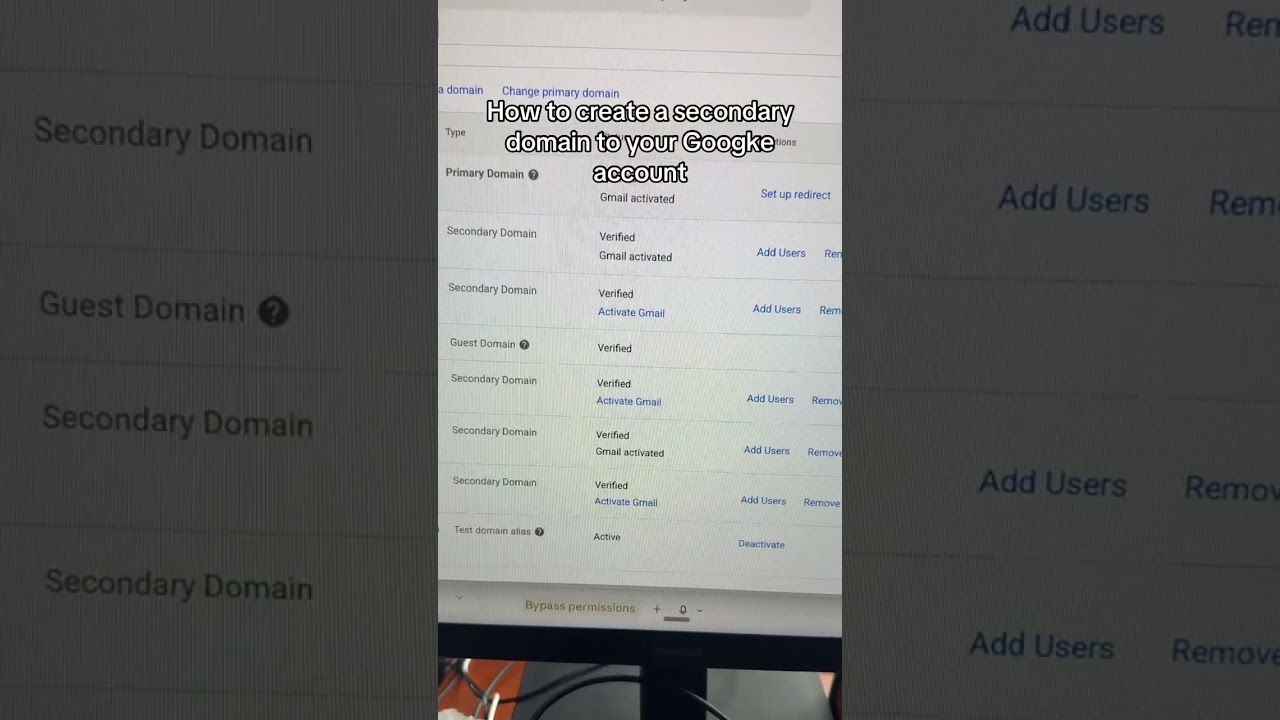
Robyn Anderson shows how to stop wasting money on separate Google Workspace accounts for each domain. Add secondary domains to one subscription instead, verify DNS, and create users on the new domain. You'll save $75 per account and cut management overhead.
Chapters
One of my clients just told me that she's actually purchasing a new Google Workspace every time she builds a new domain or like side hustle with AI. That's like $75 per account. Plus, that's so much to manage. So let me show you how you can add domains to just one Google Workspace account. All right, so you just go to admin.google.com and there's users. And then if you scroll down, there's actually something called domains. So you can manage or add a domain. So this is where you'll actually add the domain and you'll click secondary domain, meaning it's not part of your main primary account. Once you figure out what you're going to do, you're going to hit add domain and start verification. It'll then ask you for a couple DNS, uh, numbers. So you'll just go ahead and add that to wherever you're hosting the domain and then you'll go back. To Home, and you'll go to Users, Add a User. And then when you think of whatever name you want it to be, you'll just choose the exact domain right here, and then you'll have, you know, jam@peppandperry.com, and you'll just add a new user. So there you go, that hopefully that saves you all some money.