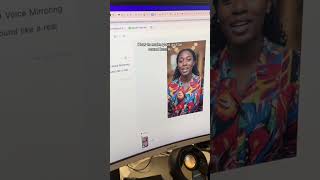
HeyGen's voice mirroring feature lets you record your voice and make an AI avatar speak with it. The demo shows selecting an avatar, recording a script through the microphone, and generating a video where the avatar sounds natural instead of robotic.
Chapters
Let me show you how you can use voice mirroring in HeyGen to get your avatar to sound like a real human.
That was my voice using the voice mirroring overlay in HeyGen. I love making avatars, but they always sound so avatar-y. So let me show you how to get around that by using this new feature. Here we are in HeyGen, and I chose my avatar, Jayla, and here I can type in my script. But I'm going to actually use voice mirroring instead. So I'm going to hit these three dots and hit convert to voice mirroring. And then I'm going to allow my microphone. So all you're going to do is record your script. And then the cool part is it'll actually take their voice and apply it to your voice and tones. So let me show you how this works. Let me show you how you can use voice mirroring in HeyGen to get your avatar to sound like a real human. Then you just click generate and voilà, you have your amazing avatar video that doesn't sound so avatar-y. Follow me for more tips on how to use AI in your daily life.