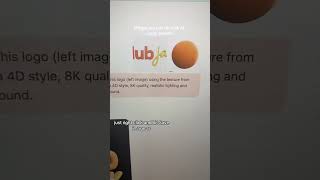
Robyn Anderson shows how to turn a flat PNG logo into a realistic 3D version using AI. Search for a Cinema 4D texture on Google Images, then feed ChatGPT a prompt with your logo, the texture, and style details like 8K quality and realistic lighting. The AI generates a rendered 3D version in seconds.
Chapters
Welcome back to Things You Can Do with AI. Today I'm going to show you how to have some fun with your logo and textures. All you'll need for this is a PNG of your logo and Google and ChatGPT. So you should have all that. Oh, and a quick shout out to Richard Kuth from our Club Jam community for this prompt. So here are the quick instructions from Richard, and I'm going to do it with you. First thing is go to Google and type in Cinema 4D materials. And then just see what comes up. I would hit images, and then you could search from all of these different materials. Whatever you want to apply to your logo, just right-click and hit save image as. So here we go. I uploaded my logo and then this, uh, cool image from Google. And then here's the prompt: create a 3D version of this logo using the texture from the right image. Cinema, cinema, cinema, 4D style, 8K quality, realistic lighting and shadows, black background. So it took my original image, which is this one, and then it created this one with that fun texture. Go ahead and give it a try and let me know how it goes in the comments.