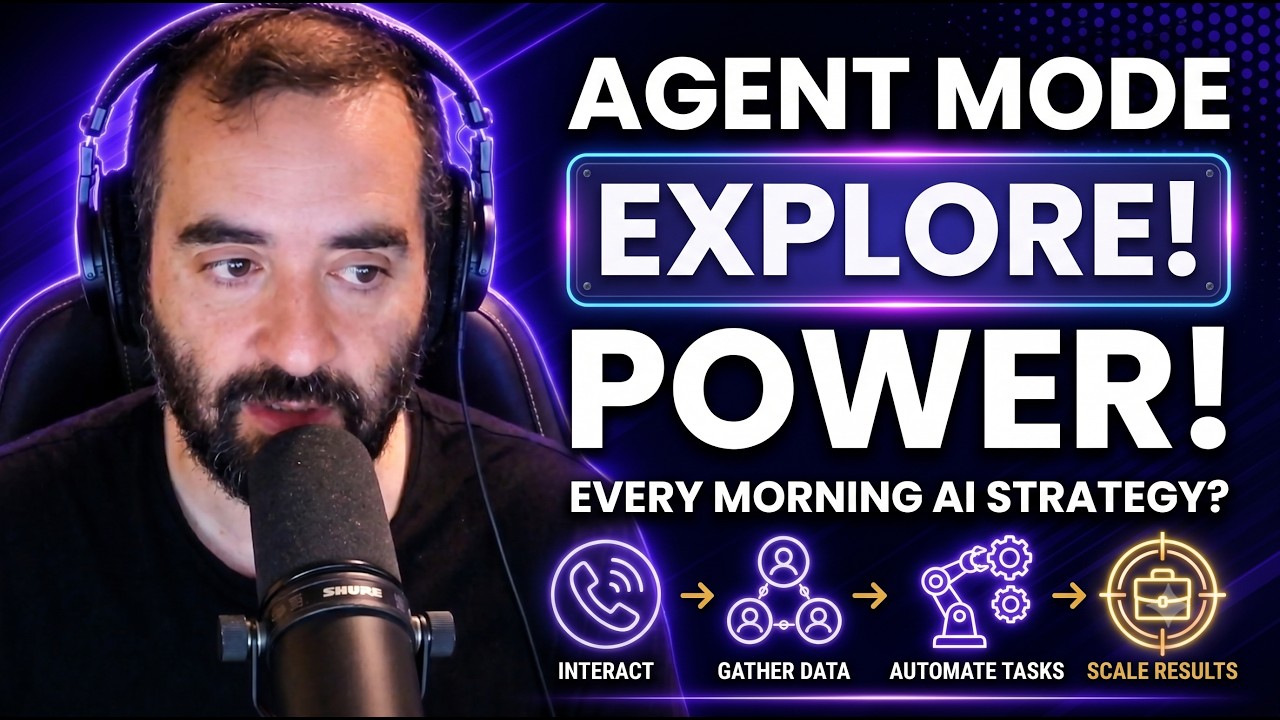
Joe Apfelbaum explores ChatGPT's agent mode with practical examples: setting up an agent to browse the web, gather trends, and post to X autonomously; using Gemini to rebuild an HTML landing page; and creating targeted personas for coaches to generate LinkedIn search URLs.
Chapters
I want you to give me a strategy for what I can tell the agent to do every day for me, every morning. Like, can you set the agent to every single morning go in, look up trends, and just let's explore it together? First thing I'm gonna do is I'm gonna go to Grok. And I'm gonna put it in have a conversation mode. Hey Grok, I have a question for you. Um, I'm researching the new ChatGPT agent mode. Have you heard of it?
Oh yes, I've heard of it. It's quite the new development from OpenAI. ChatGPT's agent mode is designed to be more interactive and action-oriented than its standard chat setup. You can enable it by selecting agent mode from the tools menu or typing agent in the prompt bar. It lets the AI handle multi-step tasks autonomously, like browsing the web, coding, or even filling forms, almost like it's using its own virtual computer. Handling tasks like processing large datasets, creating financial models, or generating reports and spreadsheets across businesses. You'd tell the agent to scour LinkedIn profiles, company databases, or news sites to gather intel on leads, names, roles, recent activities, you name it. Find me 10 marketing directors in tech firms in New York and summarize their recent posts. It'll crawl those platforms, filter data, and spit out a tidy CSV or report. You can even ask it to craft personalized outreach messages based on what it finds. The agent uses a secure temporary session to navigate, click, and pull data, then it's wiped clean.
While the agent is researching restaurants, it may access a blog post where the comment section contains malicious comment attempting to trick the agent into taking actions you didn't intend. This is called a prompt injection attack.
Avoid letting it handle critical actions like account settings. Threads on X are great for a few reasons. They let you tell a deeper story or share insights in bite-sized chunks, which grabs attention better than a single post.
I want you to give me a strategy for what I can tell the agent to do every day for me every morning? Like, can you set the agent to every single morning go in, look up trends, and just write stuff up and post it? Because it's telling me per platform rules it needs my verification. Like, what, what do you suggest?
To set up ChatGPT's agent mode to handle X trends daily, you'll need to ensure your account's verified and as X requires that for automated posting. I'd suggest a prompt like this: Every morning at 9 AM, log into my X account with my credentials, identify the top 5 trending topics in marketing, create 1 thread with 3 to 5 posts for each topic in Joe Apfelbaum's sharp, authentic CEO style, and post them directly. For verification, go to X's settings, subscribe to X Premium , And confirm your phone number or ID if prompted. This keeps your posts compliant and boosts reach. To make it safe, limit the agent to public data and review posts weekly to avoid any prompt injection risks. Want to focus on specific marketing niches?
Take this landing page to a whole— to a whole new level by reformatting The way— reformatting the way it looks and the functionality of this HTML and JavaScript landing page.
Got it. You're instructing Gemini to enhance the design and functionality Of your HTML and JavaScript landing page, it's like giving it a makeover. Let's see how it turns out.
All right, so say take this landing page to a whole new level by reforming the way it looks and functionality in the HTML. Da da da da. Put keywords on the top. Okay, let's just see. It's thinking. Okay. Prioritizing form elements, enhancing user interface, designing the interface. So now it's creating it. Do you see the way it's writing all the HTML?
Yep, I see it. It's interesting how AI can streamline the coding process, isn't it? How do you feel about the changes it's making?
Well, I don't even know what changes it's making yet. Because it didn't tell me. But once, once it finishes writing all the content here, I'm gonna— oh, look at that. It even knows the locations, the industries.
It looks like the industries are being categorized for targeting specific audiences on LinkedIn. By defining these industries, the tool can tailor searches to find professionals within those fields, making it easier to connect with the right people. It's a smart approach for networking or marketing on LinkedIn. Anything specific you'd like to explore within this?
Oh, wow. Look at this. Look at the design. It's so much nicer. Can you see how much nicer it is now? I want to build good personas for coaches and consultants. So that they can generate those URLs and then connect with the right people. You know what I mean?
Absolutely. Building well-targeted personas for coaches and consultants could really streamline connecting with the right audience. You could design personas based on specific areas like industry, goals, or challenges faced, and then use those to generate the LinkedIn search URLs. This way, coaches and consultants can efficiently find and connect with prospects who fit their ideal client profile.
Okay, so what are some ideal— what are some— what are the best personas specifically for coaches and consultants? Give me 3 options.
Sure thing. For coaches and consultants, ideal personas to target could include: 1, small business owners. They often need guidance on scaling their operations or handling specific challenges. Corporate executives, particularly those in leadership roles, who might seek executive coaching for personal development or team management. Aspiring entrepreneurs, individuals looking to start their own business might need consultations on strategies, planning, and overcoming initial hurdles. Did you know over 800 million users are on LinkedIn? It's a hub for professionals. And 4 out of 5 people on the platform drive business decisions. The best part? It's not just about connections. It's also about content. Posts with images get up to 98% more comments, and using video can boost shares by 20 times. LinkedIn's also seeing 1.77 billion monthly visits, with engagement rates up 44% year over year.
Want to make networking easier and more effective? Try Evvy AI. Your AI-powered sidekick that helps you connect, engage, and grow your network faster than ever. Click the link and start building smarter relationships today.