Joe Apfelbaum shows how to build a LinkedIn carousel in Canva using a 1200×1500 px template, download it as a PDF, then upload it to LinkedIn as a document post. He covers customizing the design, writing a description, and optionally using Evie AI to generate the caption before publishing or scheduling.
Chapters
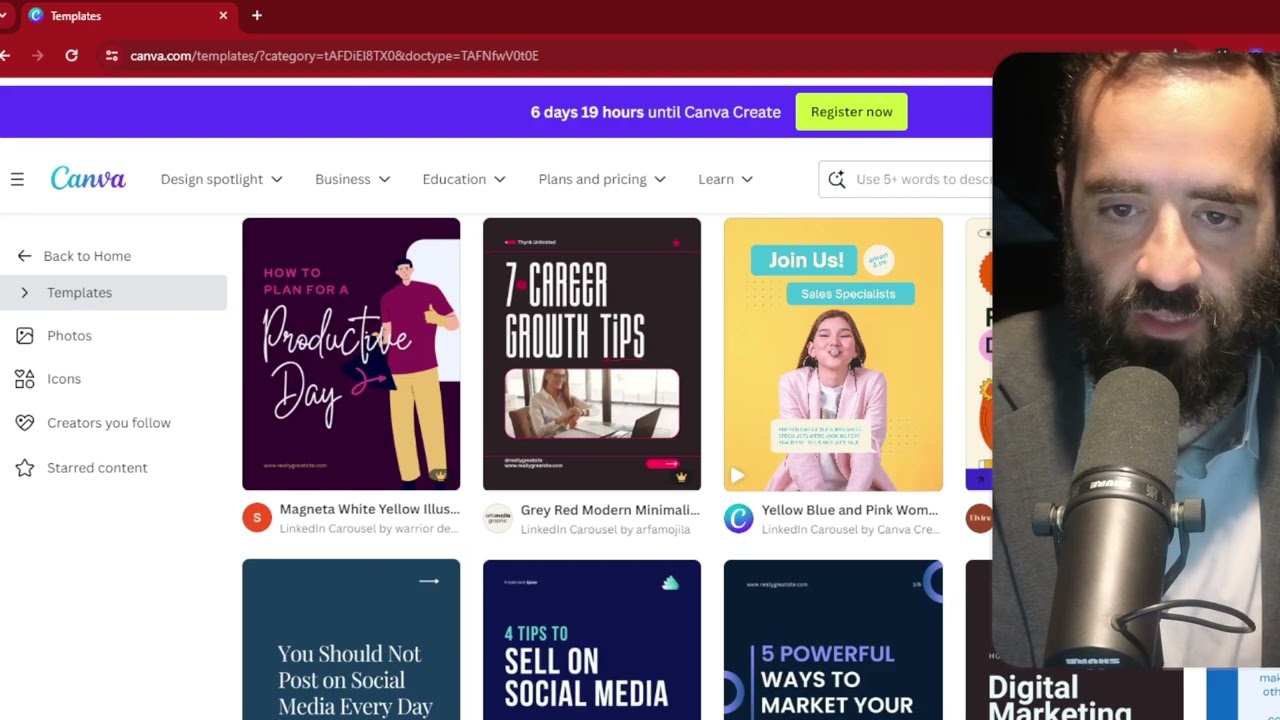
So if you want to learn how to create a document inside Canva, all you got to do is first identify what is a document. Let's look at the documents that I have here. So this is an 8.5 by 11 document that I got from Canva. Here's another one. I'm going to click on see all documents, show all documents, and scroll down. You're going to see one that slides to the right. You see slide to the right, slides. That's a multi-page PDF. Slide to the right. You see, 2-page PDF. This one is a 12-page PDF. You see that? These are all the little ideas that I put in. And here's another one. Here's another multi-page PDF, but this PDF is like square. It's not 9.5 by 11. You see, it's not 8.5 by 11. It's like kind of square here. And so if you keep scrolling down here, you'll see all the different ones that we put over here. So now let me show you how to do that. So the first thing you want to do is you want to go to canva.com and you want to log in. You see I'm already logged in. Then you can find a carousel. So you can do a LinkedIn carousel over here. This one is 1200 by 1500 pixels. Okay, and they have lots of different options. You see that? They have lots of different LinkedIn carousel options. But let's say I want to do this networking that works. I open it up, I customize this template right here. I can change that. I can say business networking or AI networking that works. Meet through your referrals, mutual acquaintances, update your profile. You see that? Now, if I want to save this as a PDF on the top right corner here, I press share and then Over here where it says download, it gives me an option. You see it says PNG. So if I press download, it's going to download this as a PNG file and it's going to come up as a zip file with many separate images. But instead what I'm going to do is I'm going to change it from PNG to PDF. Now there's 2 types of PDF. There's PDF standard for emailing and for the web, and then there's PDF for printing. I would choose the standard PDF. And then I press download and it's going to come out as a downloaded PDF that just downloads right here. You see, Blue Subtle Gradient Networking Carousel for LinkedIn. Now I'm going to go to LinkedIn.com and then what I'm going to do is I'm going to click on start a post and inside start a post you can click the little plus sign over here where it says more and then there you're going to see there's a little thing called documents, add a document. That. I click on Add a Document, then I can choose that PDF file. Press Choose File. I click on Blue Subtle Gradient Networking Tips. I press Open and it uploads it. I have to add a description here. This is mandatory. AI networking. That works. I'm going to press Done, and then I can write a post about it. I can have Evie AI write the post over here, right? A post about AI networking that works. Okay, I'm going to choose Joe Apfelbaum, generate. It's going to generate a post about networking that works. Usually takes about a few seconds for the post to generate. I'm going to press insert. Now we have a whole post right over here together with this carousel, and the carousel slides to the right. You see that? Slides to the right just perfectly. And now when I'm ready, I can post it or I can schedule it for later by clicking on schedule. I can choose my date and time, and then I can go next. I'm actually gonna discard this because I actually don't wanna post that, but that's what a carousel looks like. That's how you post it. And hopefully that was helpful for those of you watching. Thank you very much. I'll talk to you soon. So now I just press stop recording.