Joe Apfelbaum walks through four content themes for LinkedIn and shows how to use Evvy AI to generate endless post ideas. The tool takes your brand, industry, and audience, then creates keywords and questions you can turn into content prompts in minutes.
Chapters
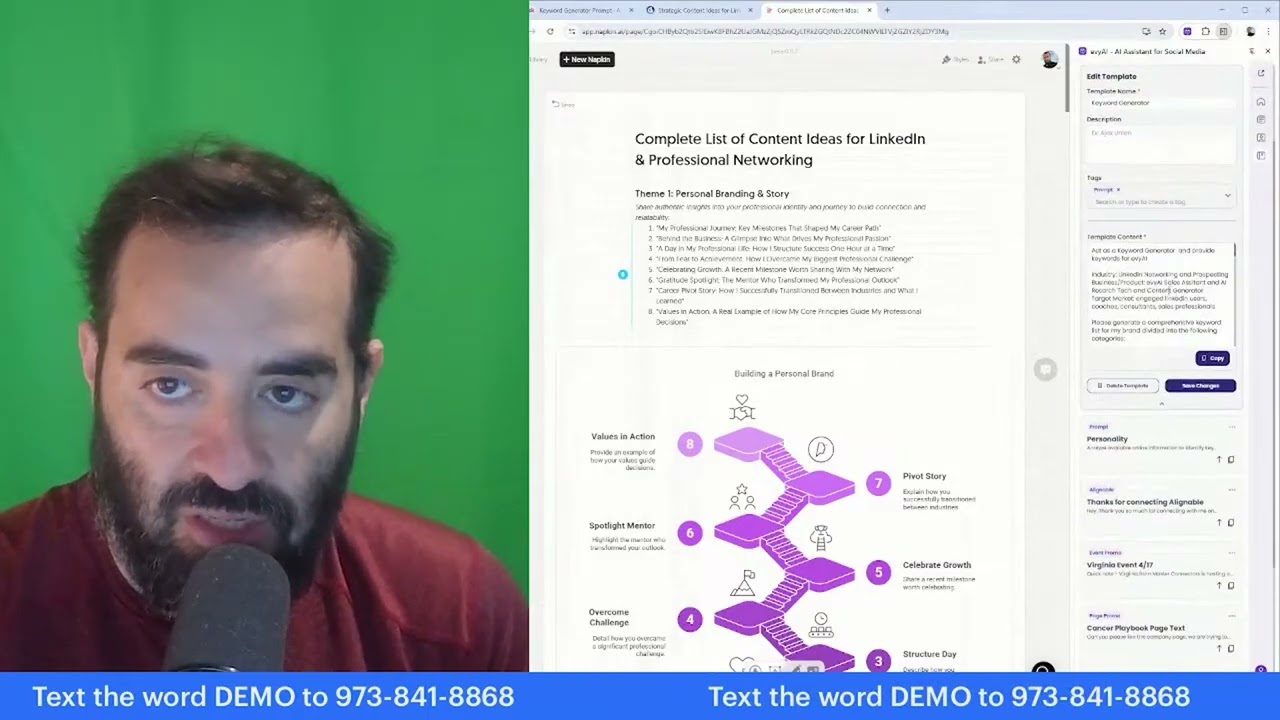
What should I post about? That's really a question that a lot of people ask. What should I post about? What is something that I should actually post about? So my goal here today is to give you unlimited access to all the right content so that you never have to like wonder. Welcome to my LinkedIn Live. My name is Joe Apfelbaum, and today I want to discuss the complete list of content ideas for LinkedIn and professional networking. So if you're watching us live right now, let me know that you're live. Let me know where in the world you're dialing in from, and also let me know what industry are you in. I'm curious to know what industry you're in right now. So the complete list of content ideas for LinkedIn and professional networking include different themes. So for example, we have a theme called Personal Branding and Story. We have another theme called Industry Insights and Expertise. We have a theme called Knowledge Sharing and Tips. We have a client-focused theme where we highlight client relationships. I'm gonna be reviewing each one of these themes here to help you really understand how to properly leverage your network and properly leverage your experience and properly leverage your personal reflections and your resources and recommendations and provide emotional content, and we're gonna break down many ideas so that you have a plethora of unlimited content. I'm gonna be checking the comments for the most recent comments here. It looks like we have Jane from Chicago, live from Indiana we have Deidre, we have James live from Columbus, Ohio, we have Rick live in Nashville, Tennessee, Tara, North Dakota. So what would you say when— if I said, okay, come up with a list of topics for your business. What would be your process for coming up with a list of topics for your business? What I tell people is the first thing you need to do is figure out what is your business plan, your marketing plan, and your LinkedIn plan. Once you have that in order and you know what you want to achieve, then you figure out your target market. And having a very clear target market will allow you to be able to create content that resonates with your target market. So I created an actual keyword generator today, and I posted this in our school community. So if you go to evviai.com, and you click on login right here, you click on login, and then on the left side you click on community, and then you click on discover our community, and you click on the community tab here, you're going to see we have something called the keyword generator prompt. So here's an amazing new prompt that you can use inside Evvy AI, and you put in the AI writer and then you see what it does. It makes— make sure that you customize it with your brand name. So this would be your brand name, this would be your industry, this would be your product title. This would be your target audience description. So it's important for you to understand your business, what you're offering, and then your target market. And then you say generate a comprehensive keyword list. So let me show you what the results are if I use the keyword generator. So I would go into content, which is the AI writer. I would use the little template box here. I would type in keyword, which is K-E, keyword. So I have the keyword generator right here, and then I just hit generate. And it'll take this prompt and generate keywords for Evvy AI related to the industry of LinkedIn networking and prospecting for the product of Evvy AI, the sales assistant, the AI research, tagging, content generator tool for engaged thought leaders, engaged LinkedIn users. So check this out. It gives me top of the funnel keywords. It gives me middle of the funnel keywords. It gives me bottom of the funnel keywords. Then it gives me keyword questions, then statement keywords, emotional trigger keywords, content-specific keywords, and additional suggestions. So all these keywords you can use. So let's say for example, you want to be able to use the words buy Evvy AI or buy AI assistant. You know, these are the bottom of the key— bottom of the funnel keywords or sales tools. So check this out. I'm going to copy the word sales tools, which is a keyword that I want to use now. Then I'm going to go into our community. I'm going to click on classroom library URLs. And then at the bottom, I'm going to click on question generator. I'm going to put this keyword over here, sales tools, as the question. And now, we have lots of different questions that I could use for content. So sales tool-wise, what is a sales tool? What do sales tools mean? How do you define sales tools? Why use sales tools? What is sales tools used for? What are the benefits of sales tools? What are the problems? How do I use sales tools? How do I get started with sales tools? How do sales tools work? How do you set up sales tools? So these are all content topics that will give you unlimited content. So what would you say is your, a keyword that you want to explore with the question generator? And I'll make sure that for all those that want the question generator, I'll go ahead and send it to you as a DM. Want to make networking easier and more effective? Try Evy AI, your AI-powered sidekick that helps you connect, engage, and grow your network faster than ever. Click the link and start building smarter relationships today.