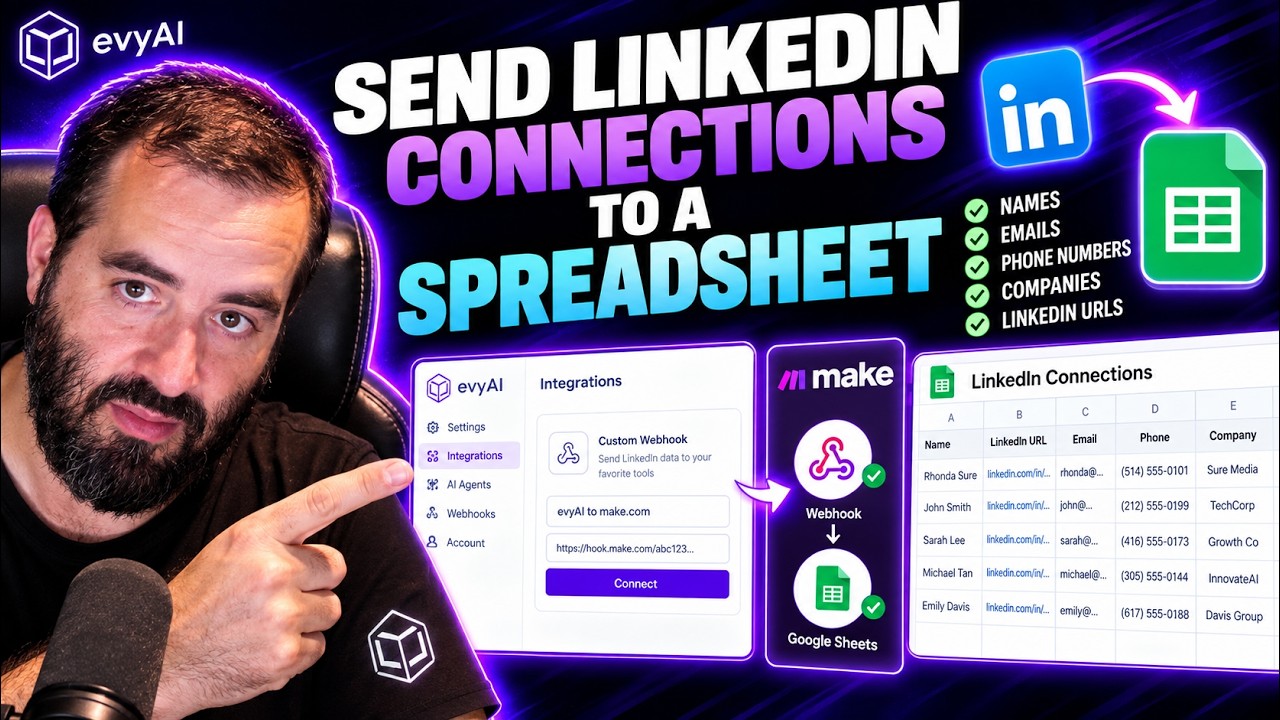
Joe Apfelbaum shows how to export LinkedIn connections to Google Sheets using Evie AI and Make.com. Create a webhook in Evie AI, connect it to Make.com, then map fields like name, headline, and email to spreadsheet columns. Your connections sync instantly.
Chapters
I'm going to go into Evie AI and I'm going to go to the section called Settings. Then I'm going to go to the section called Integrations, and I have something called Custom Webhook. I'm going to press Connect. I'm going to call this— All right, so what I want to do here is I want to send information from LinkedIn to a webhook. This is a Make.com webhook. So you could just say, give me a webhook. And then you can say, give me a custom mail hook or a custom webhook. I'm going to click on custom webhook. By instead of choosing a hook, I can just press create new. When I'm creating a new webhook, I can call it whatever I want. So I'm just gonna say Evie AI LinkedIn data. Okay. Now when I press save, I'm gonna get a link that I can save into Evie AI. Okay, so now I have a webhook. So I'm gonna go into Evie AI and I'm gonna go to this section called settings. Then I'm gonna go to the section called integrations, and I have something called custom webhook. I'm going to press connect. I'm going to call this evvai2make.com, and then I'm simply going to put the webhook URL right in here. Not determined. I'm going to go ahead and right-click on this, and I'm going to say run this module. So this is actually going to be waiting for the data to come from Evvy AI.
Tired of watching AI pass you by while everyone else scales ahead? Join the AI Circle and get 3 hours of live, hands-on masterclass training with us every single month. We don't just teach, we sit down with you, hold you accountable, and guide your strategy step by step. Plus, joining today instantly unlocks our full vault of over 3 years of live masterclass replays packed with zero-fluff, cutting-edge AI playbooks. Level up your AI game and lock in your membership now at evergreen.com/aicircle.
So watch what's going to happen. I'm going to go ahead and press send to webhook and it automatically sent it to make.com. You see when I press send to Make, well, it sent it right here. So what did it include? What did it send? It sent it a bundle. Okay. The bundle included tons of information over here. So let's say, for example, add a row. Then I can tell it which Google Sheet to add it to. I could do by path or choose a file here, a spreadsheet name. I can go ahead and create the spreadsheet. And then I can attach, you know, where the first name is to what column I want it in. First name, LinkedIn URL, email, phone number, whatever I want on the sheet. So, how am I going to do that? I'm going to get the spreadsheet ID. That's the fastest way to do it. So I'm gonna find the spreadsheet ID, which is this right over here. Okay, that's the spreadsheet ID, Ctrl+C. Now that I have the spreadsheet ID in here, I could just say, add it to the spreadsheet. I gotta map each thing. So the first thing is I'm gonna map his name, then I'm gonna map headline, then C is connection URL. I think that's it. Then D is email. Let's see, where's the email? Then E is phone. And F is company. And then G is quick link. Rhonda Scher, wanna send to the spreadsheet? Boom, Rhonda Scher appears right there. And that's instant, instantaneously. Unbelievable. Why? Because I built it inside, um, make.com, just like that. Want to make networking easier and more effective? Try Evvy AI, your AI-powered sidekick that helps you connect, engage, and grow your network faster than ever. Click the link and start building smarter relationships today.