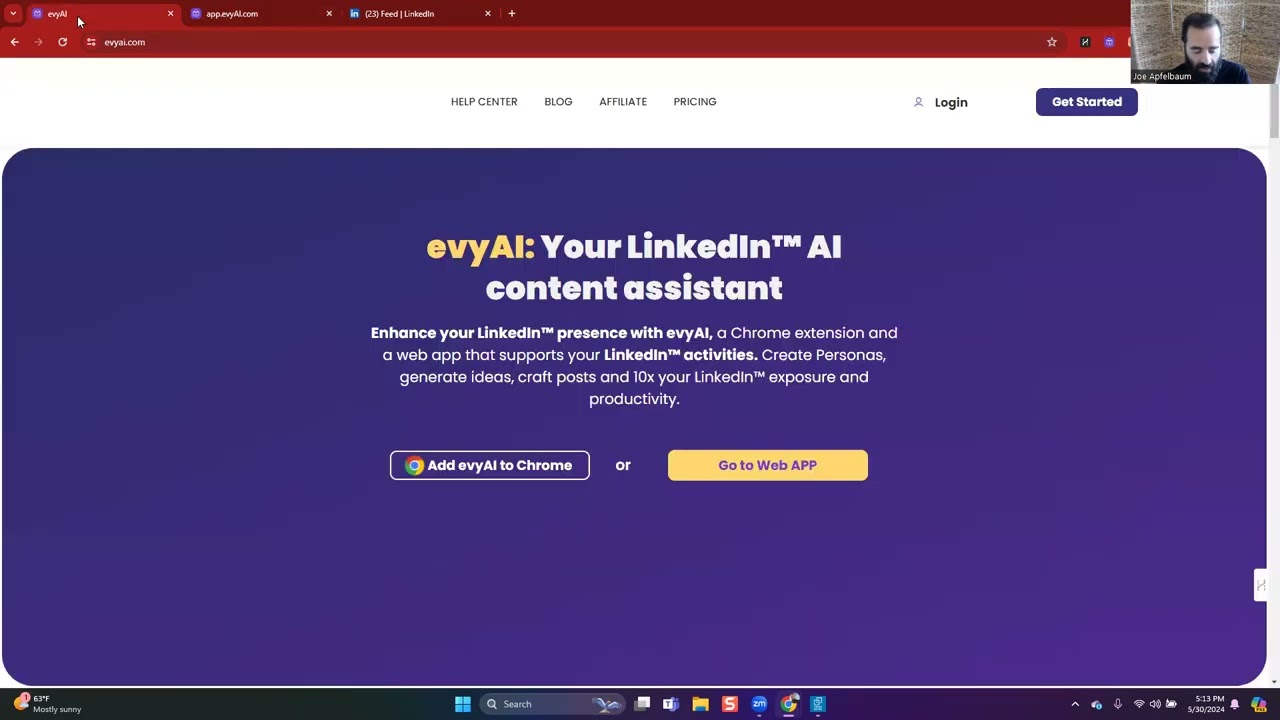
Joe Apfelbaum demos evyAI, a Chrome extension that generates LinkedIn posts and comments for financial advisors. It uses prompts and personas to create hooks, main points, and calls-to-action, then saves profiles to custom lists so you can stay top-of-mind with target contacts.
Chapters
Hello, this is Joe Apfelbaum, CEO of Evy AI, and today I want to show you how to leverage Evy AI for your business. I'm going to share my screen now and go right into LinkedIn. Well, the first thing you want to know is that if you want to grow your business, one of the most important things that you can do is start leaving comments on LinkedIn. So if I find somebody's post, for example, on the feed over here, and I go down to the comment box, I can press Comment. I can click on this little drop box over here, and it'll say, okay, what's my goal for the comment? Over here, it might be— my goal might be to encourage action. My tone might be to have a professional tone. And then I maybe want to leave a quote over here. So I press Leave a Quote, and it's going to generate a quote for Tracy. I press Insert. It inserts the comment, and I press Post. And now I just wrote a comment in just a few seconds here. You can also write a post. So if you click on Start a Post and you click on the Evy AI logo on the bottom over here, what you'll find is the ability for you to tell it what you want to write a post about. So in this case, I'm going to use a different persona because you can choose the different personas that you have over here, and each persona you can write something else. So for example, if I want to tell it that I'm the CEO of Ajax Union, And then we have templates that you can use as well. So you can use a specific prompt, and we're going to write about marketing automation. So I'm going to say create a LinkedIn post about marketing automation using this method. I press insert, I press generate, and when I press generate, it's going to write a hook, it's going to write main points, it's going to write a call to action, and it's also going to include hashtags right then and there. As you can see, it wrote an entire post over here with the problem, the empathy, the cost of inaction, the result, the rebound. And I can go ahead and insert this as a post, and then I can delete all these things here just to kind of edit it, make it a little tighter. But it gets the post about 80% there, and then all you got to do is add an image if you want, add a video if you want, and then just post it. Which saves you a ton of time when you're building out marketing campaigns on LinkedIn. The other thing that you can do is— and I don't have to save this because it's already saved in my account here— so if I go to recent activities, you're going to click on see all here, and you'll see that you have everything that you ever did is right here saved in recent activities. If I clicked on save profiles, you'll notice that I can actually save people's profiles to particular lists. Inside Evy AI. So what is Evy AI? Evy AI is a LinkedIn content assistant. It helps you be able to do lots of things on LinkedIn that will help you save time, improve your visibility, build your credibility, and so on. So if you want to engage on LinkedIn like the way I showed you by leaving comments strategically, you can leave 5 to 10 comments in just a few minutes on LinkedIn every single day. If you want to save profiles into lists so you can comment strategically on people's profiles, You just hit save profile on anyone's profile and it'll save their profile to a list. You can write content inside in your voice and you can use templates and personas and prompts. You can write posts, leave recommendations, reply to messages, optimize your LinkedIn profile, create connection notes, and so much more. So I highly recommend using Evvy AI if you want to succeed because let's say for example I'm going to pick a list here. People that are in my, for example, JVMM group, the Joint Venture Mastermind group. I press Apply. It's going to show me all these people that are in the JVMM group. And if I want to then comment on a specific person's profile, I just click on See Recent Activity, and then I'm able to just find all their recent posts with the click of a button. And then with another click of a button, I can leave a comment. You see it says Comment. I can click on that comment box I can open up the Evy AI Google Chrome extension. I can hit generate. It's going to generate a post in about 2 or 3 seconds. And then once it generates the post, I press insert, and then I press post the comment. And that helps me be able to stay top of mind with this particular person. And that helps me be able to get business, and it helps me be able to get referrals. And I can stay top of mind with all these people that I saved. So you can have many different personas based on who you are, based on what your goals are. You can have personas that are poems, personas that are in Spanish, personas related to real estate, to quotes. Personas related to a specific call to action like promoting a webinar, and it'll actually include the link and put the context of that webinar into the post or the comment or the message and so on. So my recommendation is to start using this tool because it'll give you ideas for what to post about. It'll actually write the posts. It'll help you save profiles. It'll help you leave comments and so much more. And you can go to evyai.com to get started today. Thank you very much for watching this. I want to let you know that LinkedIn has a billion people on it right now, and it's growing. It's growing at a rate of 3 members every second. So if you want to grow your business, if you want more clients, if you're a financial advisor, if you're a consultant, if you're a coach, you want to take your life to the next level, LinkedIn is the way to do it. LinkedIn is a 24/7 networking event, and my best clients, they come from relationships. So if you wanna take your business to the next level, build relationships on LinkedIn and start growing your business today. And you can use Evvy AI as your AI assistant to help you be able to accomplish that. Thank you very much for watching and have a wonderful day. Boom.