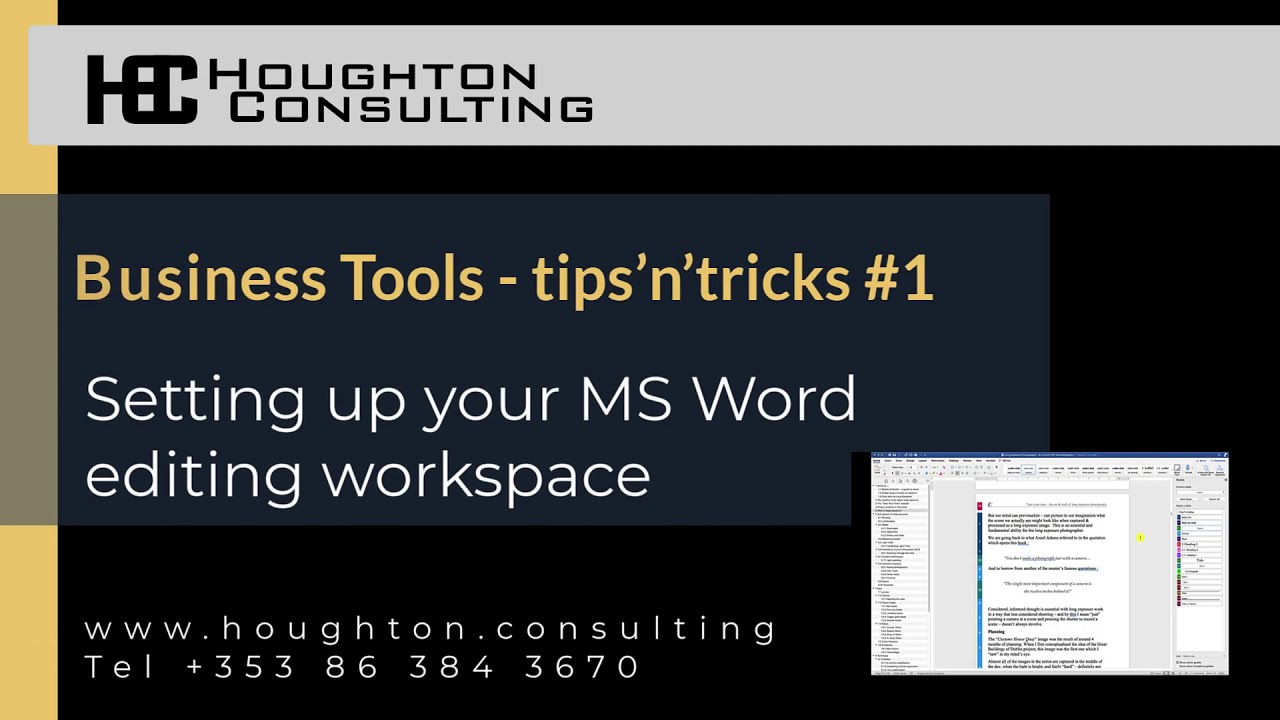
Joe Houghton shows how to set up Microsoft Word for editing long documents. Enable the Navigation Pane to jump between sections, open the Styles pane to see what formatting is applied, and turn on Style Guides to spot inconsistencies with a colored bar alongside your text.
Chapters
This short video is aimed at showing you a couple of things in Microsoft Word which can help you when you're editing longer documents. So I just want to show you the Navigation Pane, which we can put on the left-hand side, and then the Styles Pane that we can put on the right-hand side when we're editing a document. So I've just opened up a document that I'm working on at the moment. I'm working on a book on long exposure photography, which is a good thing to use as an example because it's a longish document. It's 90 pages so far. I've got lots of headings and styles and stuff in it. So I just want to show you how I would normally set my workspace up in Word when I'm working on a longer document. Which can be quite useful for navigating around documents and stuff like that. So normally when you come into a document, you find yourself in the Home tab, but to set the document up with, with a couple of other options, if you move across to the View tab, and the first option that I would generally select is this Navigation Pane, and if I click on that little checkbox, you'll see that what we have now is a pane which has appeared, and it's got all the different pages showing as thumbnails. Now, that's okay. It's not the one I generally use, but the first of the tabs on this pane is the Thumbnails tab. The second tab is the one that I generally use for a longer document, and as you can see, it's giving me basically the table of contents, all the different headings for the whole document. So it's very quick for me to move to a new part of the document by just clicking on any of the headings showing in this pane. The third pane you can use if you, if you're doing revisions perhaps with somebody else. There's a search pane here for find and replace. And then you can also put in things like follow-ups. But this second one is the one that I really wanted to show you. And if you need the pane to be a little bit wider, you can just move across it at the top here. So just to the right of the bar next to the X. And if you just move the cursor until you get to that, and then you can just pull this across and just make it a little bit wider so you can see all this. Stuff. The second bit of the setup that I would do is to go back to the Home tab, and what I want to do on the right-hand side is bring up all the styles that I use in the document. So here's the main styles which, which are, you know, all available to you, and you can drop that down and see all the styles, but this Styles pane button here brings up all the different styles which I've got used in the document at the moment. And I'm showing— you see where it says List Styles in Use? So you can have all the styles, or you can have just the styles in use. Okay, and that's generally the one I want because otherwise there's too many styles being shown. So Styles in Use, and then you can see that these are all the different styles. So Heading 1, Heading 2, Heading 3, quotes, table of contents styles, captions to go under photographs. So if we scroll down, there's a photograph, so I have this style here as the caption. Now, if you show style guides, that pops up a little coloured bar on the left-hand side of your document which corresponds to the different styles, so it makes it very quick and easy to see which style is applied to each piece of text in your document. And, you know, if you're trying to figure out which style is applied, then this is a really good way to do it. You can also show this Direct Formatting Guides, and that shows you a little bit more, but to me that gets a bit busy, so I normally uncheck that one. But I have the 1, 2, 3, 4, down to 17 here, and that's showing you all the styles here. On the left-hand side. So that's how I generally set up my Word working environment for long documents.