Lightroom Bites 003 - Showing & hiding your panels using shortcuts

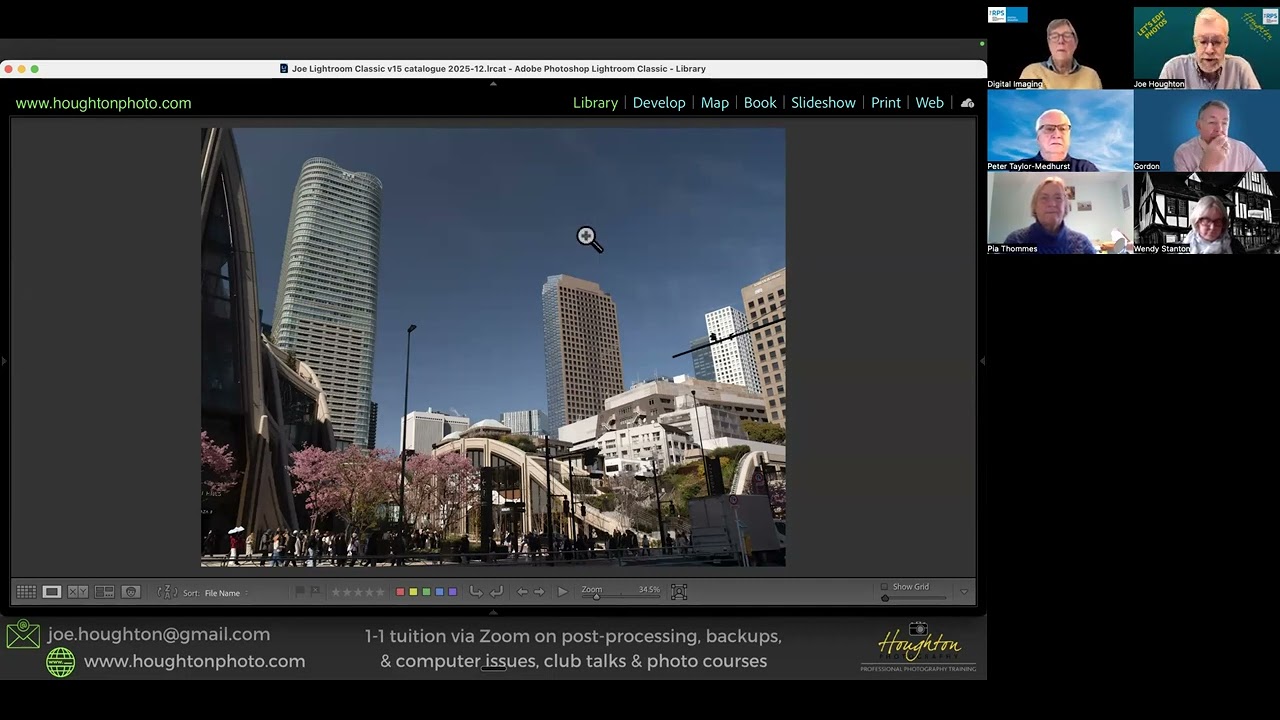
In this short tutorial, Lightroom expert Joe Houghton walks viewers through a set of keyboard shortcuts that let users quickly hide or reveal Lightroom’s interface panels. He demonstrates that the function keys F5 (top panel), F6 (bottom panel), F7 (left panel), and F8 (right panel) toggle the corresponding panels in both the Library and Develop modules, noting that on macOS the Function key must be held while pressing the F‑key. He also shows the universal shortcut Shift + Tab, which collapses all panels at once or restores them with a second press. The video emphasizes how these shortcuts streamline workflow, especially when rating images or needing a larger viewing area.
Chapters
More from Joe

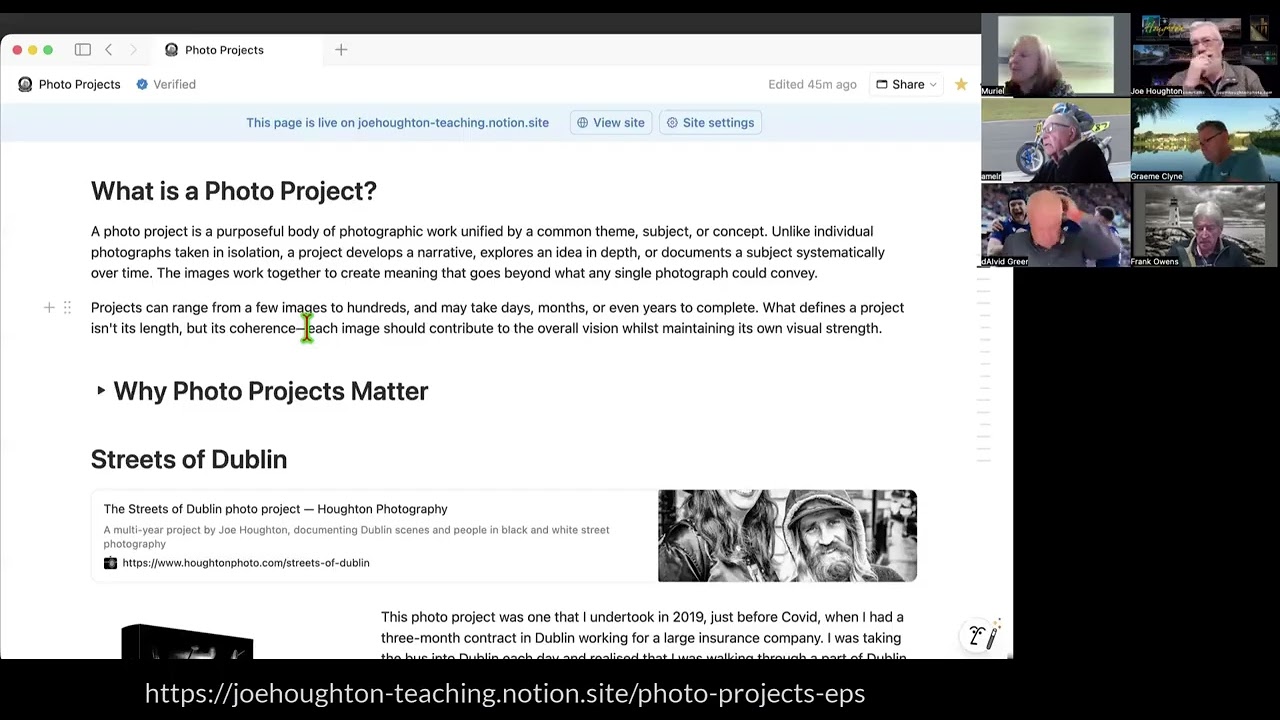


2026-01-31 RPS Under the bonnet 5 - Masking in Lightroom Classic with Joe Houghton