Joe Houghton shows how to convert a scanned negative to a positive in Lightroom by flipping the Tone Curve endpoints: drag the top-left point down and the bottom-right point up. He demonstrates on a photo shot with a vintage Industar 52 lens on a Fuji X-T2.
Chapters
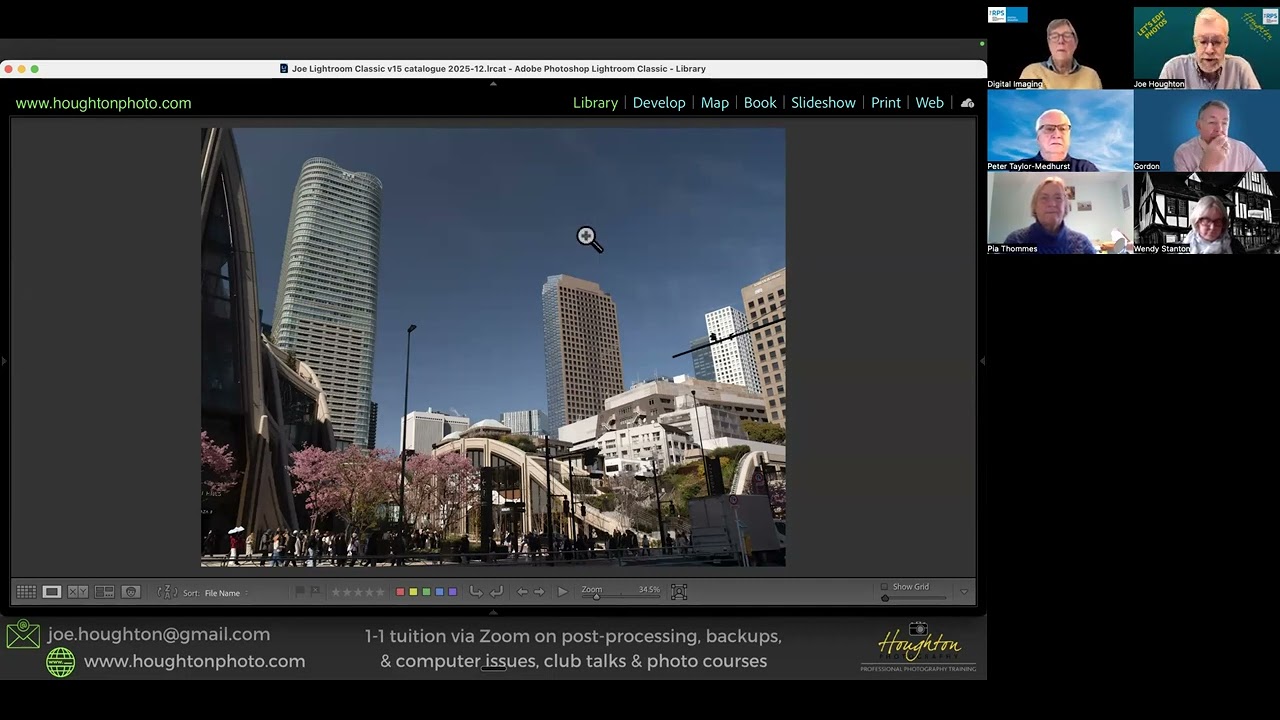
Hi, my name's Joe Houghton and this is Lightroom Bites. In today's episode I just want to show you a very quick trick that I came across when doing a one-to-one this week with somebody who had scanned an image in from an old negative. So what I've done, I didn't actually have any scanned negatives, so I've actually converted a regular image into a negative, and I'm going to show you how you then undo this, or if you have a negative that is scanned in, that this will allow you to transform this into the positive image. And it's funny actually because I was out with Penny and the children last week shooting on the canal, and we just went out with our new puppy as you can see, and this image was actually shot with an old Industar 52 lens that I have mounted on the Fuji X-T2 that I had out with me that day. So although it's not shot on film, it is shot with a, with a 50-year-old lens. So if you scan a negative in, you get a negative, you get this kind of an image, and obviously this doesn't look right. So what we need to do is switch it around to be a positive so that we can then edit it as normal. So what you do is you go into the Develop module, so D for Develop, and you're into Develop. And then rather than being in the Basic tab, I want us to move into the Tone Curve tab. Okay, now I'm not sure if on a real negative image the tone curve line may be down the other way, okay, but in this image that I've converted to a negative image, you can see the tone curve line is like this. Starting in the top left and ending in the bottom right. And all you do to switch this into a positive image is you move the top of this line down to the bottom, and you move the bottom line on the right up to the top. So if I grab the top line there and pull it all the way down, and then I take this right-hand edge of the line and I move it all the way up— and it's a bit tricky just to get the edge of that line sometimes, but there we are. Then quick as that, we have a positive image. Okay, now I'm not sure whether Danny looks too happy about the fact that we've brought him into the positive, but there we are. So it's as simple as that, a really quick technique within Lightroom to transform your negative images into positive images.