0:55

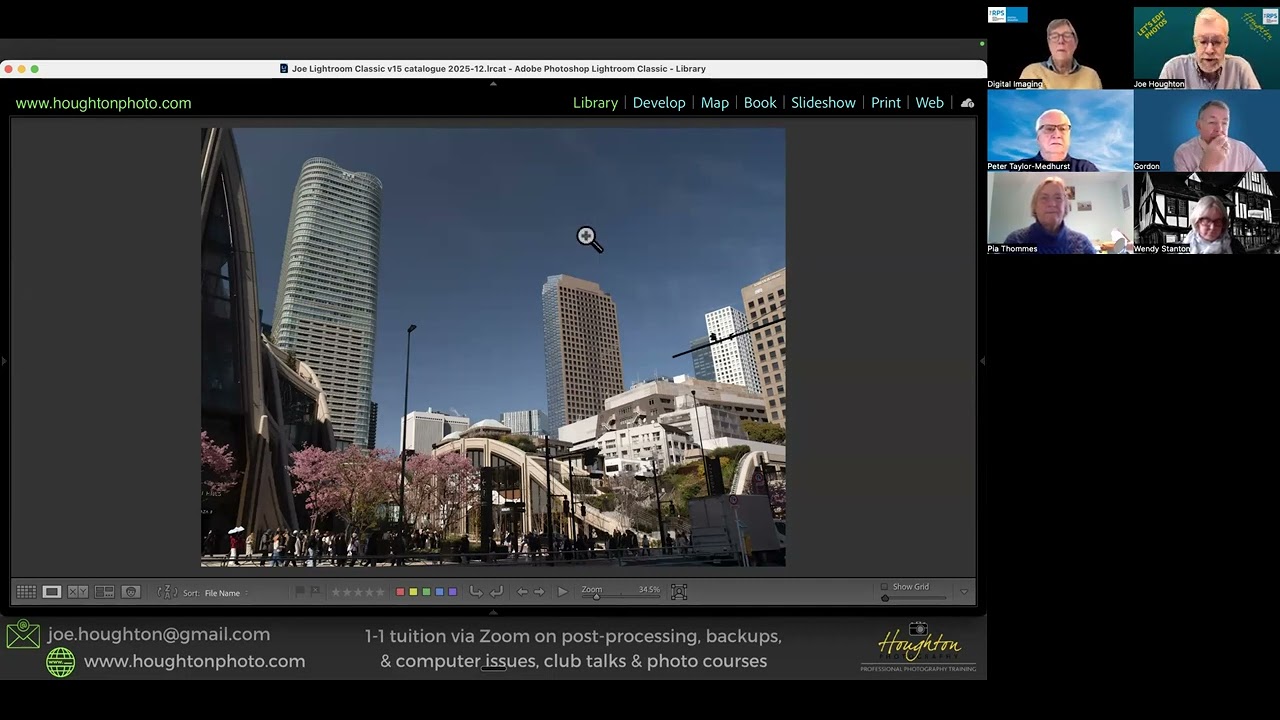
In this short tutorial, Joe Houghton demonstrates how to quickly show or hide Lightroom Classic panels using function-key shortcuts. He explains that on Windows (and similarly on Mac with the same keys) the F5, F6, F7, and F8 keys toggle the top, bottom, left, and right panels respectively. He walks through each key, showing the top panel (Library/Develop) being opened/closed with F5 and the bottom panel with F6, emphasizing how learning these shortcuts can streamline workflow.

Chapters

More from Joe

1:40:15
youtube.com

RPS - Bits & Bobs 1 - TPE and Photopills with Joe Houghton

5mo ago
1:31:34
youtube.com

2026-03-12 EPS - Photo Projects 1 of 2 with Joe Houghton

7mo ago
1:05:21
youtube.com

Episode 14 - Plus One podcast - Eina McHugh

8mo ago
1:57:39
youtube.com

2026-01-31 RPS Under the bonnet 5 - Masking in Lightroom Classic with Joe Houghton

8mo ago
5:38
youtube.com

Joe Houghton on creating a Google GEM based on a NotebookLM notebook optimised

8mo ago
1:55:44
youtube.com

2026-01-09 RPS - I haven't got a Notion with Joe Houghton

9mo ago
1:53:34
youtube.com

RPS Let's Edit - Composition - Depth & perspective - Joe Houghton 2025-12-06

10mo ago
1:28:48
youtube.com

2025-11-27 AI for Education for Hanze School, Netherlands - Joe Houghton

10mo ago
6:20
youtube.com

NotebookLM - Your AI Assistant

1y ago
6:24
youtube.com

Let's Shoot & Edit promo video

1y ago
1:50:44
youtube.com

2025-03-15 RPS Let's Edit Photos #15 - Water - Joe Houghton

1y ago
See all content