Remote Working - Webinar delivered for Irish Times Training on March 20th 2020

Joe Houghton walks through practical steps for remote work across three groups: individuals should set up ergonomic workspaces and use video check-ins; managers need daily video meetings and clear communication; employers should provide equipment and adjust policies. He covers Zoom tips and shares resources from the Health and Safety Authority and Harvard Business Review.
Chapters
Good morning everybody, this is Imelda Rae here as Joe said. I just about made it on time, so delighted to virtually meet everyone this morning. You're all very, very welcome as I said. This is— we have been doing ours now since last year, but this is a very special one given the circumstances and at the time that we're in, and I thank you, Joe, for turning this around so quickly. We all see ourselves in exceptional times here at the moment, and I think this is One of the things that we all have to get used to is unexpectedly many, many people work remotely, but at the same time many of us are finding this situation unexpected at the moment. So I know Joe is going to share some great advice and tips on how we can all do that successfully, and I know that both Jonathan and Joe are going to—
The end.
So, yeah, look forward to hearing the webinar myself. As I say, there are going to be other webinars as well over the next couple of weeks, so look out for those and for further information. Thanks, over to you, Joe.
Great, thanks, Imelda. So just before we start, I don't know how many of you are familiar with Zoom and the kind of webinar space. There is a chat window, and I think some of you have already found that, so feel free to ask any questions in the chat window. There's a little dropdown next to where it says To, and you can address chats to all panelists, which is basically myself and Jonathan, or all panelists and attendees, in which case if you tick that, then when you type in your chat, message, everybody who's on the call will see that, and we've at the moment got 36 people on the call. So feel free to ask questions in there. Jonathan is going to mediate the chat while we're going through the webinar, and then if we've got a bit of time at the end, we'll maybe take questions as well. So What we cover today, we're planning for this to be about a 45-minute webinar. So adjusting to the new normal, the idea of this webinar is just to give some tips and advice on perhaps how we can adjust to this new mode of working at distance, which a lot of us find ourselves in. fairly unexpectedly as of only a week ago, and we've broken that down into 3 main elements. So as an individual team member, as somebody who's working in a team or a set of teams, how do we address that? As a team leader, somebody who is responsible for a team, what are the things that we should be thinking about? And then you know, at the top level, I suppose, as employers running businesses, what should we be thinking about? I've got a slide at the end which has got some links to useful resources, and that's fairly up to date. One of them only was released yesterday. So I guess, you know, the fundamental reason for running the webinar is Irish Times Training along with everybody else, is getting to grips with this new reality. And, you know, we're anxious as a training company to be able to serve the needs of both our current and our potentially future customers. So this is just one of the series of webinars that we're starting to hopefully put some good information in front of you and see how we can help you and your company moving forward in these difficult times. Why am I running this webinar? I have 20 years of experience running remote teams all over the world. I started as a computer programmer and then moved up the ranks in management, ended up working as a global manager for General Electric and other multinational companies. I did the International Executive MBA at UCD Smurfit in the early 2000s, and after that I co-created and have been program director on the Master's in Project Management, which I've run since 2008 up at Smurfit. And when I'm not involved at Smurfit, I coach— management coaching— and do training with Irish Times Training as well. So I've got some experience in this space, and I've also been running webinars and creating remote training for about 6 or 7 years now. This is the first of a series of webinars that Irish Times Training are currently putting together, and next week, Wednesday the 25th, Lisa Hughes, who you can see there, is going to do a webinar on building resilience through adversity. We will make this deck available to everybody after the webinar so that you can see those links, and we'll also be putting out obviously invitations to everybody, I assume via email, Jonathan, and on social media through LinkedIn and stuff as well. So feel free to join Lisa as well on Wednesday. That looks like it's shaping up to be a really interesting webinar. So remote working, our new normal. How long this is going to last, nobody knows. We're all in the same boat, but it's certainly quite a shift for a lot of people, and we're going to find ourselves Or a lot of us anyway, working from home, certainly for the next few weeks, maybe even for, you know, months. So the idea of the webinar is to look at some of those issues and how we might navigate through them. I've covered that slide, so we'll move through that. So let's take the first of those 3 options to start with. Remote working as an individual. What do I need to know and do as an individual facing remote working? I guess, you know, the first thing and the most important thing, and I think this goes for, you know, whether it's individuals, whether it's team leads, whether it's employers, everybody's stressed at the moment. Everybody's worried. Everybody's trying to adapt to new working conditions. A lot of people are quite isolated. Some people are not so isolated, you know, if you have your family around you in the house. I have my wife and 2 children downstairs, you know, and we are getting used to being with each other all the time. You may have relatives or partners And certainly as we go through the next few weeks and months, we are going to have relatives and partners and ourselves, it sounds like, going down with the virus. So, you know, at times we're going to need to self-isolate. At the moment we're kind of doing social distancing, but for increasing numbers of us, we're also going to need to really isolate ourselves as we go through the virus. So looking after ourselves, we are going to work as best we can from home, but we can't work if we're not functioning. So self-care is going to be really, really important. And, you know, a lot of people have only got one computer in the house or one device that's capable of interacting at distance, and that can be a an added stress as well if there are multiple calls on it. So how do you combat feelings of isolation? Because be absolutely clear, everybody is fearful of what is coming. Nobody actually knows. We've got all the predictions, we're watching what's happening around the world in China and in Italy and these other countries, You know, it feels almost surreal that it's only a week since the schools closed, which I suppose for me with school-aged children was probably the effective start of this. But, you know, being stuck at home for a week, we've very quickly lost the holiday feeling. Everybody's now realising that we're not on holiday, we have got to work. But in terms of isolation, it's very clear from reading best practice around this, and I've been doing quite a bit of that recently, we've got to be more conscious of reaching out to each other. So make frequent phone calls and video calls. If you can do video, do video. There are so many ways today of doing video calls. We're not— a lot of people are not used to doing it. We perhaps are used to face-to-face or phone, but you've probably got FaceTime, you've got Google Hangouts, you can download and install Skype and Zoom for free on most electronic devices, and seeing each other's faces when we can't actually physically get together makes a huge amount of difference. There is a lot of benefit to seeing people's faces, seeing the expressions and the body language, so it's definitely best practice to call using video through whatever means you're going to do that. The old, the old it's good to talk has been, you know, it's never been more relevant. What I'm doing is, you know, making time every day to call several people in my immediate family, in my friends, and even in my wider group of contacts, just to reach out and make sure everybody's okay and just touch base with everybody. From a personal perspective, we are now distributed. We are working at distance, or most of us are. So talk with your line manager, get on the phone or get on FaceTime or Skype or whatever, and discuss your personal home situation because everybody's home situation is different. Some of us have children, some of us have, you know, other adults in the house. We might be sharing a house with, with, um, you know, other people. Um, we may have challenges, um, around, you know, technical kit. Um, I haven't got a good computer at home, my connection is poor, um, I don't have a printer, I don't have paper or ink for my printer, um, stuff like that. And, and these might sound like very small problems, but if you're being expected to work from home then those apparently small problems can be a blocker. So your line manager needs to understand how you are set up from a personal perspective, from the perspective of being— having time to do work. And I think we're all going to have to be flexible in terms of that, you know, 9 to 5 Clocking in, clocking out isn't going to work for the next few weeks, especially when there are other calls on our time. The children aren't at school for, you know, X number of hours a day, and they have to be looked after, and they have to be fed, and they have to be run in the park and all the rest of it. So you've got to build that into a routine. Ask for clarity and have that discussion with your managers. How and when is your company expecting you to work? Through what channels? So are you expected to be online using Slack or Microsoft Teams or one of the collaboration tools like that? Are you using Asana or Trello or Jira? There's multiple tools that many different companies are using now. So, you know, what is the expectation? Because we can't always be on. The computer might always be on, but we can't always be working. But if we're working and doing other stuff during the day, then maybe we need to be more flexible personally as well about the times that we're working. You know, maybe put some time in in the evening if you're taking time out of the normal working day. Maybe be flexible about putting an hour or 2 in at weekends or not, and it's going to be different for everybody, but I guess the thing is have that talk, have that dialogue, because what you don't want to get to is, is a misalignment of expectations where perhaps your employer is expecting you to do one thing and you're not doing it. Because your home situation is as it is. And when you have those conversations, you know, don't overcommit, because if you do overcommit, then that's going to lead to more stress. So you may need to have that conversation more than once because this is an evolving situation. And, you know, as people get sick, as people, you know, just get more used to being at home and whatever, things will change over the next weeks, days. And even months. So that's an ongoing conversation. If possible, and it may not be possible, but if possible, try and set a space aside for work away from, if you like, your relaxing zones. I very often work down on the kitchen table when I'm working from home and the children are at school. And I actually have a 4K TV set up there as a second monitor, and I'll have the laptop on the table, and then I'm using the TV on the wall behind me as a second monitor. That may not be possible for you, but if you can find the space in the house, it might be a spare room, it might be a room that you don't use as much as the other rooms or whatever. So ideally a room where you can close the door to keep the noise out. I'm actually doing this upstairs in our spare room, and I've got the door closed and the children are downstairs. One thing, just on a practical level in terms of video conferencing and using things like Zoom, which is what we're on today, if you look at my kind of little video window, you can see my face. So I've actually set myself up so that the window is to my right-hand side, and you can see this side of my face is lit. And because I'm in a relatively bright room, the light is bouncing from, from this side, and you can see this side of my face as well. Now, if I had my back to the window, I would just be silhouetted. And I've seen quite a few people on calls over the last few days where they come on the call and they've got a window directly behind them and it's impossible to see them. So if you've got a window and that's the only place that you can be with a window behind you, draw the curtains or pull the blind down and then turn a light on or put a light source in front of you so that there's light falling onto your face, and that's going to make things much easier. If you've got a bit of a messy environment and, you know, it's difficult to clear it up behind you, when you're using Zoom, if you go into the settings in Zoom, there is an option in Zoom to change the background of your video. So I've replaced my messy bedroom shelves behind me with this shot that I took in Glendalough last year. So you can upload any image you want, and there's some stock images that they have as well to put behind you, and you can see that it does a pretty good job of kind of cutting you out and superimposing you on that image. Set the workspace up. So obviously, you know, you need plugs and somewhere to put your computer and all the rest of it, but if you're going to need other essential workspace, if you're going to need, you know, your files, if you're going to need pens and paper and stuff like that, you know, maybe set some shelves up even just temporarily Or some drawers to keep that stuff to hand, and tidy the place up so that where you're working for the next weeks or whatever is kind of inviting. It can be quite distracting to be sitting in a big mess, so even if you just clear the mess off the table or the desk for now and put it somewhere else out of your direct line of view. You're going to be spending quite a bit of time here, so make it a place that you, you want to be. Still on the home working space, is what you have at the moment in terms of equipment up to the job that you're now being asked to do at home? Because if it isn't, that's part of the discussion that you need to have with your your employer. Can they send you out your computer from work? Can they send you another screen? Can they order you a decent chair? Chairs are important. If you try and use a kitchen chair to sit on for any great length of time, you're going to end up with a bad back. So, you know, order yourself or You know, ask your employer whether they can, you know, maybe they can send you an office chair from work, or maybe you can, you know, buy one or whatever. Having a direct cable connection to your computer, especially while we're using video conferencing like this, is going to make things much more stable than using Wi-Fi. There is a terrific drop-off, and especially the further away from your router. that you go. And if you plug in, for instance, what's called an Ethernet cable to your router and run that cable directly to your computer— and sometimes depending on your computer, they may have a port for an Ethernet cable, and if they don't, you can get a little dongle that will convert the Ethernet into whatever the port is on your computer. Your IT people will be able to sort you out with that. But that will give you the fastest connection that you have coming into the house, so you don't get that drop-off from Wi-Fi. Using 2 screens can be a productivity enhancer, so if you've got the space for another screen, it can help you, you know, get work done quicker because you can have obviously multiple things open at once. And a little trick that I use, as I mentioned before, the 4K TVs, they're relatively cheap now. €200-300, you can pick up a, you know, big 40-43-inch 4K TV. And they make fantastic monitors. Those high-res 4K TVs are really good monitors, and they're a lot cheaper than buying a dedicated computer monitor. So that might be something, you know, to think about for some of you. And then really basic stuff like printer and ink. If you're being asked to work at home and you're probably going to need to do some printing, then, you know, discuss getting ink and paper supplies ordered. Do you have to pay for that or will work pay for that? And again, things like a VPN, a virtual private network. Some employers are going to need you to be connecting in on a secure line, and a VPN provides your computer with, with this security. So again, that's a conversation to have perhaps with your IT department so that you're not, you know, using sensitive data from your company that isn't appropriately secured. Coverage and liability. I haven't really seen too much in the press about this yet, but I think it's coming. All of a sudden we're working at home. All of a sudden we are being expected to conduct professional business from domestic environments, and, you know, People are going to have accidents, especially with the numbers that we're talking about now. So are you insured? This is a question to ask. Have a look at your home insurance and see what cover is or isn't in place. Do you have liability insurance? We're probably not meeting physically people at the moment, but again, These are just questions to ask. And what can you claim for? Certainly as a, you know, self-employed contractor, if you're set up that way, there are certain things you can claim for in terms of wear and tear and use of home phone and broadband and stuff like that. So you may have some options to claim some of that stuff, whether it's formally from the Revenue or whether it's from your employer. Who is, who is basically now expecting you to work from your home environment. Paul Allen has just posted there in the chat. Thanks, Paul. As per yesterday's Irish Times, you can claim tax if working from home. So we'll, we'll maybe see whether we can follow up on that, Jonathan, and maybe put something out to everybody on that if we can find out. more on that, but don't assume that this will all sort itself out. Ask the questions and get answers in writing so that you are covered. So effective meetings, which is kind of what we're in now. When on calls, if possible, mute your microphone unless talking. It seems to be working pretty well today. We've got 50 attendees on the call at the moment, and I think most of them seem to be muted. So yeah, I can scroll down. I've got, I've got a lot of them muted, and then quite a few of the people who came in afterwards, I think everybody's muted. So we're not, we're not getting a lot of external noise, but if everybody has their microphone unmuted in meetings, it can get very, very noisy. So a lot of these— Paris, I don't know whether I can. Let me have a look. Let me see if I can find you. Paris Moore. Yeah, if I allow you to talk, then you're muted. Yeah, Paris. So I think by default everybody's muted. Paris, you are certainly muted now. Okay, great. Thank you, Paul, for that link. There we are. So yeah, turn your video on. This is definitely emerging as best practice now. So with— there's a difference between video meetings and webinars. Webinars are typically mainly push, so there is a presenter presenting, and very often in that case The video and the audio may or may not be even on, but certainly in meetings, video meetings, then if you turn your video on, you're seeing each other and you mute your audio so that the ambient noise isn't coming in. It's clear that using video is reducing the sense of isolation. Between team members, especially people who aren't used to working at distance, which is a lot of people at the moment. So encourage people to use video. If you're a team leader or if you're, you know, you're working with other people, model these behaviours and get everybody to embrace them. Try not in these online meetings to multitask. It's very easy to do it It's very easy to have email open in one window, especially if you've got multiple screens available, but meetings become much less productive from the meeting perspective if people are multitasking, because if you're multitasking, you're not listening and you're not focusing. So have shorter meetings but focused meetings and get everybody to buy into, you know, common ways of working. give your attention to it. Dress for business. My brother is actually on the call today, and I remember him telling me years ago, because he's worked remotely for years and years, and I always remember him telling me he used to— he got up and he put his business suit on, and it was like dressing for work even though he was at home. And it works if you put on You know, I'm not saying you've got to put on a suit and tie. As you see, I haven't got a suit and tie on, but business casual rather than being in your PJs. And especially if you're using video, then you really don't want to show up in your PJs. So it does, it makes you feel more focused and it puts you in the right frame of mind. And as Andy has just said there, he still does get up and get dressed properly. So Okay, so remote working as a team lead. What are some of the things we need to think about as a team lead? Number 1, help your team. Okay, a lot of your people are going to be struggling with this new reality. You're going to see anxiety, you're going to see stress, and You personally may not be, you know, particularly set up to handle that stuff in this crazy situation that we find ourselves in, but your company may have an employee scheme, you may have a helpline, so know your company options and make sure that your people know those options as well, whether there's counselling available, all this kind of stuff. As a manager of any kind, when you are managing people at distance, you have to be far more proactive about communicating. The normal co-located environment interactions that we have day to day, walking up and down the corridor, just bumping into people by the coffee machine, bumping into people in the canteen. That stuff just doesn't happen when you're working remotely and your people are, you know, spread out at distance at the end of phone lines or whatever. So you as a manager have to be more proactive. So as you get used to this, what I would suggest is Do a daily video call check-in with every one of your team members. This isn't Big Brother, this is just, how are you doing, you know, everything okay, just checking in. They're seeing your face, they're seeing a friendly face, they're seeing somebody hopefully who they see as a support person to help them in their job. You've got to be there for your people. Everybody's stressed and anxious, and you may be stressed and anxious too. So, you know, ask them about their issues, their situation. Don't, don't be all about work. I do a lot of management training and coaching, and one of the most well-known tools for goal setting is a thing called SMART— specific, measurable, applicable, relevant, and time-bound. It's even more important when you're working at distance and you don't have those, you know, quick check-ins in the corridor just to clarify a point as you're walking past each other. SMART goals. Make sure that everybody understands what their current goals are and that they are specific, that they are measurable, that you know what success looks like. We incorporate SMART in a lot of the management training sessions that are done through Irish Times Training, and in all my experience, it's something which a lot of people have heard about and a lot of people know about, and very few people do well. So I would encourage you to look at SMART both as a manager but also as a team member when you're taking on goals and when you're setting goals. It's a very, very powerful kind of tool to use. I'm just going to have to move my participants window because it's over the text of the screen here. So how do I best help my team from a software point of view? We're all using different types of software. You might be on Zoom, you might be on Hangouts, you might be on any number of different types of software. Doesn't mean everybody knows how to use them, doesn't mean everybody is comfortable using them. And all of a sudden, you know, everybody's been at home for maybe a week now and they're being asked to do this. Have they got this stuff installed on their home computers? And if not, how do they get it installed? Once it's installed, how do they set it up? Are there particular settings that need to be set up? And is that something you can do remotely? Have your IT people got the ability to do remote installs using, you know, TeamViewer or some remote deployment application or whatever. And even once the stuff is installed, are people trained and are they confident using this stuff? So you've probably got material already around training people, but redistribute it, make sure that everybody is up to date with the latest versions and that they've had time to perhaps get to know this stuff again. Okay, Rob, yeah, remind us again at the end, and you can, you can always drop me an email later on, joe.houghton@gmail.com, and I can tell you how to add the background image. That's no problem. So yeah, redistribute the internal tips and best practice guidelines and, and recover expectations. Again, the conversation that they were saying you should have earlier on around times of availability that you're expecting your people to have, and when they need to be online and when perhaps they're not going to be online. But again, bear in mind current circumstances and bear in mind their particular circumstances at home, and you may not be able to have a one-size-fits-all for all your people at the moment. So, you know, we're all going to have to be flexible at the moment on this stuff. How do I best help my team get things done? How do we keep the lights on? How do we keep servicing our customers and conducting business? I'd suggest, and I mean, I've always done this with all my remote teams, is we have a once-a-week team meeting at least once a week where we have certainly a 2-weekly plan. So what are we doing this week and what's coming up next week and, you know, 10 days out. Now we might have a 3-month plan and a year plan as well, but certainly your immediate tactical plan. And given the evolving situation that we find ourselves in at the moment where, you know, new news is coming out and new restrictions are coming out every single day, I would probably say more than once a week at the moment. Keep an eye on what is happening both with your company and, you know, with the country as a whole, and be prepared to have more of these team chats than perhaps you would normally be having. It's probably important to realise that you're going to almost certainly get less productivity out of your people at the moment than you normally would have. They're worried. They're worried about themselves, they're worried about their family members, they're worried about their friends, they're hearing all this bad news. So, you know, you've got to plan for that and you've got to be realistic. You should also be realistic about the fact that a lot of us are going to get this virus. Which means there's going to be a lot of sick time coming up, and there are, you know, that's going to impact on your ability to get stuff done. So make backup plans. Yes, they will, Mireille, these links will be available after the webinar. We will make the presentation available to everybody. It's being recorded as well. So I'm not sure. Well, I'll check with Imelda and Jonathan about whether the recording will be available, but we can certainly make the slides available as a PDF so that you can get all the links. But yeah, discuss and plan for team members to get COVID-19 and make some backup plans. Have you got key members of the team who, you know, normally cover certain stuff? Well, if they go sick, who's going to cover for them? And maybe have an A and a B backup plan, because if you've only got one person covering and both people are sick, now what do you do? So, you know, as much as you can, share and collaborate. Keep your progress boards— if you're using things like Trello or Asana or Jira or any of these Kanban-type boards, people need to be keeping those up to date so that you can see what's going on, so that you can see whether people are having, you know, more problems than usual or whatever. Don't be Big Brother about this. You use these things not as a way of kind of beating people over the head, but as a way of supporting them. And I think servant leadership is a brilliant way to be at the moment. It's a brilliant way to be anyway. So how do I best help my team? Kind of 4 key questions you should always ask whenever you touch base with any of your team at the moment. So, you know, what are you working on? Are you okay with that? Are you facing any challenges? Are you facing any challenges from a professional perspective, you know, working on what it is you're working on? Are you facing any personal challenges at home and with your, you know, situation at home? How can I help? You know, servant leadership thing again. How can I help? And just how is everything else? Don't be all about work because, as I say, we're facing facing these really strange, tough times at the moment. Remote working as an employer. The number one— I mean, I teach project management and have done for years. The number one cause of project management failure is poor communication, has been for years. And communication, communication, communication at the moment is so important. So communicate early as an employer, communicate regularly, and communicate often as the situation unfolds. I think people are looking for direction at the moment. Everybody is uncertain, everybody is stressed, so as an employer, if there's stuff that you know, then if you can communicate that, you know, as early as you can. Wherever possible, consult and involve your staff in decisions that will affect them. It's not always going to be possible, and I know that a lot of companies are making very tough decisions at the moment. I was speaking to a small firm yesterday, and he wanted to know— the guy who ran the company wanted to know whether he could see the webinar afterwards because As I'm talking, he's laying off 3 of his staff when he only has 9 staff, and he's not expecting, you know, to be able to bring them back. A lot of companies are making very tough decisions at the moment, so, you know, if you can consult and involve staff, then at least it gives them perhaps a heads up. And people are going to buy into decisions that are made with them rather than decisions that are made you know, and imposed on them. So the compassion and forbearance thing is a message I think that everybody must have got, you know, through the webinar, and being flexible. I think a really practical solution, or a really practical issue that a lot of people, you know, if it can be done, is financial worries. I think the banks have kind of, you know, said there's a 3-month availability on things like mortgages where, you know, everybody can take a 3-month break on the mortgages. You've still got to apply for it. That's going to help to some extent, but still, a lot of people are very worried about paying their bills. Maybe not this month, but what about next month if they've had a dramatic drop in their income? You know, maybe their jobs are at risk or whatever. So if your company is able to help them financially in whatever way that is, then communicate that, or at least start that discussion going, because I think it's a worry that a lot of people have got. Okay, and we are going to get the virus. I mean, if the government predictions are anything to go by, 40-50% of the population are going to get the virus over the next months. So again, as an employer, you know, be clear on how you can support and help people if and when they do get the virus. It's just about looking after each other at the moment. So practical support. So yeah, communicate what, when, and how the company will or can provide support. I think the issue of equipment is something that's going to be, you know, a big one for a lot of people. So, you know, maybe you do need to organise, you know, taking equipment from the offices and dropping them off at people's homes, that kind of stuff. Can you up the broadband? Can you get people onto a faster broadband package than they're on at the moment, because that will surely make it easier for them to use video and communicate with these new tools. So again, clarity around the arrangements. Communicate what policies have been suspended or changed in this situation, and, you know, make people aware that that's the case. And, you know, either set up or clearly communicate the helpline and how people can access that stuff. I think as employers and as managers, we have to be seen to reach out proactively. If you can do that— the problems are going to arise anyway, but if we can be proactive, then it's going to be helpful. So I'm just going to finish off with it with a slide here of useful resources. The Health and Safety Authority have got a good FAQs page there on working from home on a temporary basis. These will be in the PDF notes, so the links will work, or you can just, you know, take a quick screenshot of this slide. I'll leave it up for a minute or two now. And, or just Google these. Yesterday Dublin Chambers released a very good little PDF, the Smarter Working Guide, so I've got a link to that there. And Harvard Business Review released a guide to managing your newly remote workers, and that's got some really, really good information in it, so I'd encourage people to have a look at that as well. And then the besmart.ie graphic there, just to give people an idea about the ergonomics of, you know, setting up a desk at home and stuff like that. So hopefully those 3 links will be of some use. We're pretty much at the end of 45 minutes, I think. Yeah, 11:44. So There's Jonathan Beattie's email address, jbhattie@irish-times.com, and mine is joe.houghton@gmail.com. I'm going to see whether Imelda wants to just tie us up.
Sure, yeah, I've just turned off my—
There you've unmuted, Imelda. There we are.
I've just unmuted myself. Yeah, I'll just wrap up very, very quickly. Thank you, Joe, for kicking off the first in this very special series of webinars for Irish Times Training. definitely some really good useful tips for us all as we get used to working in this new environment. So thank you, I found that very useful myself. And just from Irish Times Training's perspective, like most organizations at the moment, a lot has changed for us as well. Our teams are— our team is working remotely, but we are working with our trainers on expanding our range of virtual training programs. So if there's anything we can help with and you just want to talk about some of the challenges that you're facing at the moment, please give us a call. You have Jonathan's email address there, and you can also get through to my own email address, irey@irish-times.com. So, thank you from everybody in Irish Times Training, and please do join us for the next webinar, which is taking place next Wednesday, and it's on building resilience through adversity. Okay, bye-bye now. Thank you.
More from Joe

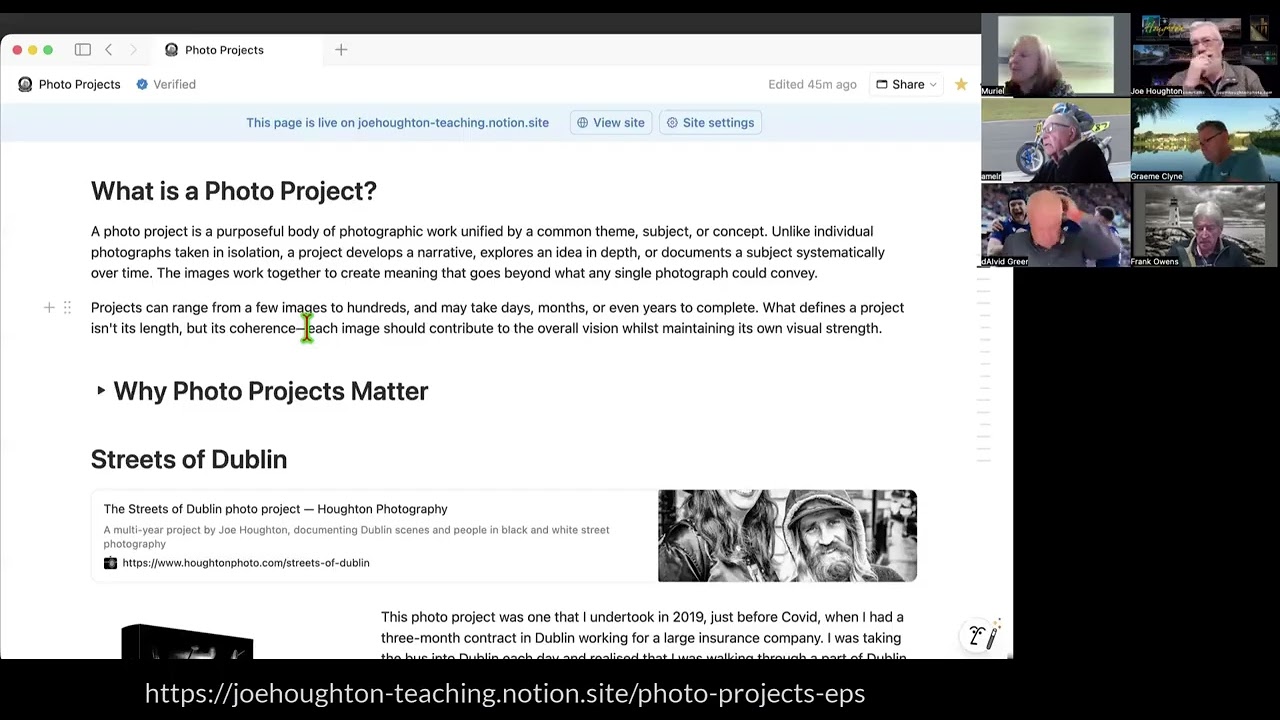


2026-01-31 RPS Under the bonnet 5 - Masking in Lightroom Classic with Joe Houghton

Joe Houghton on creating a Google GEM based on a NotebookLM notebook optimised

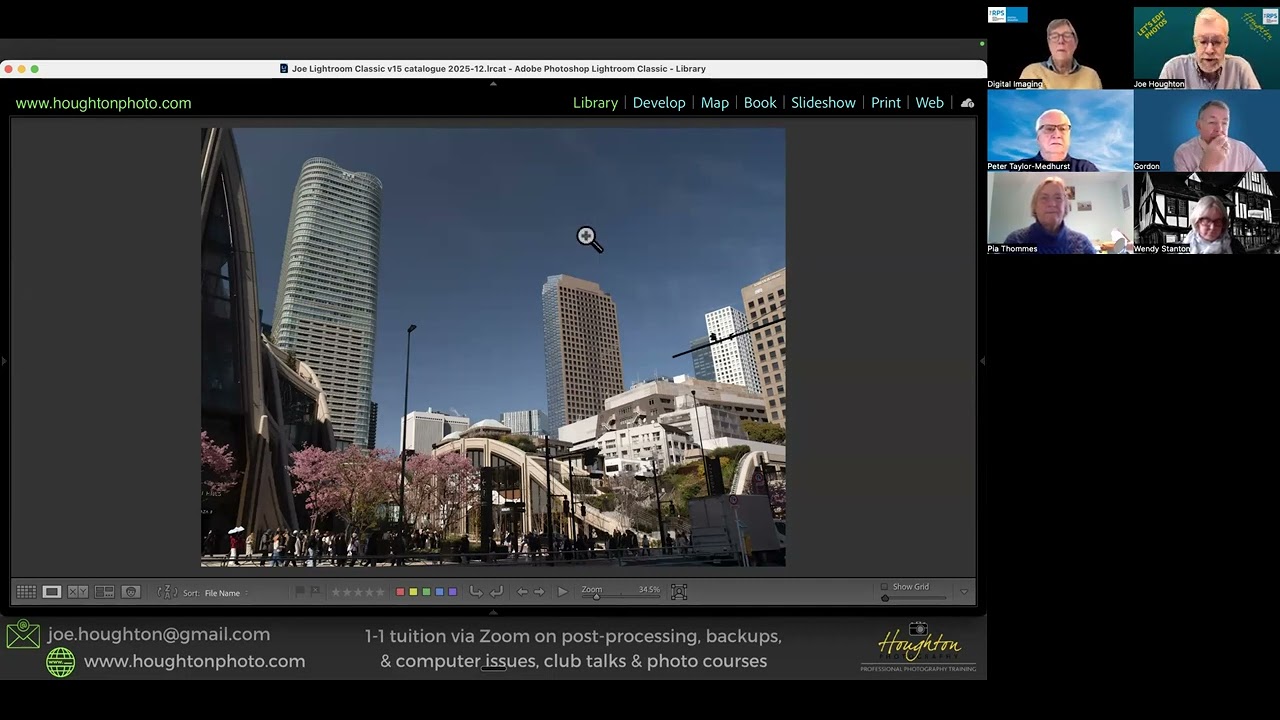
RPS Let's Edit - Composition - Depth & perspective - Joe Houghton 2025-12-06