John Bohan shows how to build professional decks and websites without design skills using three AI tools. Claude handles high-quality design work but has usage limits, so switch to ChatGPT's Codex for longer projects. NotebookLM organizes source material and generates podcasts from it.
Chapters
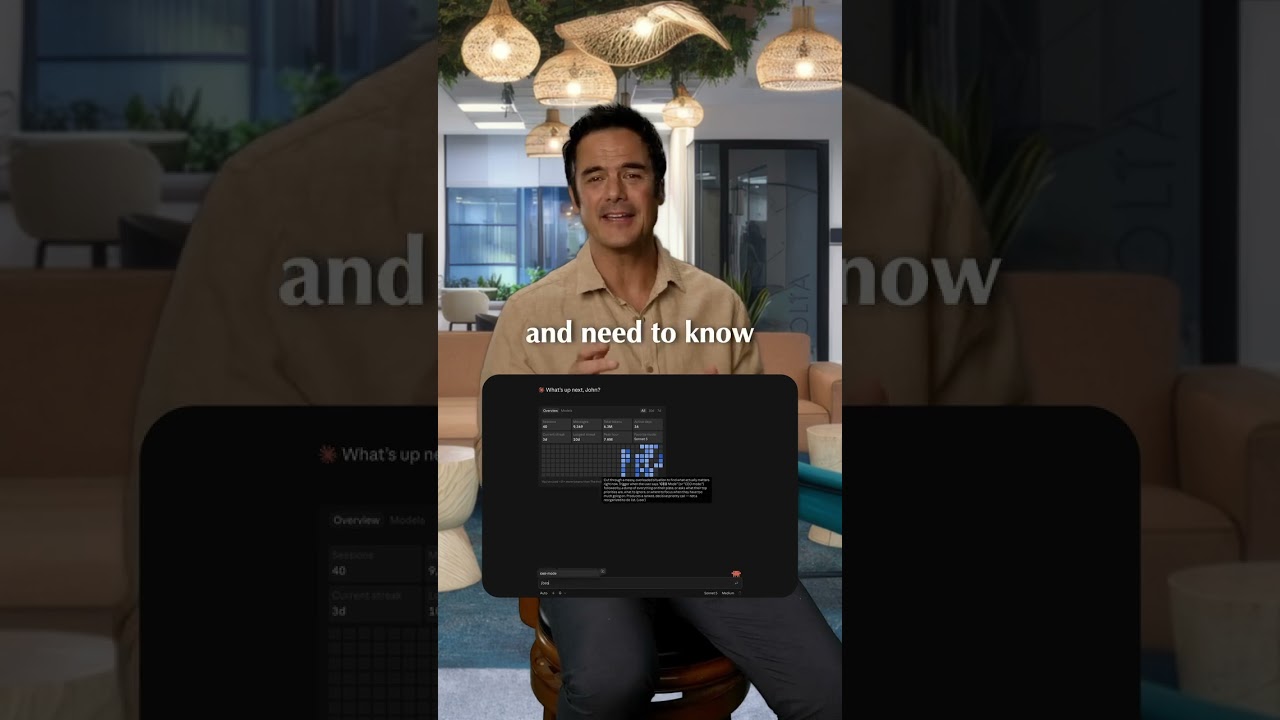
Want to use AI to design your next deck, website, or infographic, but you have little to no design experience? Here's the simplest way to think about it. There are 3 tools I would look at: Google's NotebookLM, Claude, and Codex. First, NotebookLM. NotebookLM is great for organizing your source material and incredible at creating podcasts, but I would not rely on it as your main design tool. It is helpful for thinking and structure, but the actual design output is not the strongest. Second, Claude. Claude is the best AI design partner I have used for business materials. If you need to create a deck, website, or infographic, Claude is great at turning your copy, direction, and examples into a fully designed deliverable. You do not need to be a designer. You can basically vibe code the whole thing. Everything you see here has been vibe coded in Claude. The downside is usage. Claude can burn through limits quickly, especially if you building a website or a longer deck. That is where Codex inside ChatGPT becomes useful. Codex is not quite as strong as Claude on pure design taste, but you can usually keep working much longer. It is great when you want to build, edit, test, and keep iterating without getting stopped as fast. So my workflow is simple: use Claude for the strongest design direction, use ChatGPT's Codex when you need more room to keep building. The big takeaway? You do not need to be a designer to create a strong deck, website, or infographic anymore.