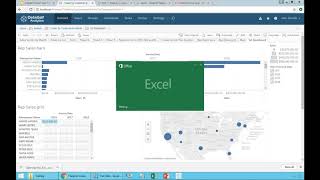
How to export transaction data from DataSelf. Select a value, click View Data, then Full data to see all rows and columns, then Download all rows to get a CSV file. You can also export as image, PDF, cross tab, or Tableau workbook.
Chapters
Now what if you want to export something to Excel? You're looking at this and actually you need to share some information with someone else that does not have access to data self. Suppose I have, you know, I have to export this number from Ingrid to someone else. I can click the number, I can choose this view data. It will go into this other page. I say full data. Show me all the row, all the columns. And this is showing all details, all the transactions. In this case invoice header, invoice detail. Everything that is in the data self system for that transaction is on this list. You can click download all rows and what you have now is a CSV file that you can open into an Excel or share with other people. So easy ways to get data into Excel. In this case I have 6,000 records specifically from that transaction. So easy to export. You can also come here and say download into different formats as an image data cross tab PDF tableau workbook. So I recommend exploring ways to download and get data out of it.