DataSelf Analytics NFR Installation v502
19 Feb 2015 · 3 min
3:26
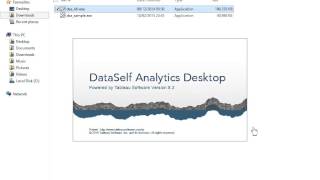
A short how-to YouTube video (DataSelf AI, Feb 19, 2015) demonstrating installation of the DataSelf Analytics NFR license and accompanying sample files. It walks through downloading the installer, entering the installer password, running a sample extractor, and locating sample and demo workbooks in the Tableau Repository (My Documents → My Tableau Repository → Workbooks).
Questions this video answers
dsnfr (all lowercase)
My Documents folder (then open My Tableau Repository → Workbooks)
Readme; DSA sample files; DSA demo files; Pricing and Sales Docs
sales@acelp.com and support@acelp.com
February 19, 2015










