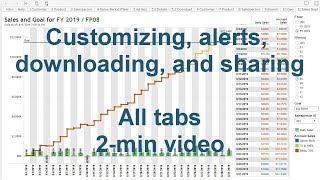
Short tutorial-style transcript describing how to use DataSelf Lite to customize and save views, set alerts on chart axes, distribute reports by email (subscriptions), download views and underlying data (including Excel), and add comments/notifications on views.
Chapters
Saving customized views Change your query as desired. Click the View icon, fill out the form, and save it. To retrieve saved views, click the View icon again and select one of them. Receiving alerts? You'll need a chart with a visible axis. Click on the axis. Click the alert icon and fill out the form. When the condition is met, users will receive alert emails like this one. Distributing reports by email. Click the subscribe icon and fill out the form. Users will automatically receive the reports by email on schedule. Downloading a view Click the Download icon and follow the prompts. Downloading underlying data Select Data Points on any report or chart. Click the View Data icon. Here's a summary of the underlying data. Here's the full data check. Show all columns and download into Excel. Commenting on views make changes to your query as desired. Click the Comments icon. You can take a snapshot of the current view and including at will. Notify users by email. This is an example of the notification email thanks for watching.