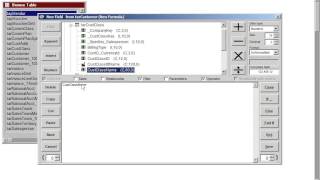
A walkthrough of using DS ETL Formula Wizard to pull a field from a parent table into a customer table. The demo shows how to select the customer class name field, add it to the formula expression, set it as a character field with length 80, and save it.
Questions this video answers
Character, length 80.
Chapters
I'm in the formula wizard ready to create a new field or a new formula in my customer table. And in this example I'm going to bring a field from a parent table to my customer table. That's a denormalization technique. So to do that I'm going to the top panel of my formula wizard. I expand the parent table segment and then I find from which table I want to bring fields from in this case from the customer class table and I'm going to choose the let's say the customer class name and double click and I bring to my form expression and I just want to bring that field to my customer table. Now I want to be sure this is a character field with the same size so it's character 80 just like this and I can save it and I can keep the same name. In this case just click OK and I just created a customer class name field on my customer table. That's it.